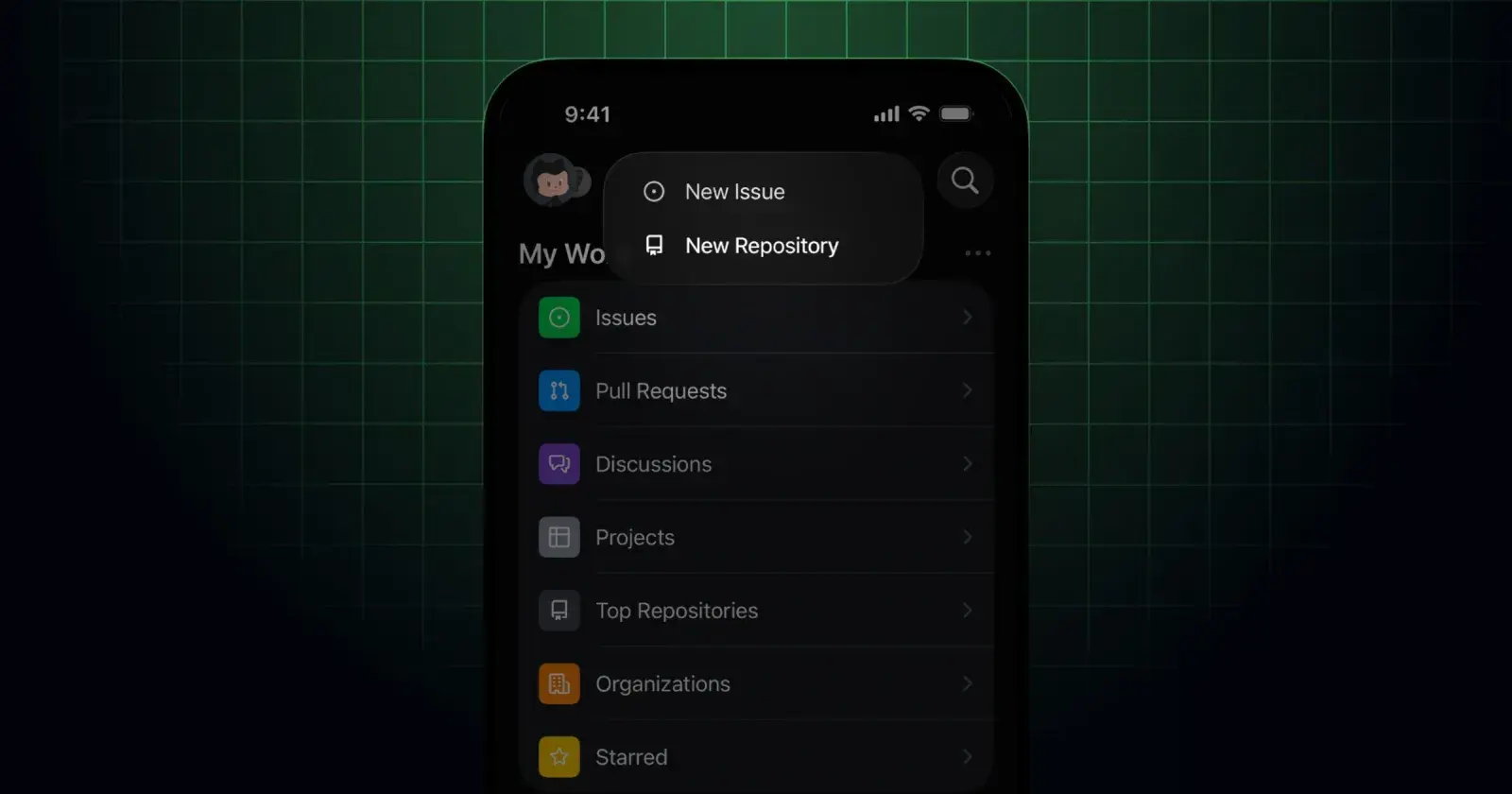
GitHub Mobile users are now allowed to initiate new projects directly from their iOS and Android devices. You have the option of using template-based creation, which will streamline the creation of repositories, meaning you can start your work quicker. The setup also includes granular controls for visibility, README files, and licensing.
Until this update, GitHub Mobile has largely been a tool to view existing repositories, but this marks the first step in being able to create using the mobile app. By enabling the creation of repos on mobile, it also means developers can lock in project names and structures before they even write any code at their computer.
While this feature is certainly welcome on mobile, it is still questionable whether there is much point to adding it as most software development takes place on a desktop computer. With that said, it could be helpful for anyone with an iPad set up like a laptop if they need to do a bit of light coding.
Explaining how to create repos on mobile, GitHub writes:
“On iOS, start from either Home or your Profile, tap the + button, and choose Create repository. On Android, you can create a repository from Home or from the Repositories section of your Profile.”
It goes on to say that:
“When you create the repository, you can:
- Choose to create it under your account.
- Enter a repository name.
- Set the visibility (Public or Private).
- Add an optional description.
- Optionally select a template.
Depending on whether you choose a template, you’ll see different setup options:
- If you select a template: You’ll only have the option to Include all branches (default: Off).
- If you don’t select a template: You can initialize the repository by choosing whether to Add a README (default: Off), and you can optionally add a .gitignore and a license.”
While the addition of this feature is nice, its actual utility is a whole other story.
Let us know what you think in the comments, do you like this change and will you take advantage of it?















0 Comments
Load the comments and join the conversation!
Read the comments, ask the editors questions, show respect and join the conversation.