Following tons of backlash about "microslop" initiatives in the past few months, Microsoft decided to dial back on its Copilot integration efforts a bit recently, by vowing to be more intentional about how and where its AI service shows up in Windows 11. However, as we have discussed in the past, the company isn't removing Copilot from your system, it's simply rebranding it so the AI experience is invisible. To that end, the firm is actually working on a "Copilot Design System" that controls how you interact with Copilot.
John Friedman is a Microsoft executive who has recently taken up the role of Microsoft 365 Chief Design Officer. The veteran has 22 years of Redmond experience under his belt, and his latest task appears to be designing a Copilot Design System. In his words, this is an "AI-forward design system we're crafting to feel intentional and humane."
If we look deeper past the corporate-speak, this is more about designing and orchestrating Copilot workflows across various services so that it can truly become your thought partner. The idea is to make this design intelligent enough that it does not only rely on interface design but also human intent so that it seamlessly becomes a part of your workflows. That's the goal, at least.
To that end, Friedman has emphasized that Microsoft 365 already shapes organizational behavior for billions of people, so it's natural that Copilot combines these experiences in a way that boosts productivity and creativity. To that end, it built experiences for Office apps that govern how and where you interact with Copilot so that it doesn't feel intrusive.
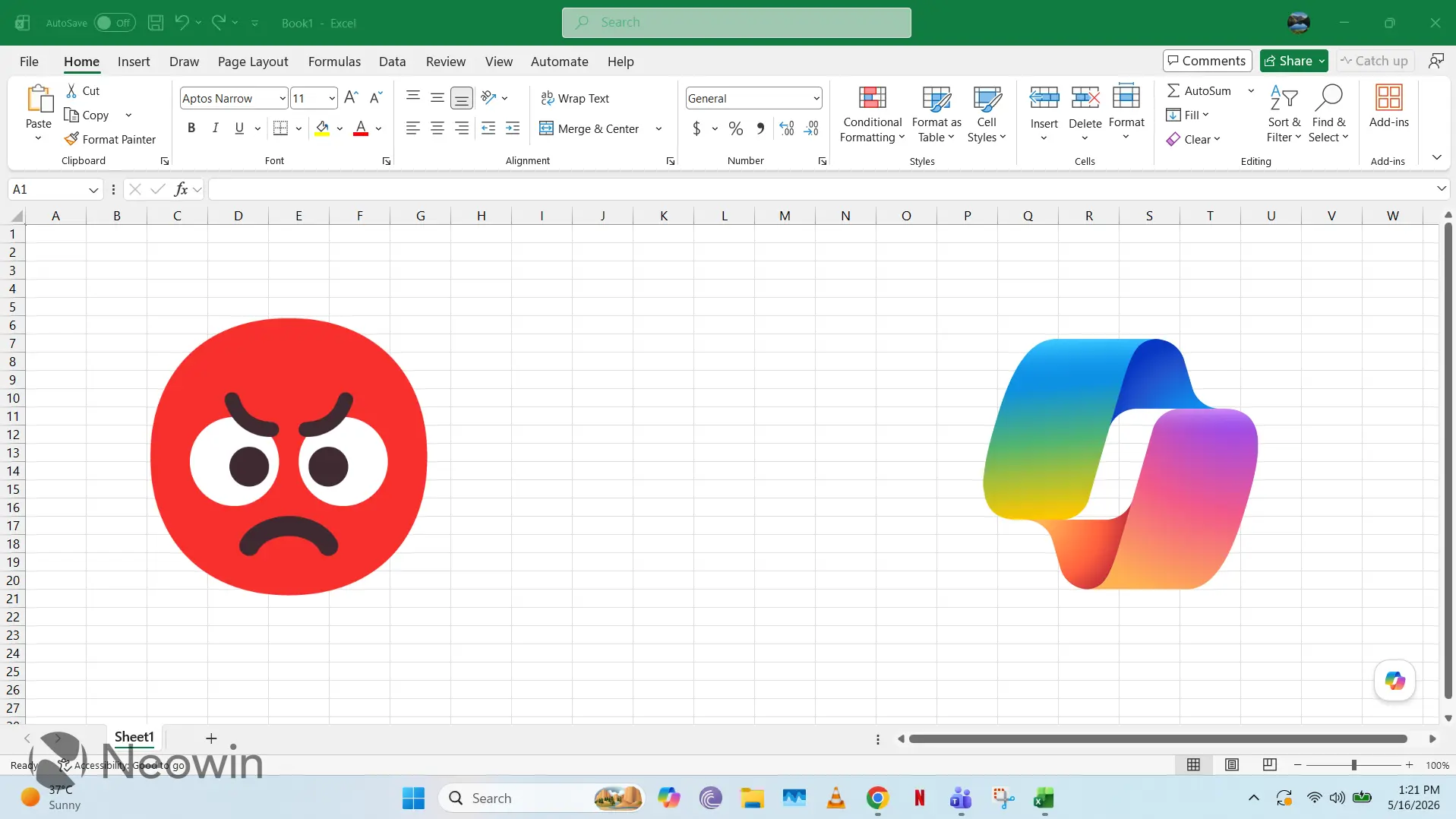
This is a bit ironic considering one of the core experiences developed using this research for the Dynamic Action Button (DAB), which floats on the bottom-right corner of your Office apps. As we know, Microsoft has decided to backpedal on this UX a bit following negative user feedback. Other interaction surfaces include the chat panel, an on-canvas UX that shows the Copilot button when you highlight text, and Suggested User Actions (SUAs) that offer contextual prompts.
Friedman has emphasized that his team aims to offer a unified Copilot experience that also accounts for local context, regardless of which device and content it is open in right now. To get this work, Microsoft is focusing on designing a coherent experience called "Throw & Catch", built on mouse-tracking studies and prototyping experiments:
The system’s entry points have to routinely talk to each other—smoothly handing off interactions and reasoning while directing you to wherever Copilot is focused.
By timing and signaling an entry point’s active behavior just right while the other recedes, the pattern aims to build trust and lower cognitive friction. Whichever surface Copilot is active on, its behavior becomes visible and distinctive. The experience of Throw & Catch is designed to be ambient and lightly felt, affirming that you are in control—making Copilot just an extension of your thinking. Always wherever you are, at your level of focus.
It is worth noting that the Copilot Design System is still undergoing a process of evolution as Microsoft refines the interaction experience with a unified design language that is embedded, discoverable, and consistent. It wants to ensure that Copilot has contextual awareness of your intent and can augment your productivity efforts independently rather than you manually asking you it to adapt to your needs.
















9 Comments
Load the comments and join the conversation!
Read the comments, ask the editors questions, show respect and join the conversation.