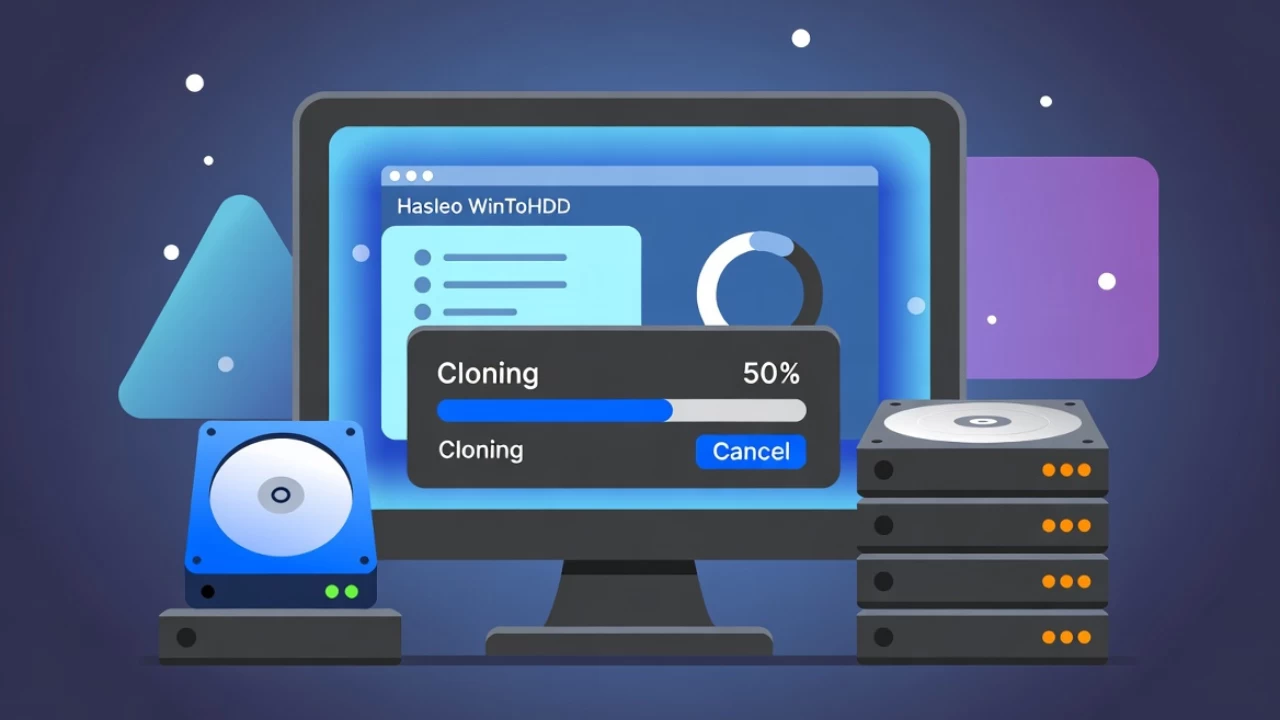
WinToHDD is a handy and useful software which allows you to install or reinstall Windows (Vista/2008 or later) without using a CD/DVD/USB drive. With this All-in-One Microsoft Windows deployment tool, you can easily reinstall Windows, install Windows onto disks other than the one where your Windows is installed, or clone existing Windows installation to other disk. Furthermore, you can use it to create a Windows installation USB containing all your Windows installation ISO files, then you can install Windows (Vista/2008 or later) from the same USB drive on both BIOS and UEFI computers.
WinToHDD features:
- Install/reinstall Windows from ISO, WIM, ESD without using CD/DVD/USB.Improved
- Clone Windows to another disk without reinstalling Windows, apps.Improved
- Easily bypass Windows 11 system requirements (TPM 2.0, RAM, internet connection, etc).Improved
- Encrypt Windows partition with BitLocker when installing or cloning.
- Install any version of Windows 11/10/8/7/Vista, Server 2008 or later (64 & 32 bits) from same USB drive on both BIOS and UEFI computers.
- Fully compatible with GPT and UEFI.
Note: WinToHDD 7.0.2.2 changelog is not yet available.
Download: WinToHDD 7.0.2.2 | 36.6 MB (Freemium)
Links: Home Page | Free vs Pro Comparison | Screenshot
 Get alerted to all of our Software updates on Twitter at @NeowinSoftware
















0 Comments
Load the comments and join the conversation!
Read the comments, ask the editors questions, show respect and join the conversation.