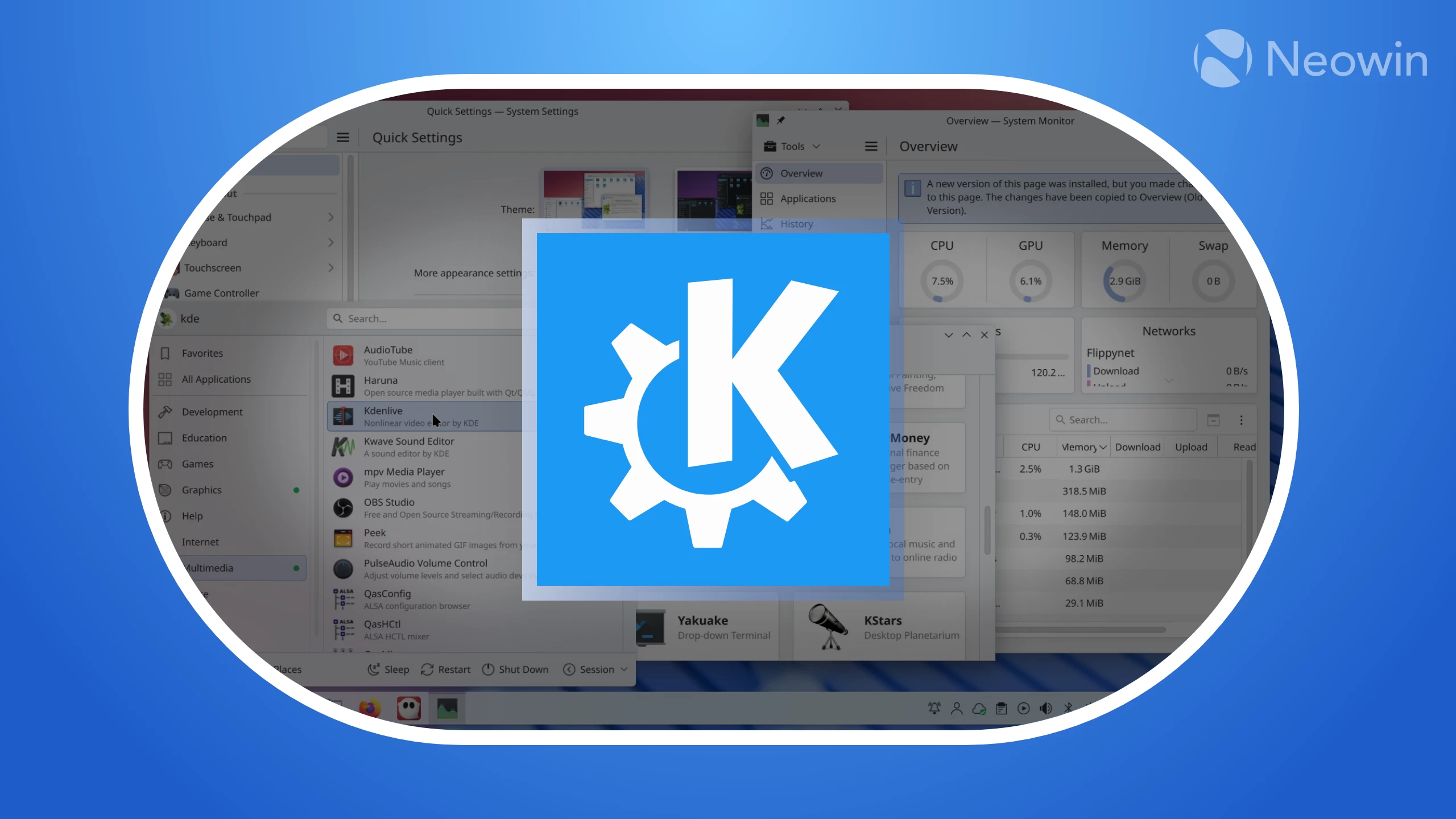
It's the end of another week, and as usual, the KDE team spent the last few days working on different parts of the KDE ecosystem, with a bulk of the work going to Plasma.
Starting with Plasma 6.7, the team added a new feature that lets you record yourself with your microphone and then play it back. This will come in handy in situations where you need to check if your recording level is too high or low, so you can get it just right. The screen chooser UI has also been improved with fancier visualizations that show your actual wallpapers in the background when screen sharing.
System Monitor now correctly gathers I/O statistics for encrypted disks and RAID elements, accurately names CPU cores on multi-socket systems, and is now better at detecting multiple GPUs.
Plasma 6.6.4 will drop early next month, bringing changes like a better-looking bouncy app launch animation when using fractional scaling. Keyboard selection for a weather station in the Weather Report widget is now faster, and you can now drag recent items from launcher menus directly onto the desktop.
Here are the bugs that were fixed in Plasma 6.6.4:
- Plasma crashing when connecting a new screen.
- Plasma crashing when services for apps with system tray icons disappeared.
- Spectacle crashing under certain circumstances when using multiple screens.
- OBS crashing on quit in some scenarios.
- The Digital Clock widget's copy feature using UTC time instead of the correct local time.
- Missing transparency for some icons in the System Tray.
- The window snapping overlay using the wrong color after an update to Qt 6.11.
The Wayland session restore protocol has finally been merged after six years in development, and KWin already has a draft implementation. What this means for KDE users is apps will be able to restore their windows to their last known positions and sizes, right down to the correct monitor and virtual desktop.
This will eventually provide benefits for users of tiling window managers. Before the completion of the protocol, KDE used a workaround that simply kept a list of all the apps that are running and relaunched them at the next login. The result was often a mess, with all your windows losing their placement and getting dumped onto one desktop.















0 Comments
Load the comments and join the conversation!
Read the comments, ask the editors questions, show respect and join the conversation.