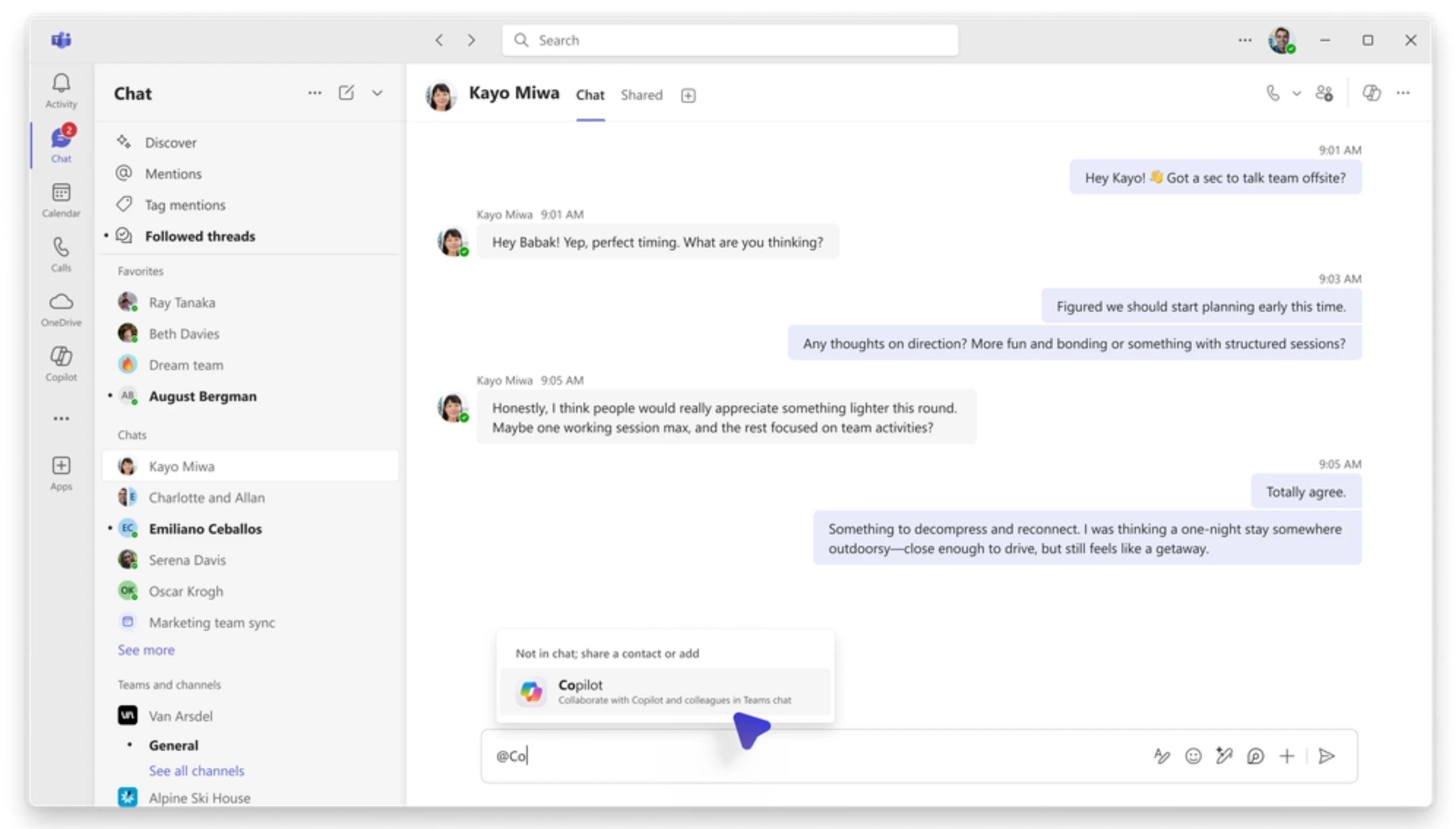
Microsoft Copilot has been integrated into Microsoft Teams for a while now. The integration was first announced in early 2024 and has received several updates since then. Copilot in Teams enhances user productivity by summarizing meetings, chats, and calls, suggesting actions, and refining messages. It can also act as a meeting facilitator to manage agendas and track decisions.
Recently, Microsoft introduced the ability to use Microsoft 365 Copilot in Teams group chats to improve productivity. With this new feature, Teams users will be able to add Copilot to Teams group chats. Users can either add Copilot to an existing Teams group chat or start a new Teams group chat directly with Microsoft 365 Copilot. After adding Copilot, users will be able to perform the following:
- Summarize the chat or answer questions related to chat discussions
- Pull information from a document, file, or the web
- Create meeting agendas
When responding to user queries, Copilot inside group chats will have access to all the documents the user has access to, chat and channel history, and web search if enabled.
Microsoft also highlighted that Copilot in Teams has the following limitations:
- Copilot cannot be added to meeting chats and chats with yourself. Also, it cannot be added to the chat roster during chat creation.
- You can only share up to 10 messages from Microsoft 365 Copilot to Teams group chats.
- Text-to-image generation is not supported at this time for Copilot in Teams.
- The ability to create a Teams group chat from Microsoft 365 Copilot or delete Copilot from a group chat is not currently enabled on Teams mobile apps.
In order to use the above Copilot integration, users should have a Microsoft 365 Copilot subscription. Users without a Microsoft 365 Copilot license can still respond to chats as normal, but they will not be able to @mention Copilot or ask Copilot questions. However, they can read Copilot responses initiated by other users in the chat.


















2 Comments
Load the comments and join the conversation!
Read the comments, ask the editors questions, show respect and join the conversation.