
Over the last few months, something truly earth-shattering happened at Microsoft. After years of falling on deaf ears with user complaints about Windows 11's UI and UX, Microsoft made a sudden U-turn and announced major changes to the operating system and its features as part of its effort to reignite lost enthusiasm and convince people that it still cares about Windows 11. Now, Microsoft is actively fixing Windows 11, and the last several weeks have brought some much-needed changes to the operating system. In a new recap, Microsoft shared some of the most important ones.
First, Microsoft revamped the Windows Insider Program. It now features two primary channels (Experimental and Beta), with Beta having no controlled feature rollouts and Experimental allowing you to toggle specific features. Microsoft also made it easier to move between channels and even leave the program without reinstalling Windows. Finally, there is a revamped Feedback Hub that makes it easier to share feedback, browse other people's suggestions, and much more.

Next, we have useful and meaningful changes to Windows Update. The power menu no longer forces you to install updates before restarting or turning off your PC. You can pause Windows updates as many times as you want, and the operating system now requires only one restart per month to install operating system, .NET, and driver updates.
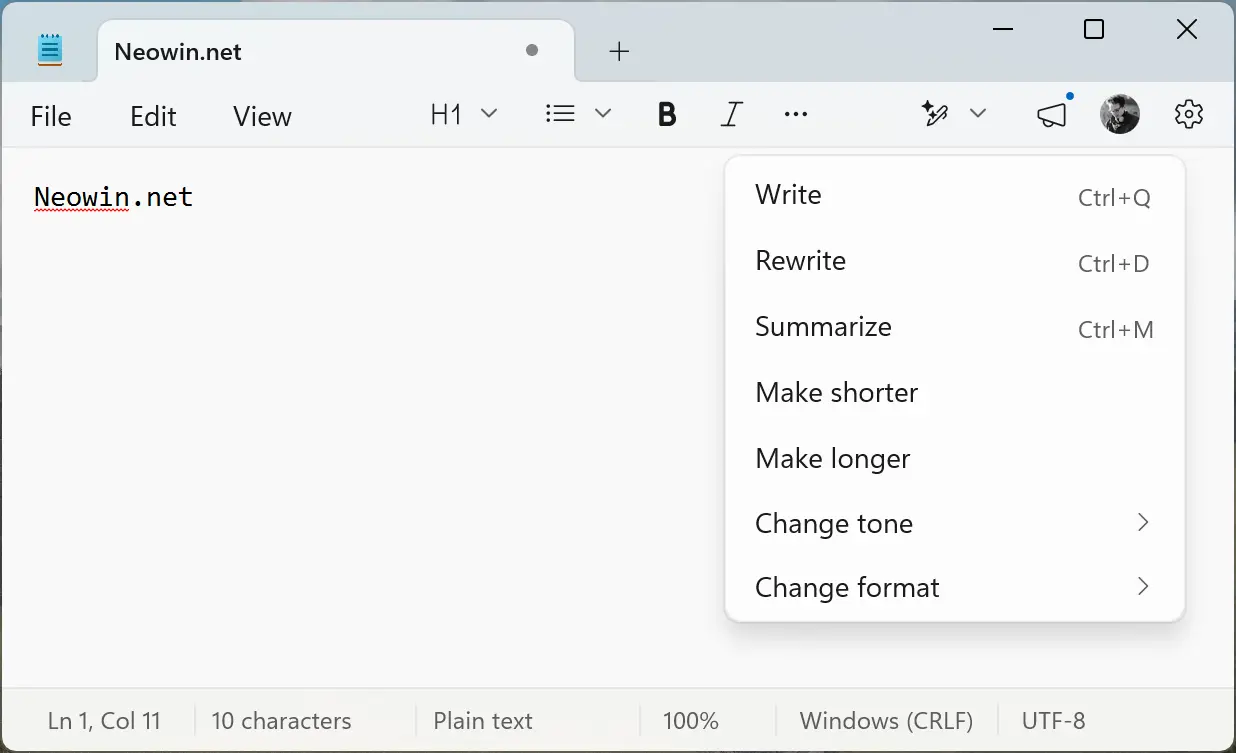
Microsoft is also toning down its AI efforts and removing redundant Copilot entry points across inbox Windows apps. Snipping Tool and Photos no longer have the "Ask Copilot" button, and in Notepad, Microsoft replaced Copilot with better wording that is easier to understand (some are skeptical about this one, though).
File Explorer is also getting better, with Microsoft implementing "foundational architectural improvements" to reduce hangs, improve responsiveness, and deliver overall better performance and user experience.
The latest Windows 11 preview builds also ditch the frankly stupid MSN feed, switching to a widget-only UI by default. Finally, Microsoft is improving OS responsiveness and app launch times with performance/power tuning enhancements and an updated scheduler that better handles processor power states for better user-perceived responsiveness.
All these changes are now available for testing in the Insider program. Microsoft still has plenty to do (taskbar, Start menu improvements, reworked Windows Search, and more), so stay tuned for new Windows 11 preview builds going forward. While 2026 is unlikely to bring us Windows 12, it could be a pivotal year for the operating system.


















5 Comments
Load the comments and join the conversation!
Read the comments, ask the editors questions, show respect and join the conversation.