PowerToys Run and its successor, Command Palette, changed the way I use my PC. Friendship ended with the Start menu, and File Explorer is now open less frequently because finding the file or app I need is much faster using a universal search box (not you, Windows Search) rather than opening the Start menu or File Explorer.
Extensibility is another great thing about Command Palette. Third-party modules make the launcher more capable with features like an internet speed test or a built-in library of various error codes. The latter, aptly called Errors and Codes, makes troubleshooting Windows much easier.
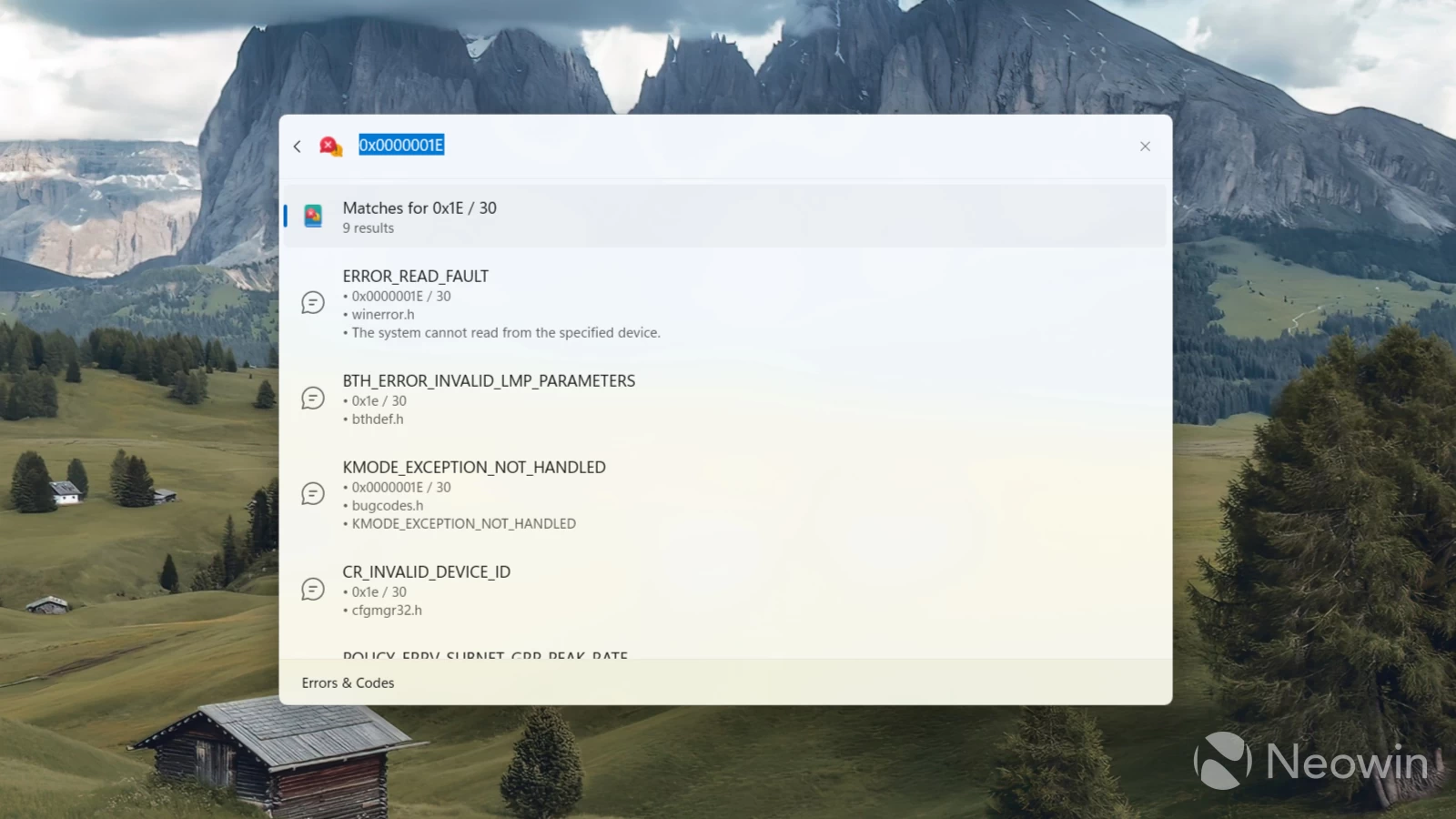
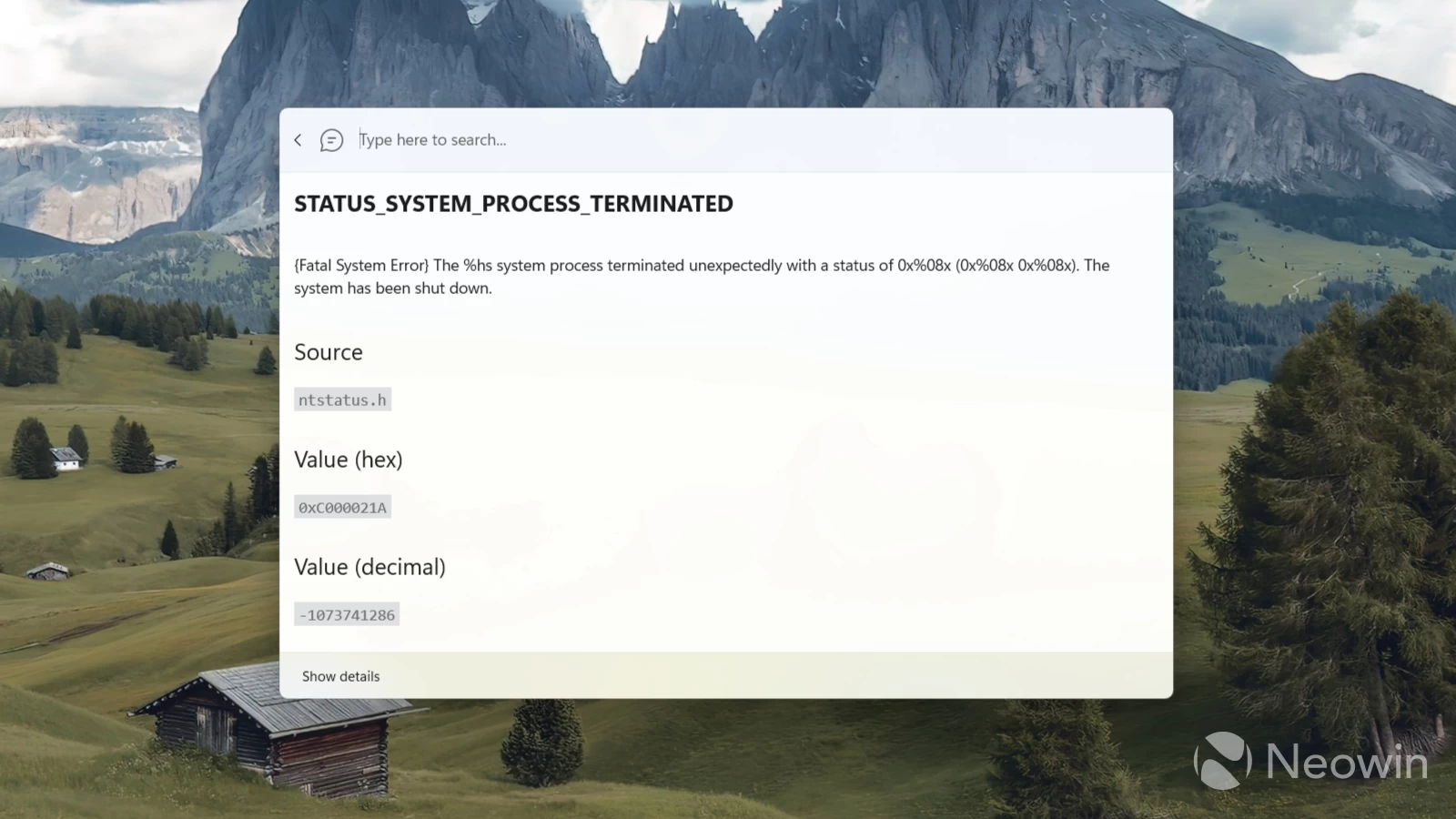
Errors and Codes for Command Palette is available in the Microsoft Store. When installed, you can open Command Palette, switch to the Errors and Codes module and type the error you want to troubleshoot. Then, the module will tap into error databases from the Windows SDK to offer you quick and concise information about the error without the risks of encountering AI hallucinations.
Of course, the module won't fix your errors, and you still have to figure them out on your own. However, it is a good place to start when troubleshooting Windows error codes, which are often frustratingly cryptic and impossible to understand. Having a simple explanation will help figure out the next step in resolving the problem.
You can install Errors and Codes for Command Palette using this link to the Microsoft Store. The latter has a dedicated section for Command Palette extensions, which you can access by typing store and pressing Enter in the launcher.
In case you missed it, Microsoft is working on a useful improvement for Command Palette. A future PowerToys update will let you pin your favorite tabs to the list of all programs and the launcher's main screen.


















1 Comment
Load the comments and join the conversation!
Read the comments, ask the editors questions, show respect and join the conversation.