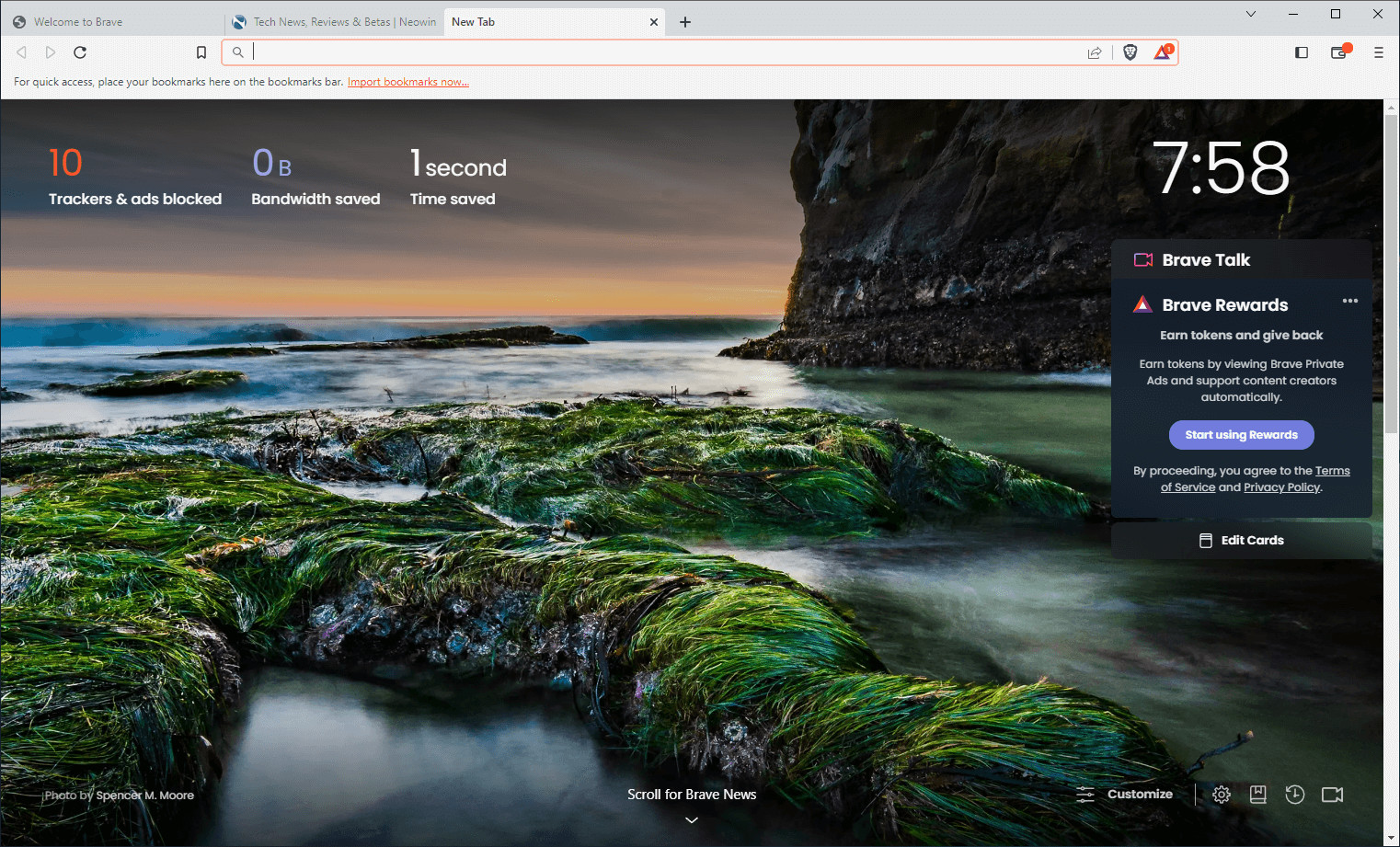
Brave Browser is a lightning-fast, secure web browser that stands out from the competition with its focus on privacy, security, and speed. With features like HTTPS Everywhere and built-in tracker blocking, Brave keeps your online activities safe from prying eyes. Brave is one of the safest browsers on the market today. It blocks third-party data storage. It protects from browser fingerprinting. And it does all this by default.
Speed - Brave is built on Chromium, the same technology that powers Google Chrome, and is optimized for speed, providing a fast and responsive browsing experience.
Brave Browser also features Brave Rewards, a system that rewards users with Basic Attention Tokens (BAT) for viewing opt-in ads. This innovative system provides an alternative revenue model for content creators and a way to support the Brave community.
Brave 1.79.118 changelog:
Web3
- Added “Verified” DApp status to wallet connection panels. (#45507)
- Added “Connections” tab in the wallet panel for concurrent connections between “EVM” and “SVM” networks. (#41564)
- Added “Reset ZCash sync state” setting under brave://settings/web3. (#44782)
- Added Zcash shielded support on the “Deposit” screen. (#45185)
- Implemented auto-hide for bottom sheet when clicking away from the wallet panel. (#45436)
- Updated default segmented control size in wallet panel. (#45351)
- Fixed issue where Zcash native token may not be displayed on some wallets. (#46306)
- Fixed the “More” menu on the “Accounts” list being pushed out of view in certain cases. (#44949)
Leo
- Added “DeepSeek R1” to the list of pre-loaded models. (#45294)
- Added the ability to have links in Leo responses. (#44207)
- Added support for inline citations in generated responses. (#45152)
- Added full page screenshot feature for Brave Leo. (#45510)
- Added support for HTTPS links in responses when using Bring Your Own Model (BYOM) in Brave Leo. (#45116)
- Added support to allow for empty favicon for WebSources. (#45346)
- Updated Leo toolbar icon to launch full page chat. (#44988)
- Updated chat bubbles to break and wrap long words and URLs. (#45302)
General
- [Security] Fixed Tor onion icon incorrectly appearing in the URL bar in certain cases as reported on HackerOne by newfunction. (#45102 & #45376)
- Improved formatting of version information under brave://settings/help. (#2560)
- Updated the UI for Progressive Web Apps (PWAs) for Windows and Linux. (#45107)
- Updated download button icon. (#45239)
- Removed “Can’t update Brave” message from hamburger menu on macOS. (#37427)
- Fixed issue with WebSocket reconnection. (#15410)
- Fixed Brave and Chromium versions displaying as “undefined” in brave://settings/help when browser language is not English. (#45840)
- Upgraded Chromium to 137.0.7151.61. (#46422)
Download: Brave Browser 64-bit | 1.2 MB (Freeware)
Download: Brave Browser 32-bit
View: Brave Homepage | Offline Installers | Screenshot
 Get alerted to all of our Software updates on Twitter at @NeowinSoftware