
Brave Browser is a lightning-fast, secure web browser that stands out from the competition with its focus on privacy, security, and speed. With features like HTTPS Everywhere and built-in tracker blocking, Brave keeps your online activities safe from prying eyes. Brave is one of the safest browsers on the market today. It blocks third-party data storage. It protects from browser fingerprinting. And it does all this by default.
Speed - Brave is built on Chromium, the same technology that powers Google Chrome, and is optimized for speed, providing a fast and responsive browsing experience.
Brave Browser also features Brave Rewards, a system that rewards users with Basic Attention Tokens (BAT) for viewing opt-in ads. This innovative system provides an alternative revenue model for content creators and a way to support the Brave community.
Brave 1.83.108 changelog:
Web3
- Added a warning message to “Sign Permit” requests. (#48900)
- Updated “Transaction” list to be virtualized. (#49576)
- Updated UI to display “DApp Radar” information if a DApp can be verified. (#47884)
- Updated Brave Wallet Admin policy. (#47458)
- Fixed domain text not wrapping in the “Connections” panel. (#48748)
- Fixed “Forgot to save? Go back” button routing during recovery phrase backup. (#48174)
Leo
- Added memory management tool for adding memories in Brave Leo UI during conversations. (#47982)
- Added support for drag and drop for Brave Leo image attachments. (#48120)
- Added support for pasting images into Brave Leo. (#46468)
- Added support for uploading PDFs as an attachment into Brave Leo. (#48151)
- Moved model selector to input box. (#48381)
- Resized Brave Leo slash tools icon. (#48435)
- Updated Brave Leo to allow context menu in the sidebar. (#48177)
General
- Added list descriptions to the “Filter lists” displayed in brave://settings/shields/filters. (#48694)
- [Security] Updated split view to respect SameSite attribute as reported on HackerOne by mingijung. (#47642)
- [Security] Removed incorrectly elided URL from shields panel as reported on HackerOne by apapedulimu. (#48313)
- Increased number of custom New Tab Page background images a user can upload from 24 to 48 images. (#47928)
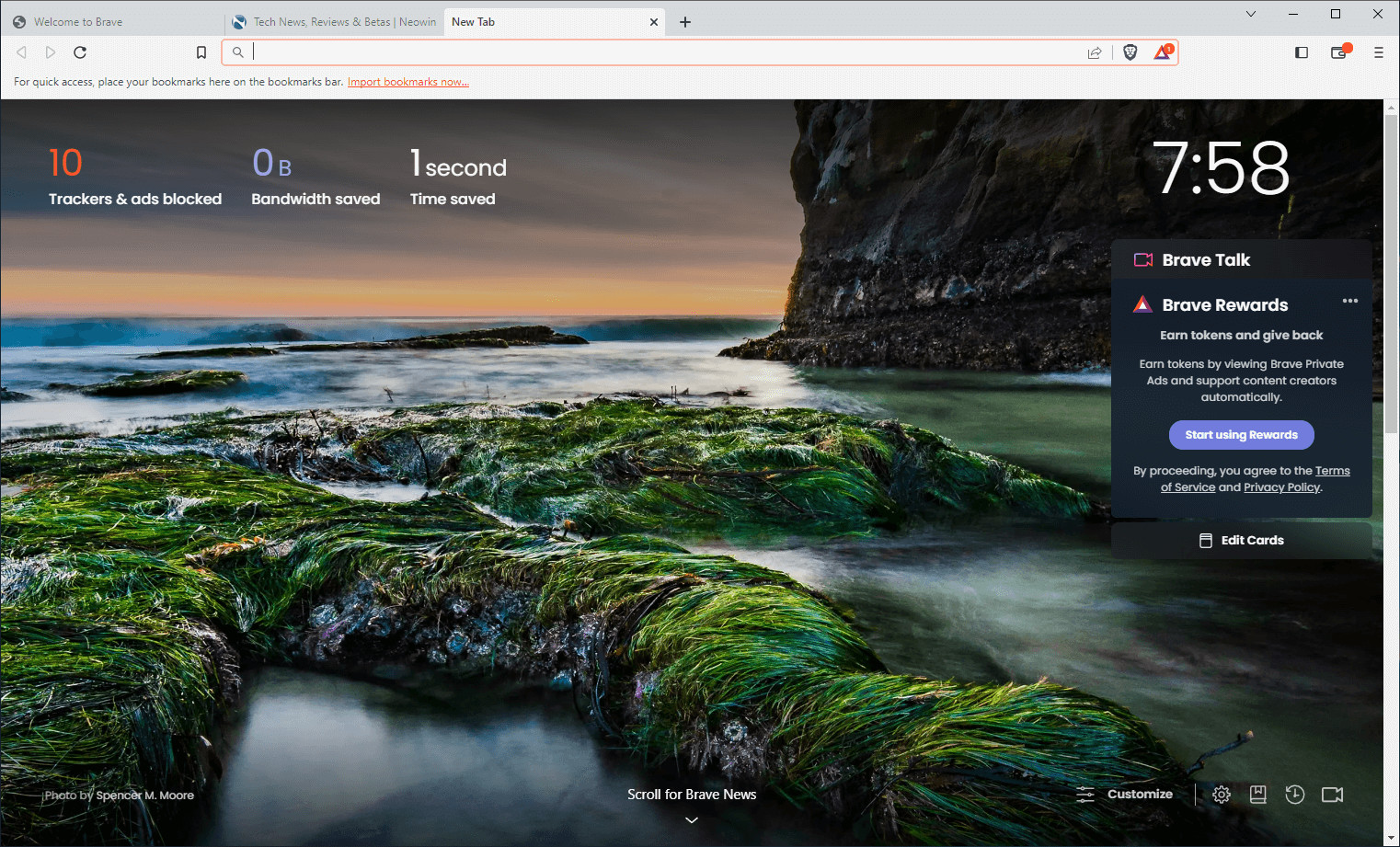
- Updated the New Tab Page design (being rolled out in phases using Griffin starting at 15%). (#41483)
- Updated the navigation bar styling for settings, history, bookmarks, and downloads. (#47931)
- Updated split view to show 3 dots menu at the bottom of each split view tab. (#48984)
- Disabled WebRTC in Tor windows as reported on HackerOne by robert_min1. (#48051)
- Removed 7-day lifetime-capping for JavaScript cookies. (#48063)
- Removed from the query string filter one campaign-level parameter and added four potentially user-identifying parameters. (#47387, #48226, & #48228)
- Fixed brave://settings/system/shortcuts displaying shortcuts for items which are disabled by Admin policy. (#47455)
- Fixed Tor windows being mentioned in Private Windows when Tor is disabled via Admin policy. (#7921)
- Fixed misalignment of search icon on Private Windows. (#48073)
- Fixed active tab colors not changing according to theme. (#48431)
- Upgraded Chromium to 141.0.7390.55. (#49783)
Brave 1.83.109 fixes:
- Fixed crash on launch which occurred in certain cases due to a missing “setting” value for the “cosmeticFiltering” key in the “Preference” file.
Download: Brave Browser 64-bit | 1.2 MB (Freeware)
Download: Brave Browser 32-bit
View: Brave Homepage | Offline Installers | Screenshot
 Get alerted to all of our Software updates on Twitter at @NeowinSoftware

















1 Comment
Load the comments and join the conversation!
Read the comments, ask the editors questions, show respect and join the conversation.