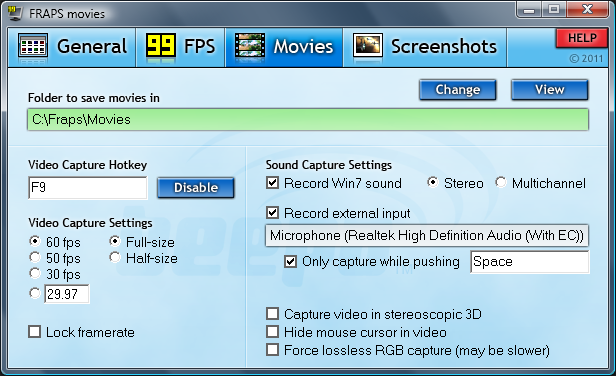
Fraps is a universal Windows application that can be used with games using DirectX or OpenGL graphic technology. In its current form Fraps performs many tasks and can best be described as:
Benchmarking Software - Show how many Frames Per Second (FPS) you are getting in a corner of your screen. Perform custom benchmarks and measure the frame rate between any two points. Save the statistics out to disk and use them for your own reviews and applications.
Screen Capture Software - Take a screenshot with the press of a key! There's no need to paste into a paint program every time you want a new shot. Your screen captures are automatically named and timestamped.
Realtime Video Capture Software - Have you ever wanted to record video while playing your favourite game? Come join the Machinima revolution! Throw away the VCR, forget about using a DV cam, game recording has never been this easy! Fraps can capture audio and video up to 2560x1600 with custom frame rates from 1 to 120 frames per second!
What's new in this version:
- Fixed black borders captured around GameMaker based games
- Fixed crash in D3D10/11 video recording with 64-bit applications
- Fixed scrambled colors saved with some 10-bit color modes
Download: Fraps 3.5.5 | (2.2 MB) Shareware
View: Home page
















