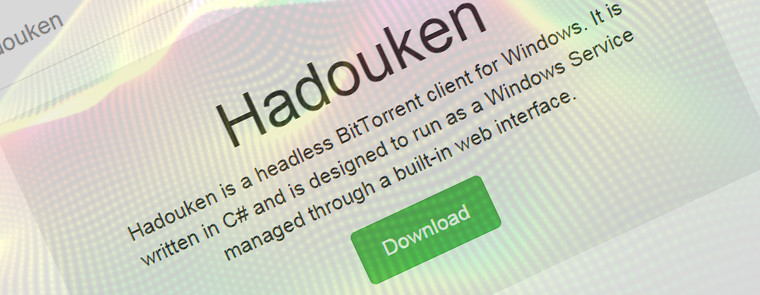
Hadouken is a lightweight BitTorrent client for Windows written in C# and designed to run as a Windows Service. It has plugin support and is managed completely through a web UI. It is managed through a web interface which is based on the excellent uTorrent Web UI. Designed for power users, Hadouken has native plugin support and can be customized to do almost anything from sending emails on various events to unpacking files, move them around, mount images, poll RSS feeds etc. Hadouken is built on libtorrent — a powerful and efficient C++ BitTorrent implementation used in various big-name clients.

Hadouken features:
- Self-hosted web management interface.
- Extremely powerful plugin API.
- HTTP API for remote management.
- Comes bundled with a bunch of useful plugins.
Installing Hadouken
Getting started with Hadouken is easy. Download the latest installer and click your way through it. After installation, Hadouken can be accessed by pointing your browser to localhost:7890/. If you've changed the HTTP port, use your configured value instead.

First look
The first time you arrive at the web interface, you'll be asked to create a user account. Enter a username and password and off you go!

Adding torrents
- Click Torrents in the menu bar.
- Click the blue button with a plus sign to bring up the "Add torrent" dialog.
- Pick your source, a .torrent file or a magnet link.
- Optional: Choose a custom save path.
- Optional: pick a label.
- Click Add torrent and it will start to download.
Download: Hadouken 4.3.0 | 4.8 MB (Open Source)
View: Hadouken Home Page
















6 Comments
Load the comments and join the conversation!
Read the comments, ask the editors questions, show respect and join the conversation.