
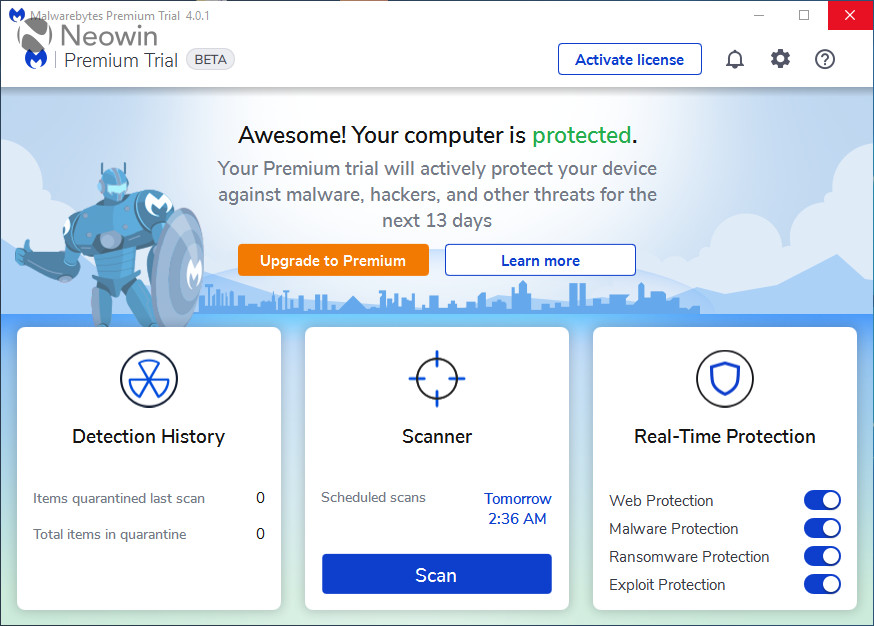
Malwarebytes is a high performance anti-malware application that thoroughly removes even the most advanced malware and spyware. Malwarebytes version 4.xx brings comprehensive protection against today’s threat landscape so that you can finally replace your traditional antivirus.
You can finally replace your traditional antivirus, thanks to a innovative and layered approach to prevent malware infections using a healthy combination of proactive and signature-less technologies. While signatures are still effective against threats like potentially unwanted programs, the majority of malware detection events already come from signature-less technologies like Malwarebytes Anti-Exploit and Malwarebytes Anti-Ransomware; that trend will only continue to grow. For many of you, this is something you already know, since over 50% of the users already run Malwarebytes as their sole security software, without any third-party antivirus.
What’s new in this 1.0.1699 Component Update:
-
Detection and remediation improvements
-
Performance improvements
Some Issues now addressed:
-
Fixed: BSOD references mbae.sys under certain circumstances
-
Fixed: Security Advisor says BG is not installed when it is While using Debug BG Version
-
Fixed: Error stopping SP controller
-
Fixed: Network Connection Error Appears after Attempting to Start Trial with Email Entered
-
Addressed: A few minor UI Issues
Download: Malwarebytes 4.5.9.288 | 278.0 MB (Free, paid upgrade available)
Links: Malwarebytes Website | Screenshot
 Get alerted to all of our Software updates on Twitter at @NeowinSoftware



















1 Comment
Load the comments and join the conversation!
Read the comments, ask the editors questions, show respect and join the conversation.