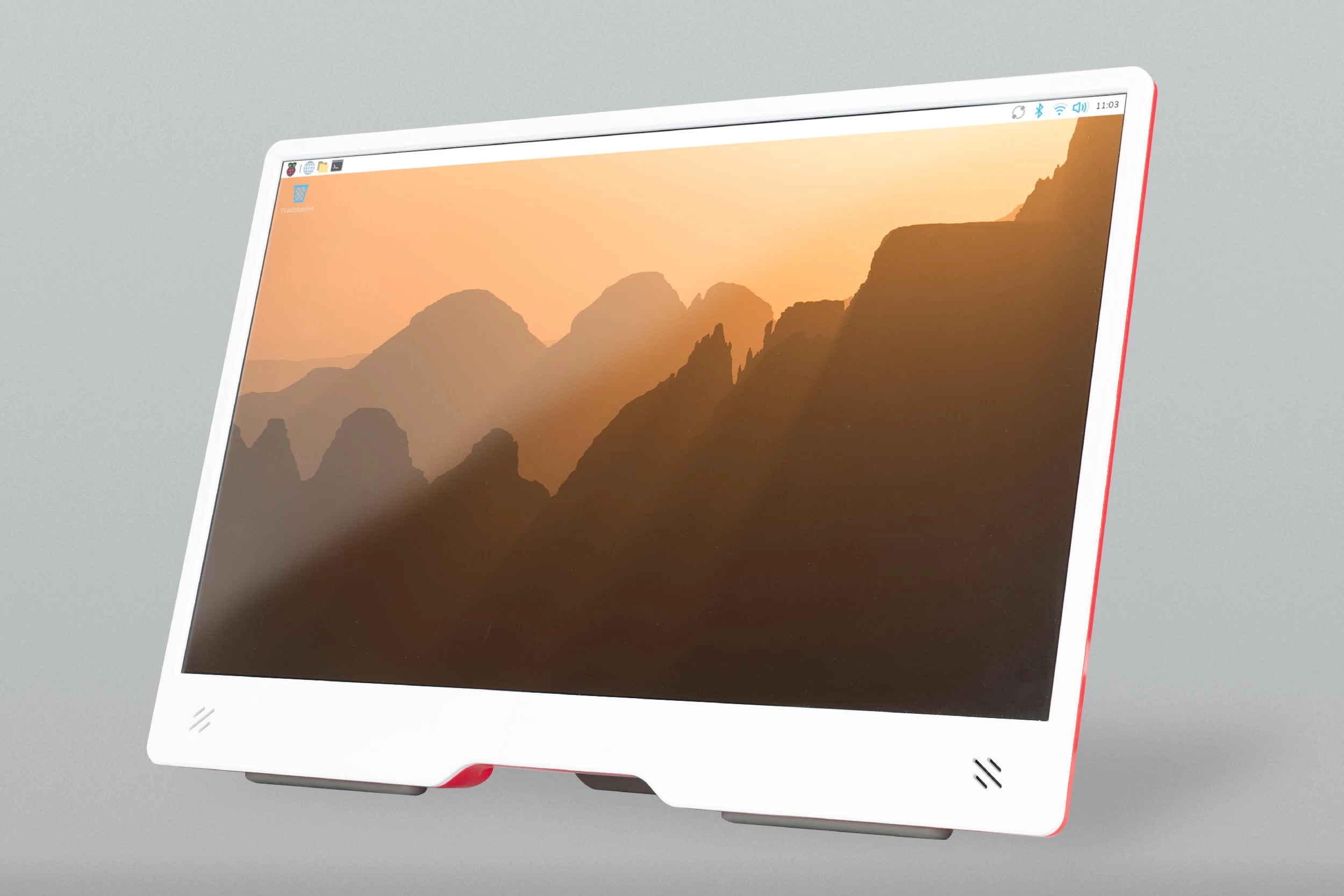
Raspberry Pi OS Trixie is now available for Raspberry Pi devices, bringing with it many new features. One of the most notable improvements is the inclusion of a single, streamlined Control Center application that replaces multiple older preference applications (Configuration, Appearance, Mouse/Keyboard, Screen, and Printer).
The new Control Center consolidates all settings into scrollable pages that are easy to navigate. It’s built on a lightweight core that loads functionality from plugin libraries, which means it’s easily extensible by developers and third parties. For those that want to create extensions, Raspberry Pi has left instructions on the Control Center GitHub page.
This upgrade also focuses on future-proofing the platform against the Year 2038 problem. This update introduces a change to use a 64-bit value for its time system, replacing the old 32-bit value. This change addresses the Year 2038 problem where the old 32-bit value would have overflowed and reset the calendar on January 19, 2038. The new 64-bit value means the calendar won’t overflow until approximately the year 292,277,026,596. The big shift required rebuilding many parts of Trixie, though users won’t really notice the change in daily operation.
A change that users will notice is that the desktop has an updated theme with a completely new set of icons, a new font (Nunito Sans Light), new desktop backgrounds, and minor tweaks. This version also uses a new image creation process that is more modular. This makes it easier to create customized versions of the image and formally allows conversion between a Lite (command-line) image and a full desktop image.
Raspberry Pi strongly recommends that you perform a clean flash of the Trixie image using Raspberry Pi Imager or by downloading the file directly. Upgrading a running Bookworm image is strongly advised against due to potential issues.
There are also some specific device details to be aware about too. For example, Raspberry Pi 5 users connected via Ethernet can access the embedded Imager in the bootloader by holding Shift while connecting power. Additionally, several product packages, specifically for the Raspberry AI HAT+ and AI Kit, the TV HAT, and Wolfram Mathematica, aren’t available in Trixie yet.
You can find the download on the Raspberry Pi downloads page.
















2 Comments
Load the comments and join the conversation!
Read the comments, ask the editors questions, show respect and join the conversation.