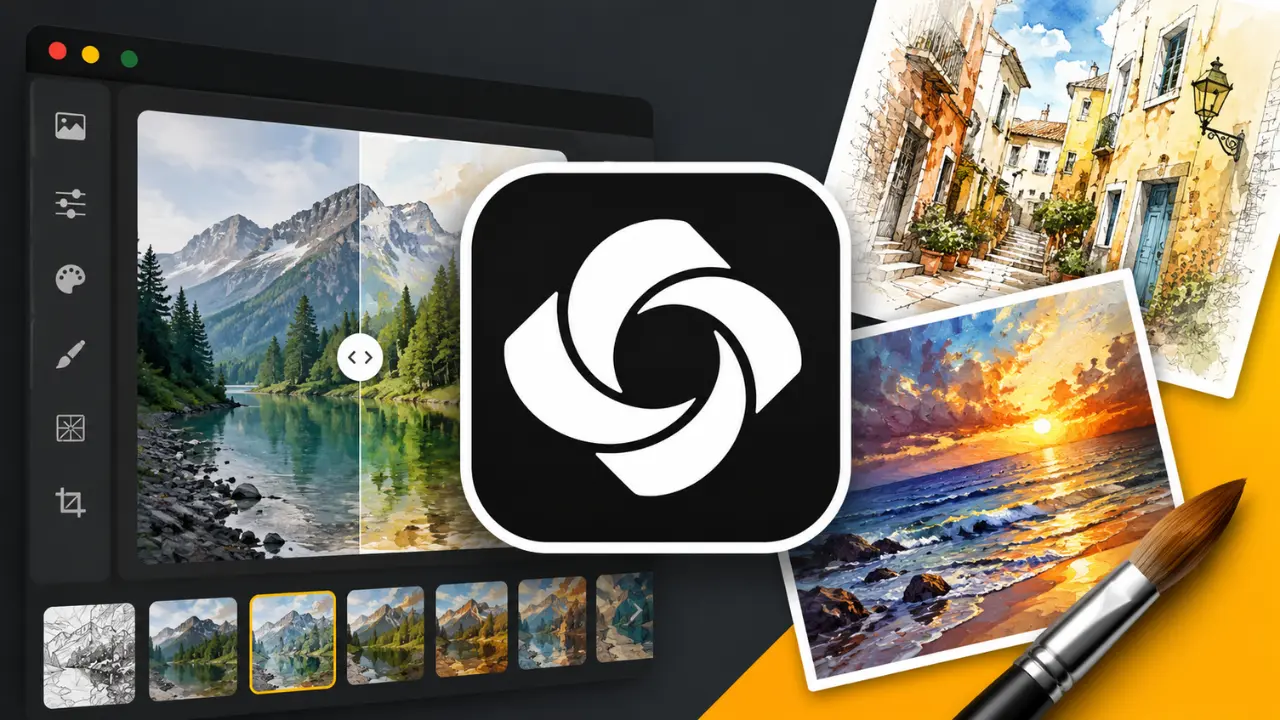
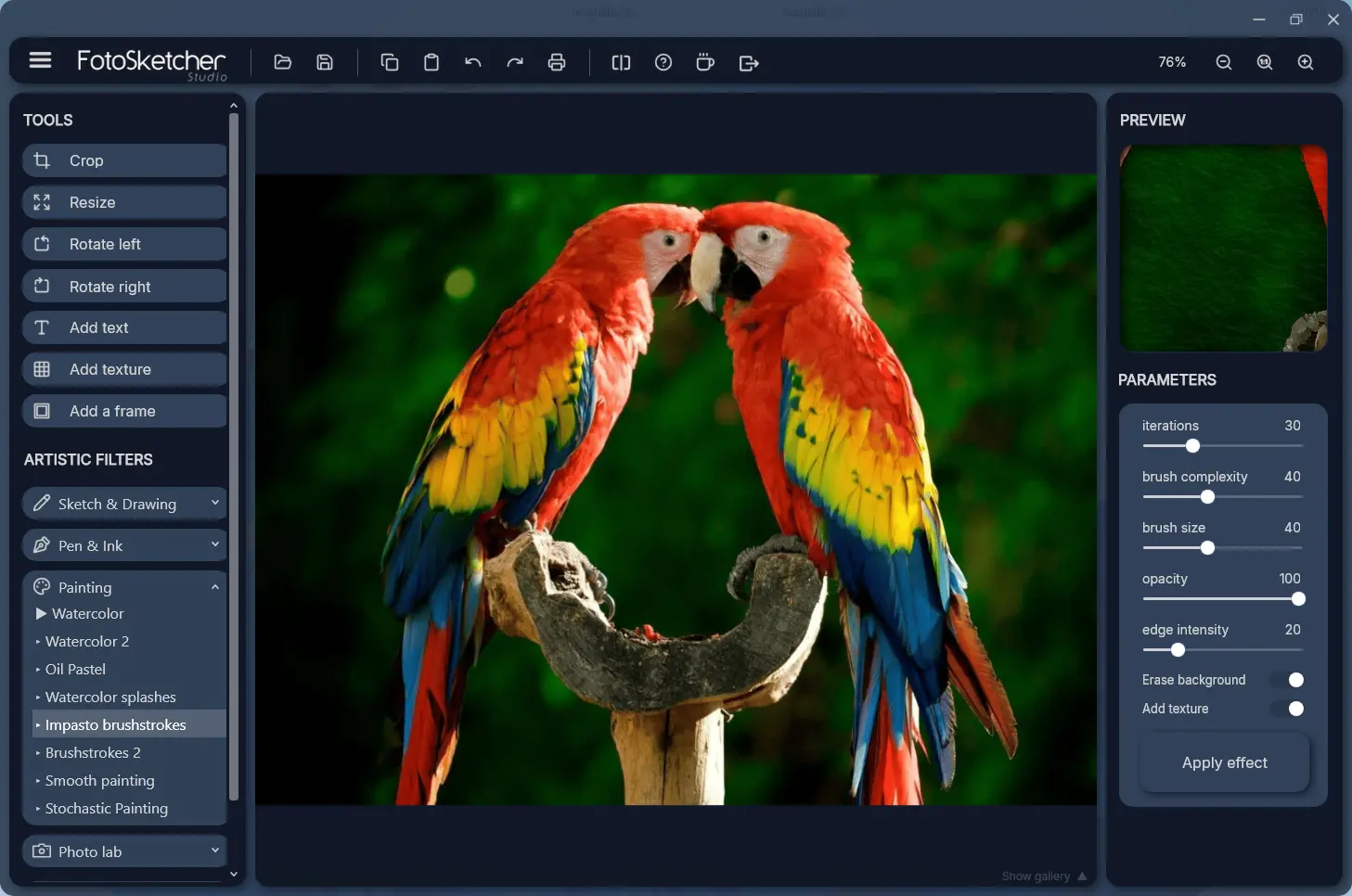
FotoSketcher Studio is a free creative tool that instantly turns your photos into artwork. With just a few clicks, you can apply styles like pencil sketches, watercolor, oil painting, ink drawings, cartoons, and abstract effects.
Powerful yet simple sliders let you adjust every detail to match your vision, from subtle enhancements to bold artistic transformations. You can also improve your images with tools for contrast, sharpness, color, and brightness, plus add frames and text.
It supports JPEG, PNG (including transparency), BMP, and WebP formats for both opening and exporting.
Available for Windows (64-bit) and macOS (Apple Silicon and Intel), FotoSketcher also offers batch processing, manual retouching, and custom effects for advanced users. Completely free, including commercial use, with no ads or spyware.
FotoSketcher Studio 4.40 changelog:
- New Crosshatch effect (Pencil Sketch category)
- New Light mode, switchable at any time
- New frame added
- Settings remembered between sessions (language and theme)
- Embedded example scripts included directly in the application to try, learn from, and adapt
- Script Editor now minimizes while a script runs, so you can watch the result build on the main image
- Keyboard navigation in the menu (F10)
- Save and overwrite safeguards: a prompt before exiting with unsaved changes, and a warning before overwriting an existing file
- On Windows: adjustable application zoom level for the interface (from 50% to 150%)
- Drastically reduced executable size on both Windows and macOS
- Improved script performance on both Windows and macOS
- Many macOS corrections to bring the Mac build in line with the Windows version
- A wide range of UI improvements on both platforms
- Bug fixes: fixed the Windows taskbar sometimes not appearing, fixed the macOS light style not applying correctly, plus other corrections and stability improvements
Download: FotoSketcher Studio 4.40 | 34.9 MB (Freeware)
Download: FotoSketcher Studio for macOS | 75.5 MB
View: FotoSketcher Website | Screenshot
 Get alerted to all of our Software updates on Twitter at @NeowinSoftware
















0 Comments
Load the comments and join the conversation!
Read the comments, ask the editors questions, show respect and join the conversation.