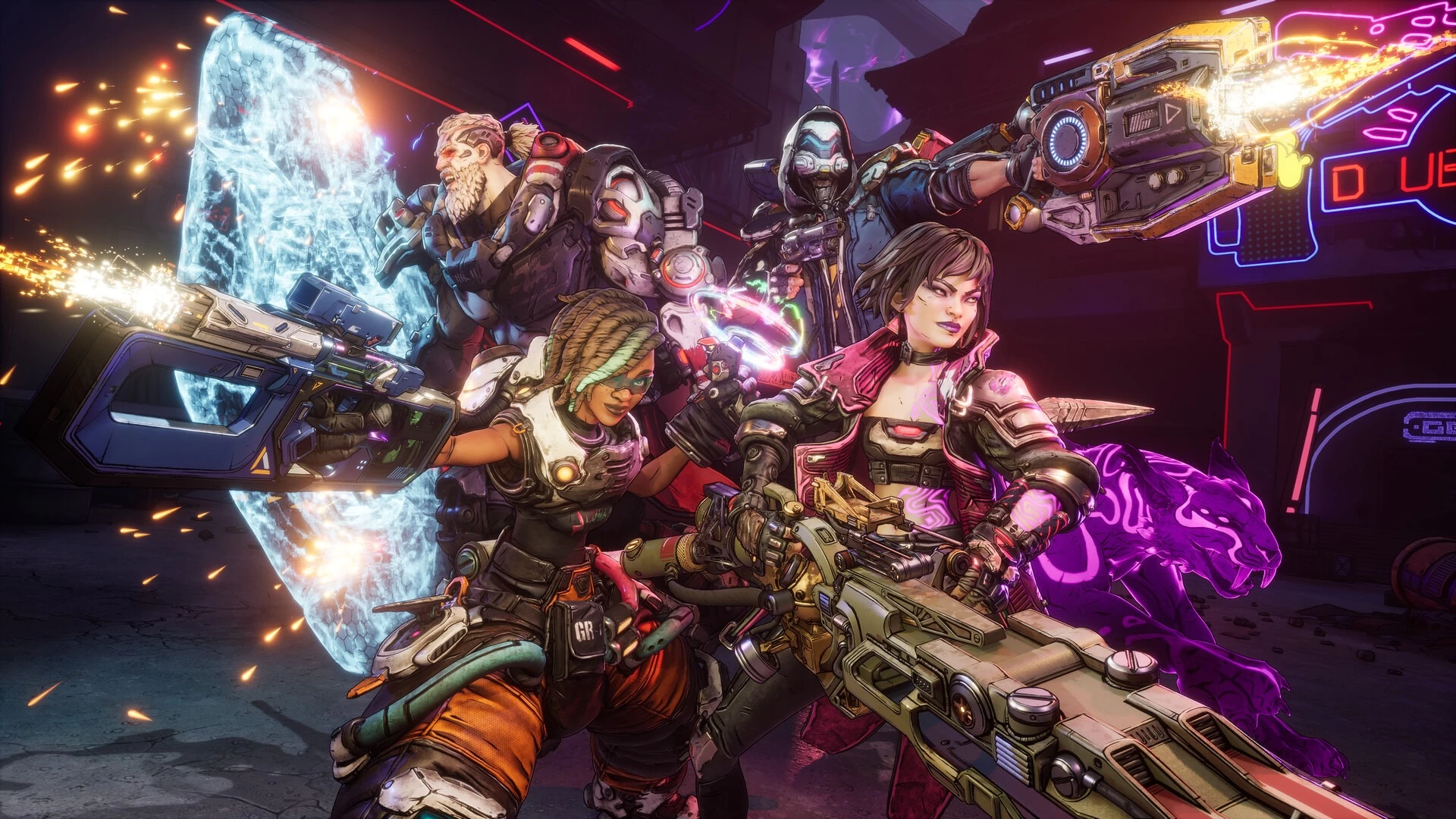
Earlier this month, 2K and Gearbox Software released Borderlands 4 on PC and consoles. However, one platform was missing from that launch plan, the Switch 2. While the Nintendo console is supposed to receive the looter shooter too, its release date was set for October 3. Now, with only days to go before that release, plans have suddenly changed.
Gearbox today announced in a social media post that Borderlands 4 on Nintendo Switch 2 has been delayed, and there isn't a new release date. The studio said that it needs more time to develop the port and polish it before it is ready for release on the recently released handheld console.
Despite the stellar launch numbers, the title has been in some hot water recently due to its performance issues, with most complaints coming from PC players. It's unclear if the backlash had anything to do with delaying the Switch 2 version and perhaps polish its performance further.
"We need to share that the release of Borderlands 4 on Nintendo Switch 2 is being delayed," said the company earlier today. "We do not take this decision lightly, but are committed to ensuring we deliver the best possible experience to our fans, and the game needs additional development and polish time to do that."
The studio added that cross saves are also a feature that it is working on implementing, which might land at launch on the Switch 2 now that the game is delayed.
For anyone who has already pre-ordered Borderlands 4 digitally from the Nintendo eShop, an automatic refund will be happening starting Friday, September 26.
Refunds can also be triggered manually right now by heading to the Your Pre-Orders section on the console and clicking the Cancel button next to Borderlands 4. If using the web browser, simply head to accounts.nintendo.com, then on to Purchase History > View Pre-orders, and hit the relevant Cancel button there. Canceling physical pre-orders will require customers to get in contact with the retailer.

















6 Comments
Load the comments and join the conversation!
Read the comments, ask the editors questions, show respect and join the conversation.