Google has announced new features for developers building "apps" for Google Chat are available now to all Workspace customers. If you don't know what Chat is, it is Google's communication service for teams to send messages, share files, and collaborate in dedicated "Spaces." You can get apps from the Google Workspace Marketplace to add more functions to your chats, like creating polls or managing projects.
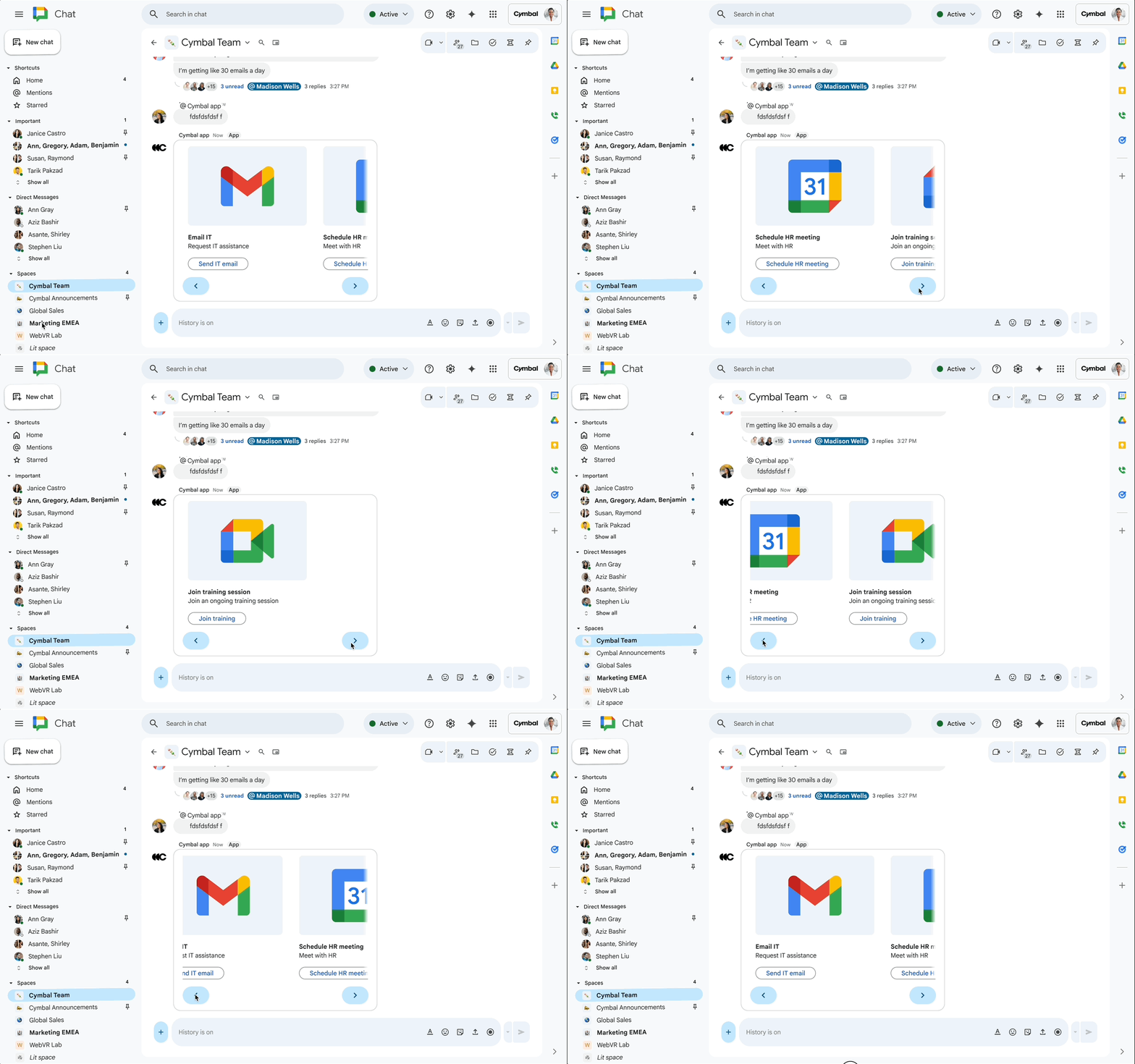
Certain Chat app devs now have access to a new carousel widget that allows the user to "interact with more complex and organized information in a horizontally scrollable carousel."Getting access to this widget is not automatic. To use it, you must be accepted into the Google Workspace Developer Preview Program.
If you're interested in joining the program, you first need to read through the Program Terms. After that, you fill out an application with your Google Workspace account and Google Cloud project information. Google says it will review the application and get you set up within a couple of days.
The next feature is Markdown support, which Google claims will come in handy if you're building an AI agent, since many language models output text in that format. This allows developers to pass Markdown text directly into a Chat card for formatting. This is a change from the old method, where devs had to parse the markdown and convert it to HTML before sending it to Chat. Chat supports a small subset of the Markdown syntax, shown below:
| Format | Symbol | Example syntax |
|---|---|---|
| Bold | * | *hello* |
| Italic | _ | _hello_ |
| Strikethrough | ~ | ~hello~ |
| Monospace | ` | `hello` |
| Monospace block | ``` | ```Hello World``` |
| Bulleted list | * or - | * Item 1 |
Lastly, Google says you can now add ordered, unordered, and nested lists and code blocks to cards.
In other Chat news, Google recently updated the platform to simplify how people use Chat apps. Before, you had to manually add an app to every single conversation where you wanted it. Now, once an app is installed for the first time, it becomes automatically available in your other chats. For example, after you install the Poll app once, you can then start a poll in any other conversation without needing to install it again.


















0 Comments
Load the comments and join the conversation!
Read the comments, ask the editors questions, show respect and join the conversation.