Google has announced a simple change coming to Chat apps. If you're not familiar, Google Chat is the company's collaboration software. It is the replacement for Google Hangouts and functions much more like a competitor to communication platforms like Slack and Microsoft Teams. It also integrates apps that can pull in information from other services or add features, like creating polls, directly into your conversations.
In the past, Chat apps required a bit of manual work. You had to add an app to every single space, group chat, and direct message where you wanted to use it. This got old fast. Now, Google says that after you install an app once, it will be added automatically to other conversations when you need it.
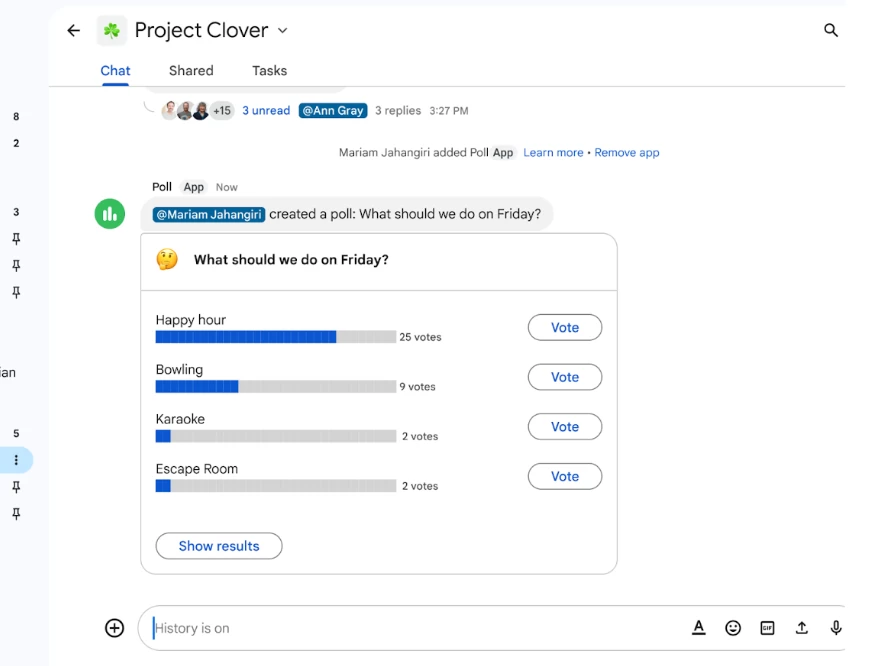
This means that when you use the Poll app, for example, you will be prompted to install it the first time. After that, any time you try to start a poll in a different conversation, the app will just show up and let you get to work without another installation step.
The thing to note is that your Workspace admin still calls the shots. They can install apps for the entire organization, so the apps are available to everyone by default. An admin has a few options to install an app from the Workspace Marketplace.
After signing into the Google Admin console as a super administrator, they navigate to the Marketplace apps list and click "Install app". From there, they find the application and select "Admin install".
The administrator then reviews the data access requirements and developer policies. They must decide whether to install the app for everyone in the organization or for specific groups or organizational units. If they choose specific users, they can select the relevant groups and finish the installation.
This process gives companies control over which third-party services can access their data. An administrator can also completely restrict which apps people can install or prevent users from installing a specific app altogether.
The new change has begun rolling out to all Google Workspace customers, as well as users with personal Google accounts, on both the Rapid Release and Scheduled Release domains.

















0 Comments
Load the comments and join the conversation!
Read the comments, ask the editors questions, show respect and join the conversation.