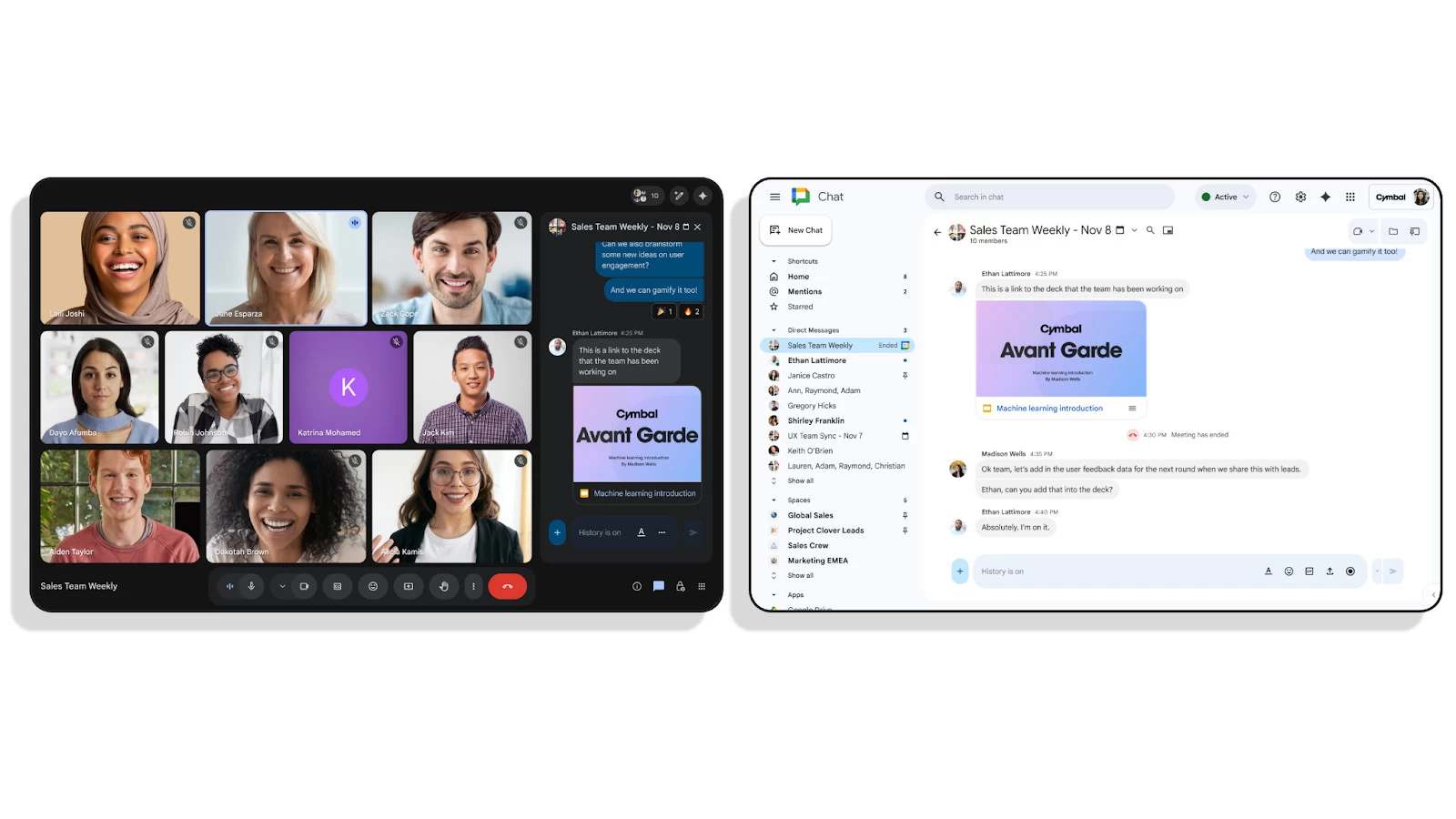
Have you ever used Google Meet’s chat interface to share important information during a call, only to find it difficult to share with others who were not part of the call? Well, Google is fixing this by transferring Google Meet in-meeting messaging to Google Chat, giving you easier access to messages post call. This change will begin rolling out from November 10, 2025.
This change allows seamless continuity from the chats you have in a call to those you have outside of a call. This is great because it allows attendees to easily access shared resources, links, and discussion points after the meeting, which should improve follow-through and productivity.
This change also brings an improved in-meeting chat experience as you get the enhanced features available in Google Chat. This means you’ll now be able to react with emoji and directly share images and files within the Meet chat. Additionally, thanks to chats being continuous, you can share materials in a Chat conversation before the meeting ever takes place and have them instantly available during the call.
This new feature is for scheduled meetings in Google Calendar and applies to the host and invited attendees within the host’s domain. Meeting hosts retain full control and must disable the feature before the meeting begins via the Google Calendar event options. If it is disabled, the meeting will use the old unlinked chat which requires recording the meeting to retain messages.
Google also said that external attendees will only have chat access while they are in the meeting but won’t be able to see history before or after the call. Internal attendees will be able to identify external attendees thanks to indicators and banners when they are present. Finally, Google mentioned that the messages that are stored in a Google Chat conversation will respect the retention policies and Data Loss Prevention (DLP) rules that you have configured for Google Chat.
Source: Google Workspace
















1 Comment
Load the comments and join the conversation!
Read the comments, ask the editors questions, show respect and join the conversation.