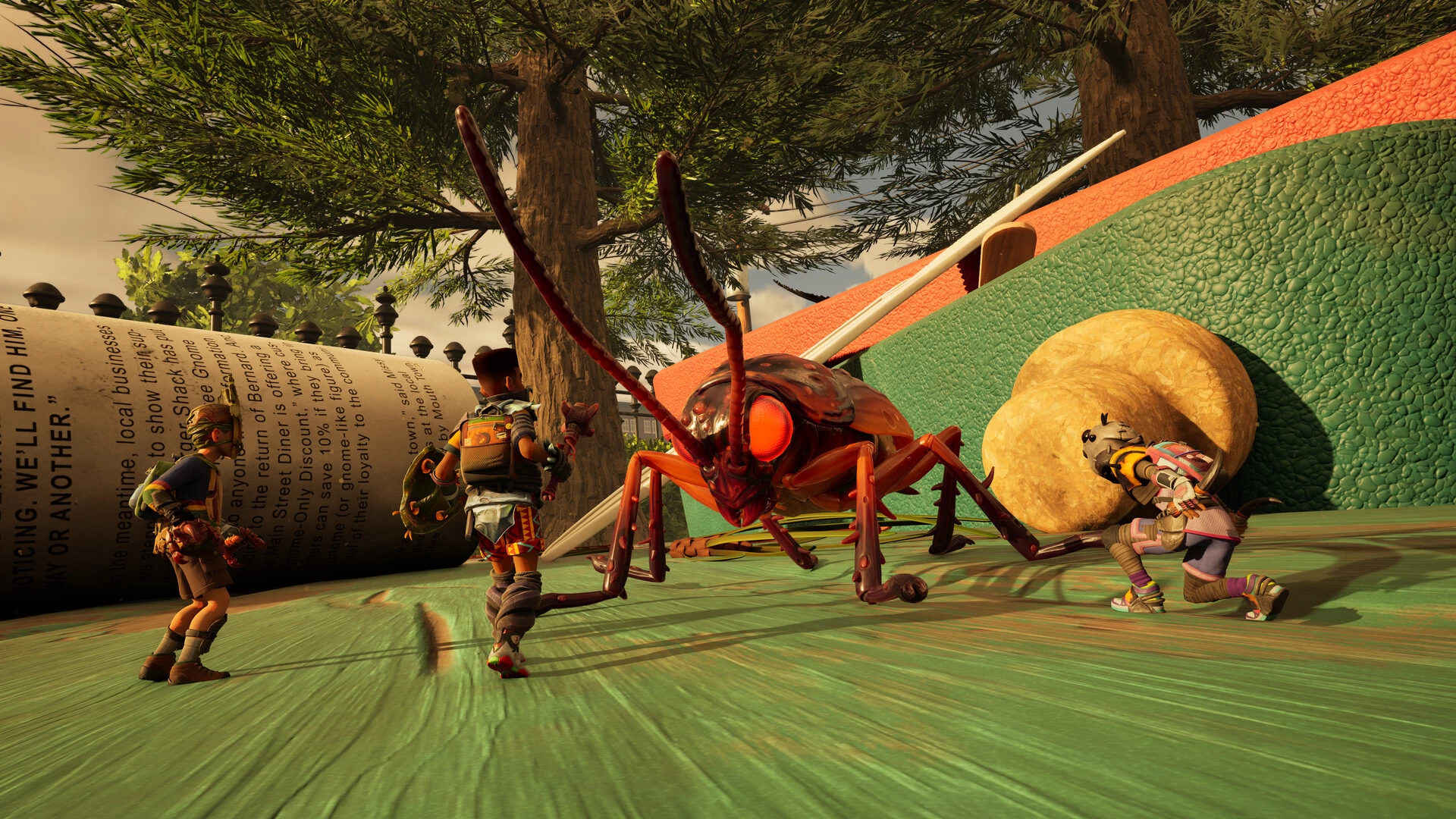
Obsidian Entertainment has a brand-new update ready for its latest early access release, Grounded 2. Patch 0.1.3 is not a major content update, but it's aimed at resolving various issues with the game, including performance, mounts, crashes, and other areas. There is even a warning about having too many saves attached to worlds now, which may cause stability issues.
First off, Obsidian is touting major improvements to game stability with this release. It says that compared to the previous 0.1.2.1 update, Grounded 2 should now be running about 30% better across systems. "As we are in Early Access, we will continue to improve performance and stability throughout development," it adds.
Considering that performance issues were one of the major issues I mentioned in the Neowin Grounded 2 early access review last month, it's encouraging to see even smaller updates offering solutions already.
It looks like the number of saves players have for their world is connected to performance deterioration. The game will now let players know about having a 10-save limit for each of their worlds. "We recommend deleting unneeded saves to increase your performance," Obsidian continues.
Having creators and mounts being stuck and not being reachable by players has also been an issue for a while, and the studio has delivered a 'quick fix' as a temporary option. Now, Creature Reset and Reset Buggy buttons are available to send back the relevant critters to their original locations or nests. Obsidian said a proper fix is in development.
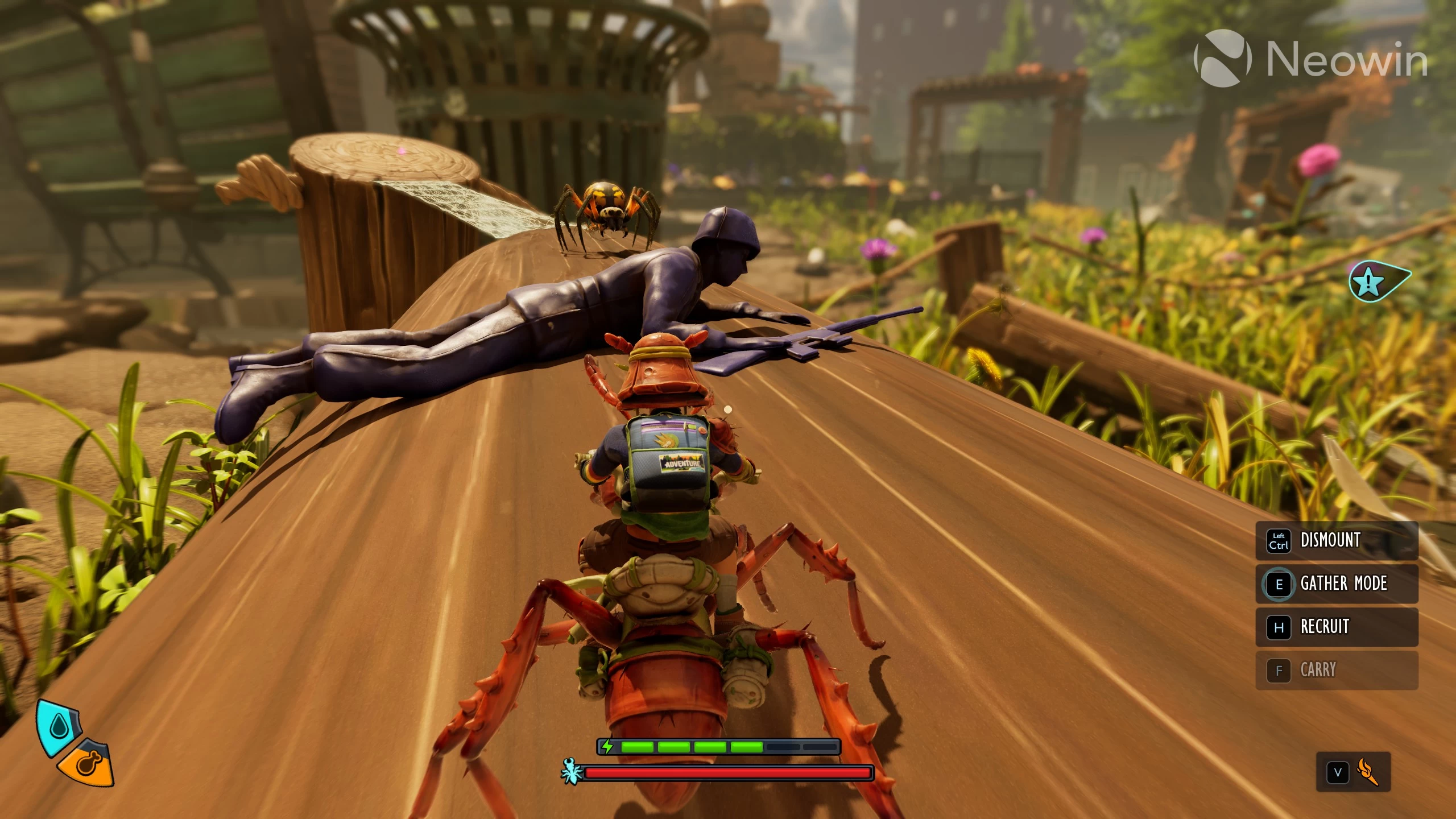
Other changes in this update include resources respawning inside player buildings, disappearing equipped mutations, snail shells that properly disappear after a day, and much more. Check out the complete changelog over here.
Grounded 2 early access patch 0.1.3 is now available for players across PC, Xbox, and Game Pass. If the update doesn't show up when starting the game, the studio recommends verifying the game files or restarting the console to make it appear.


















0 Comments
Load the comments and join the conversation!
Read the comments, ask the editors questions, show respect and join the conversation.