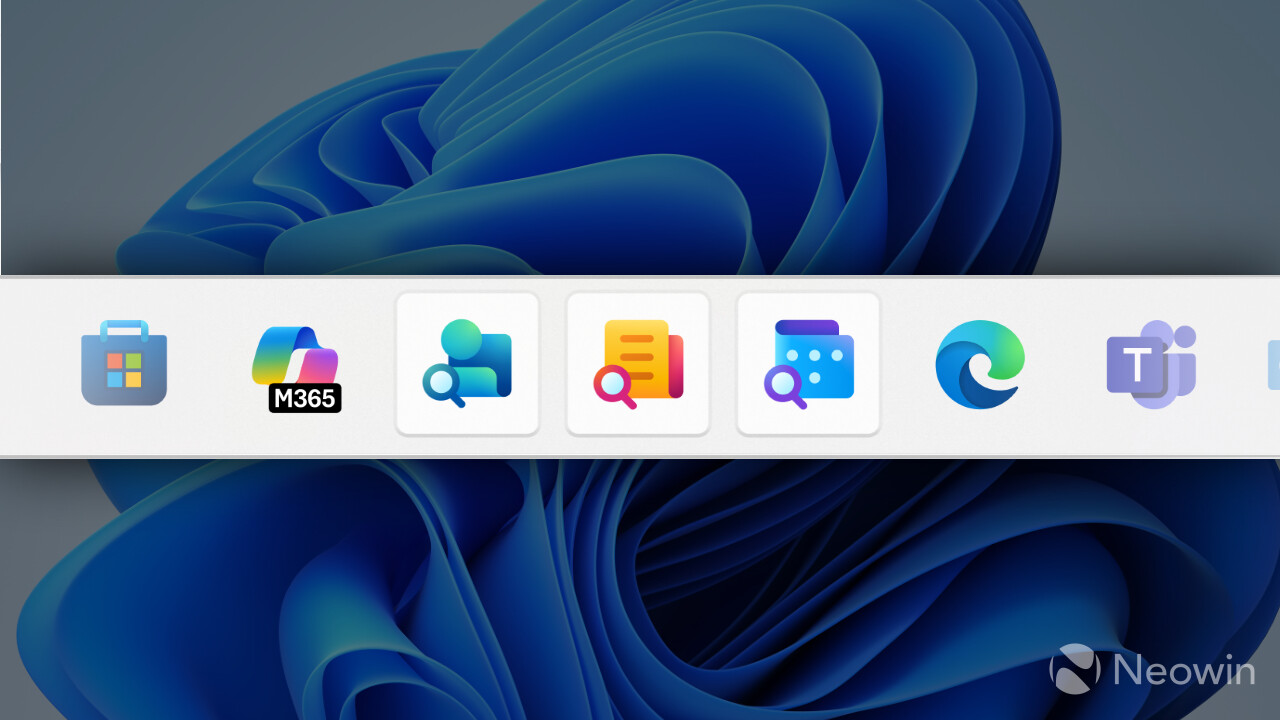
There is this constant tug-of-war game where Microsoft constantly tries to add more stuff to its operating system without user consent, and users continuously object to these efforts by purging all the unsolicited apps and components. While Windows 11 version 25H2 improves on this area by allowing admins to install more apps, Microsoft will soon force-install some programs to enhance your productivity.
According to a new message on the Microsoft 365 Admin Center, the company will soon begin rolling out its new Microsoft 365 Companion apps: People, Calendar, and Files. Initially released as optional, these companions are becoming mandatory on Windows 11 PCs with Microsoft 365 desktop client apps. Microsoft confirmed automatic installations in August, and now we have a timeline.
Microsoft 365 Companions are mini taskbar apps that you can launch in a small window right from your taskbar to quickly get some information you need, such as a file, contact, or event within your organization. Microsoft adds that there is also Copilot integration for contextual AI assistance.
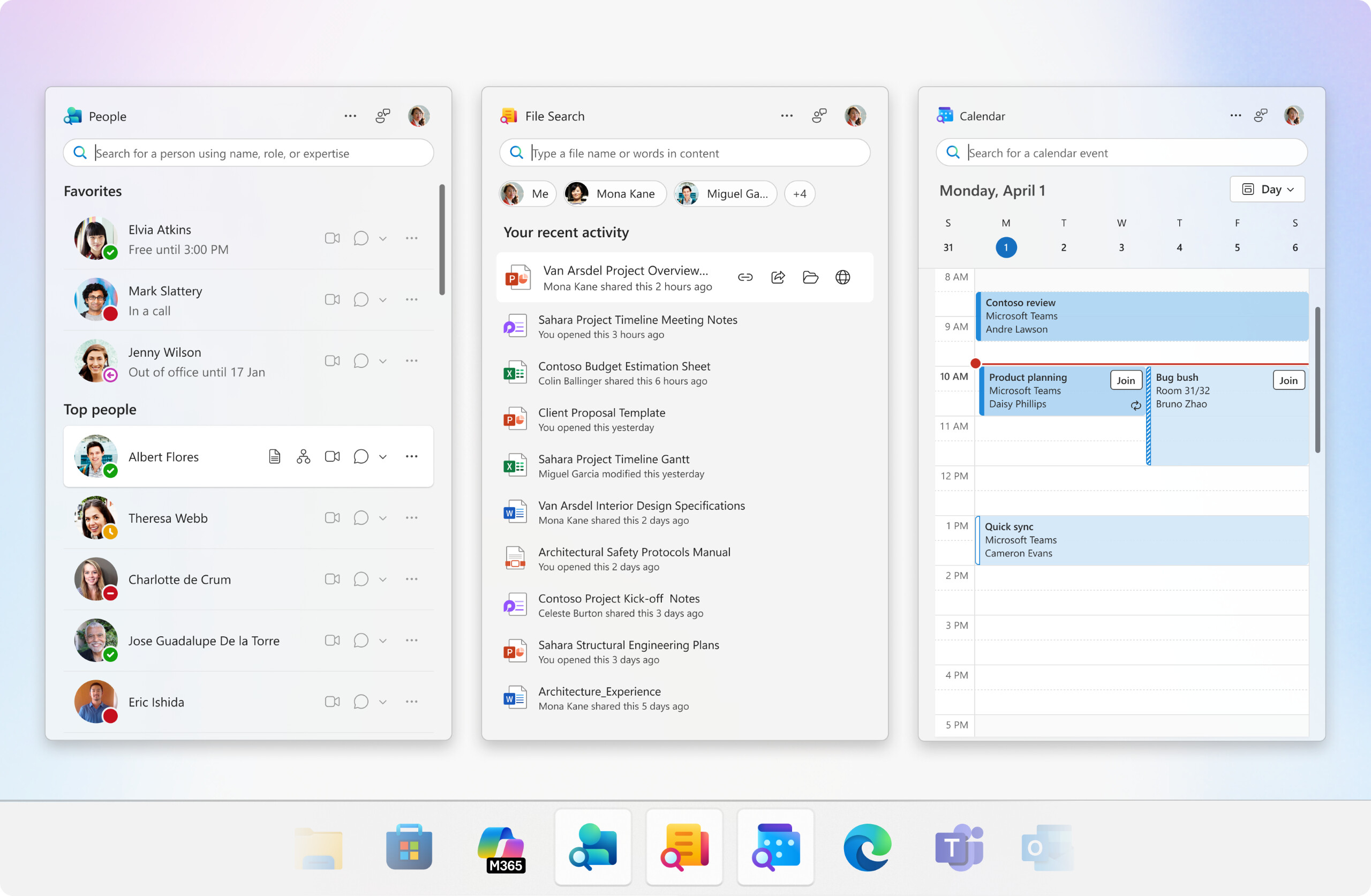
In addition to installing those apps without asking anybody, Microsoft will make sure they open on device startup. The reasoning behind this is to "ensure the apps show relevant results as soon as users open the app." Here is what Microsoft says in the announcement:
These taskbar-integrated apps are designed to streamline everyday workflows, helping users stay focused, reduce context switching, and complete tasks faster.
With Copilot integration, users can ground their prompts in the right context—whether it’s a shared file, a meeting, or a collaborator. This integration allows users to catch up, summarize, and take action more efficiently.
Microsoft will start the rollout later this month, and it plans to complete it by late December. This change affects all Windows 11 users with Microsoft 365 apps, but IT admins can opt out of this ordeal in Device Configuration settings in Admin Center. It is also possible to disable launch on startup in each app's settings.
In other Microsoft 365 news, the company announced a new, more expensive Microsoft 365 plan that integrates Office apps and AI, alongside a set of redesigned icons for Word, Excel, and other programs.


















32 Comments
Load the comments and join the conversation!
Read the comments, ask the editors questions, show respect and join the conversation.