
Everyone knows that person who unmutes themselves and starts yelling, "do you hear me?" before actually talking. With the latest Teams update, Microsoft is trying to eliminate this awkward situation. The company announced a new microphone volume indicator in Teams that displays real-time audio levels so that you can be sure that people in your call can hear you loud and clear. It will also be helpful in crowded spaces or when you just want to test your mic.
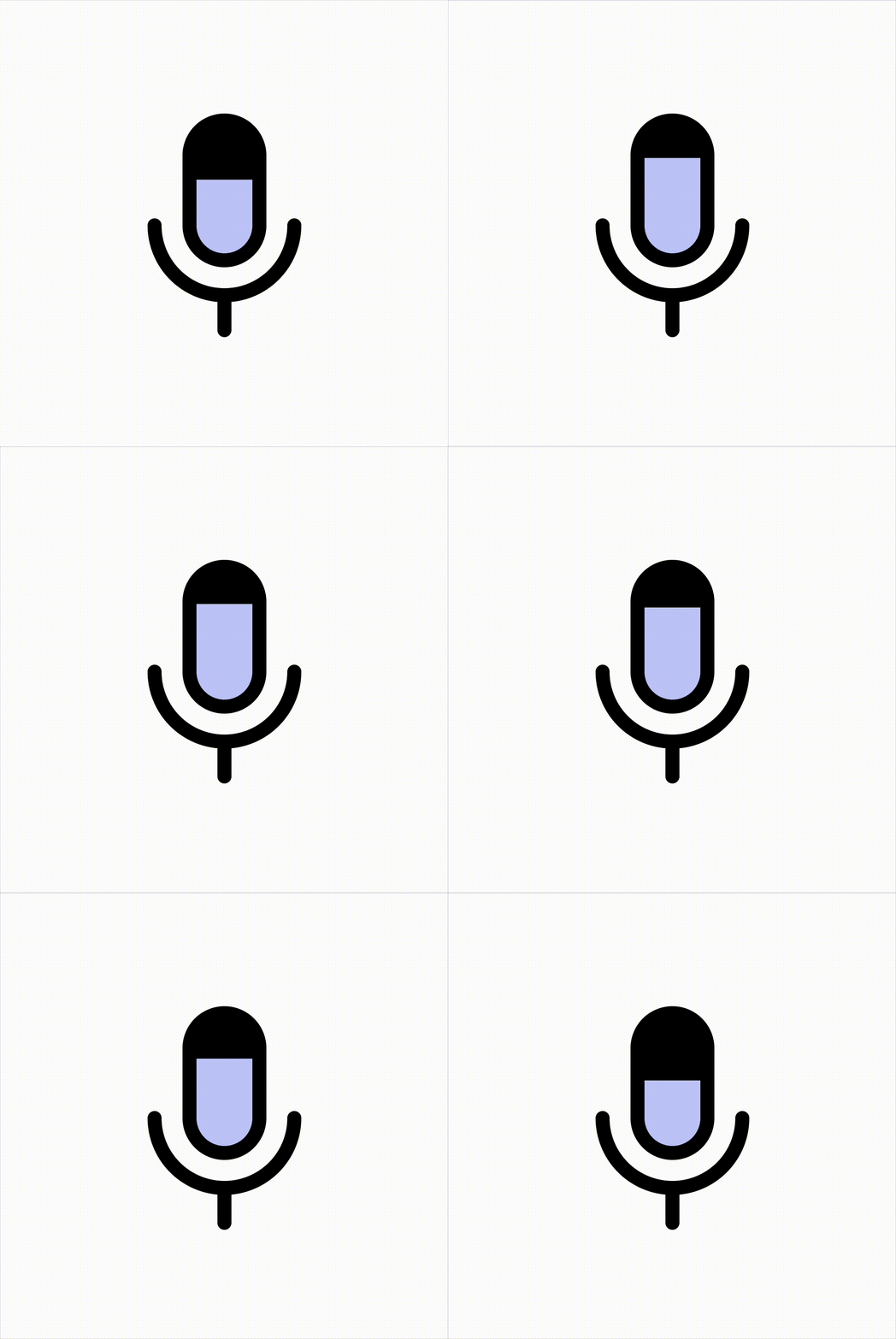 You can find the new microphone level on the toolbar by joining a Teams meeting. If your mic is working properly and catches your voice as it should, you will see a microphone level bouncing up and down. If there is no movement, that means Teams and your mic do not pick up any audio, and you have to start troubleshooting your hardware or software.
You can access additional audio settings and check out a larger microphone level by pressing the down arrow button next to the microphone button. A flyout will appear, allowing you to select speakers and adjust their volume or select a microphone. There is also a larger mic level indicator, plus a list of additional audio settings, such as spatial audio, noise suppression, and a link to extra audio settings.
The new microphone indicator is now rolling out to members of the Teams Public Preview or Microsoft 365 Targeted release with the new Teams client on Windows and Mac. IT admins can access new Teams features by enabling "Show preview features" in their update policies. You can read more about this feature in the announcement post on the Tech Community website.
In case you missed it, Microsoft recently announced a new major feature that automatically detects and hides sensitive info during screen sharing using Teams. You can find more details about it here.
















0 Comments
Load the comments and join the conversation!
Read the comments, ask the editors questions, show respect and join the conversation.