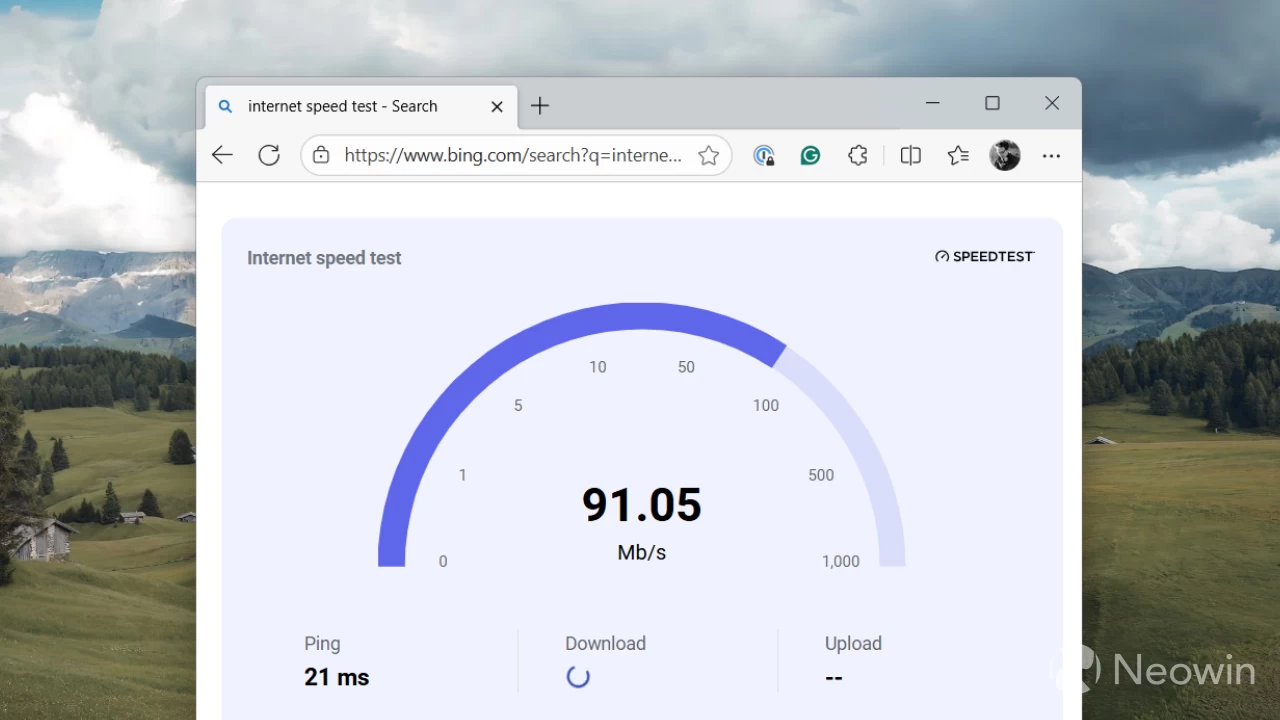
The latest Windows 11 preview builds from the Dev and Beta Channels have a bunch of interesting hidden features that Microsoft is preparing for their public debut somewhere in the future. One of those features is a built-in internet speed test (sort of) right in the network flyout.
@phantomofearth discovered the feature and shared the finding on their X account. With future updates, the network flyout in Windows 11 will get a new speed test button right next to the Wi-Fi refresh button (another useful button that took a while for Microsoft to implement), giving users quick access to an online internet speed test. Additionally, a similar shortcut will be available in the context menu when you right-click the network indicator, right next to the network troubleshooter and network settings.
Unfortunately, the speed test is not a native app or something built into the Settings app. The new button is basically a shortcut to Bing and its speed-measuring tool. Still, it is a useful change placed in the right spot. Also, given the nature of the discovery, Microsoft could change how the button works before shipping it to the general public.
Here is what the new internet speed test button for Windows 11 looks like:
The network icon in the system tray's context menu and the Wi-Fi quick settings page in Windows 11 are getting buttons to let you quickly run a network speed test. (Takes you to Bing to do the speed test.) pic.twitter.com/ZXcQvs5BP8
— phantomofearth 🌳 (@phantomofearth) September 13, 2025
You do not have to wait for Microsoft to bring a dedicated button for measuring internet speed in Windows 11. If you use PowerToys and its Run launcher, you can use a dedicated module that lets you measure internet speed without opening your browser or using Bing.

















34 Comments
Load the comments and join the conversation!
Read the comments, ask the editors questions, show respect and join the conversation.