Flyby11, now known as FlyOOBE, is a lightweight patching utility built to remove the restrictions that Microsoft enforces during the installation of Windows 11, particularly version 24H2. By bypassing hardware checks such as TPM, Secure Boot, CPU generation, and RAM requirements, it enables installation on devices that would otherwise be blocked as unsupported. Designed for simplicity and efficiency, Flyby11 provides a minimal yet effective solution for enthusiasts, IT admins, and power users who want to deploy Windows 11 seamlessly across a wider range of systems.
FlyOOBE also enhances the Windows Out-of-Box Experience (OOBE) by removing several limitations that typically appear during first-time setup. It can disable mandatory Microsoft account sign-in requirements, allowing the creation of a local account without workarounds. The tool also bypasses region and network checks, making it possible to complete setup even when internet access is unavailable or restricted.
FlyOOBE key features:
- Bypasses TPM requirement
- Bypasses Secure Boot requirement
- Bypasses unsupported CPU checks
- Bypasses minimum RAM requirement
- Removes other Windows 11 setup restrictions
- Works with Windows 11 version 24H2
- Lightweight and portable tool
- No installation required
- Simple interface and usage
What’s new in FlyOOBE 2.2:
- Polished the action buttons with a modern compact mode: show icon + label by default, then switch to a sleek icon-only look while active (just like native Windows 11 apps)
- Further sped up app startup and trimmed memory usage, not that it was ever a bloated XAML/WinUI monster like the Windows 11 Start menu or Explorer… but hey, every millisecond counts (yes, Im currently at war with Microsofts performance choices. Maybe one day theyll fix real performance issues instead of adding another glowing Copilot button. And honestly, it hurts watching an OS you once loved slowly being run into the ground by the wrong priorities and decisions; lets see how long it takes until they manage to chase me away to another shore as well)
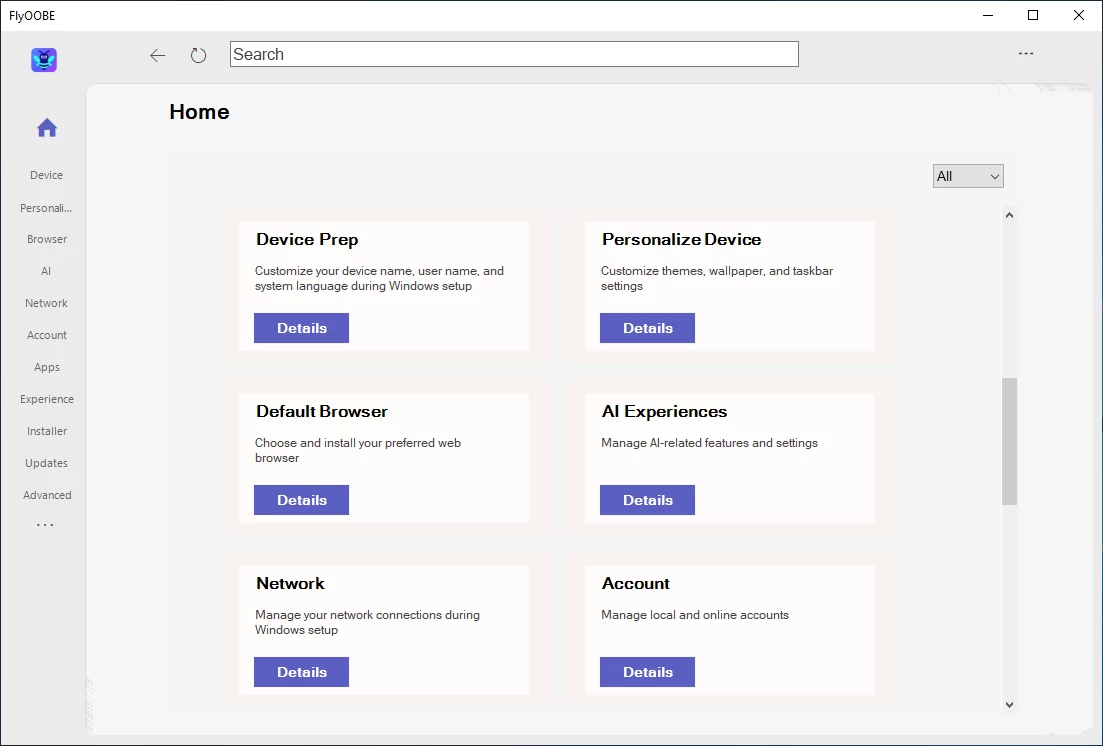
- Flyby11 is back in its classic outfit inside FlyOOBE: the UpgradeOOBE (Flyby11) UI has been simplified and brought closer to the original look, while the built-in Autopilot has been upgraded to guide you more autonomously through the Windows 11 installation
Note: The ConsumerESU script from here is currently unavailable on GitHub (either removed or temporarily blocked, similar to a past false-positive suspension that also briefly affected my own profile).
Download: FlyOOBE (Flyby11) 2.2.812 | 398 KB (Open Source)
Links: FlyOOBE Website | Screenshot
 Get alerted to all of our Software updates on Twitter at @NeowinSoftware

















0 Comments
Load the comments and join the conversation!
Read the comments, ask the editors questions, show respect and join the conversation.