MEmu is a brand new FREE Android emulator that brings fun of the Android experience to Microsoft Windows devices. It runs on nearly all Windows devices (PC, notebook, 2-in-1 devices, tablets). Comparing to other Android emulators, MEmu provides the highest performance and greatest compatibility.
The richest features:
- Full Android experience with an elegant desktop
- Flexible customization (CPU#, memory size, resolution, device model, nav bar location, root mode, etc.)
- Mapping the keyboard / joystick to screen touch for much better game experience
- Passing through sensor data (e.g. accelerometer) to Android, so you can play car-racing like games intuitively
- GPS location simulation
- File sharing between Windows and Android
- Fast APK installation by drag and drop
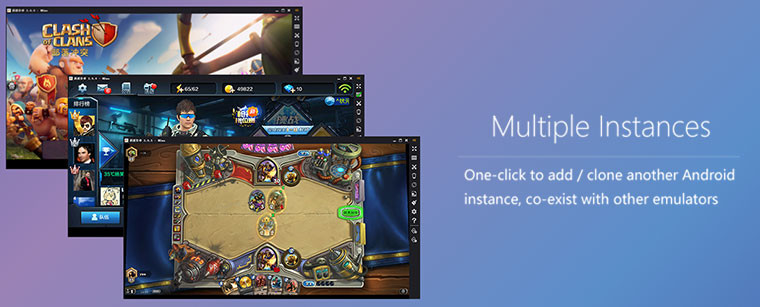
- One-click Android system creation / clone / deleting, and you can run multiple Android instances simultaneously
Using MEmu, you can:
- Have fun playing Android games on PC
- Chat more conveniently by using keyboard in Whatsapp, Wechat, etc.
- Watch live show and TV channels
- Ten seconds to start
- Directly open several Android Emulator windows
Changes in MEmu v2.3.1:
- Add support for more language support (German and Korean)
- Add support for multilingual keyboard layout, including keypad
- Add support for custom launcher
- Update ES file explorer, google play games and store
- Fix the detection issue of hardware virtualization feature
- Fix some game compatibility issues
Download: MEmu 2.3.1 Web Installer | 3.4 MB (Freeware)
Download: MEmu 2.3.1 Offline Setup | 237.0 MB
View: MEmu Home Page | MEmu Support


















3 Comments
Load the comments and join the conversation!
Read the comments, ask the editors questions, show respect and join the conversation.