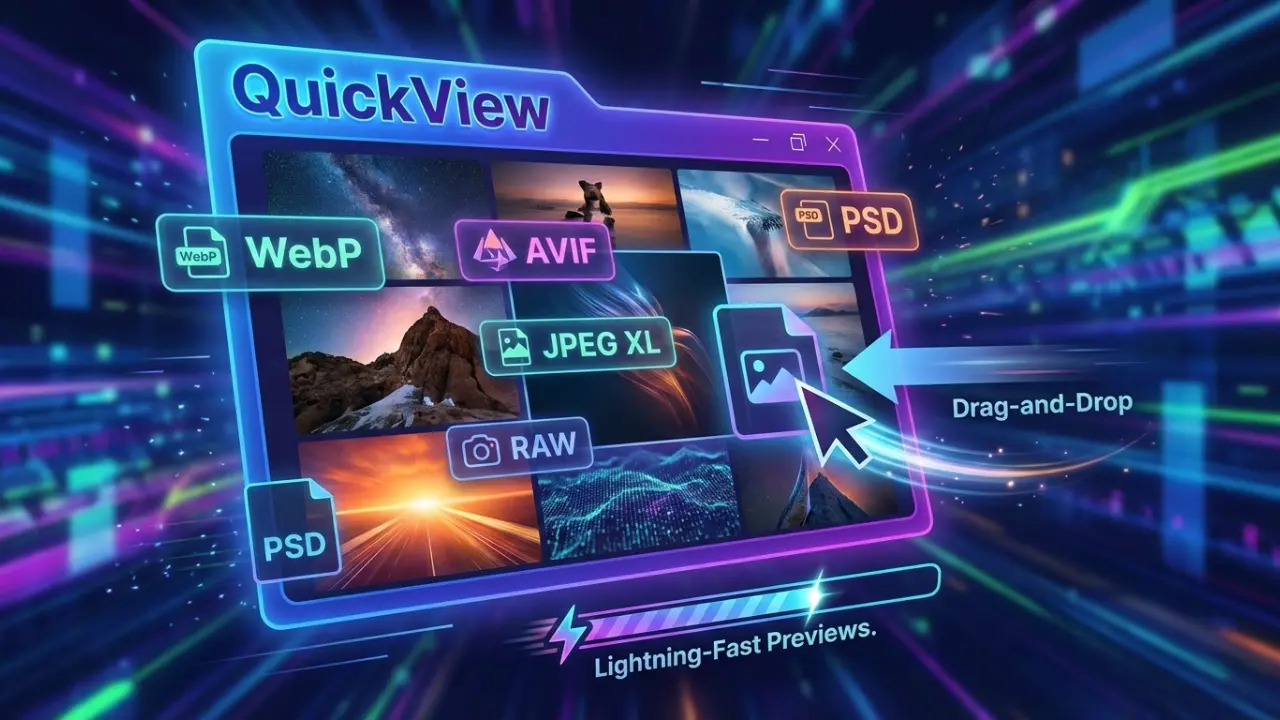
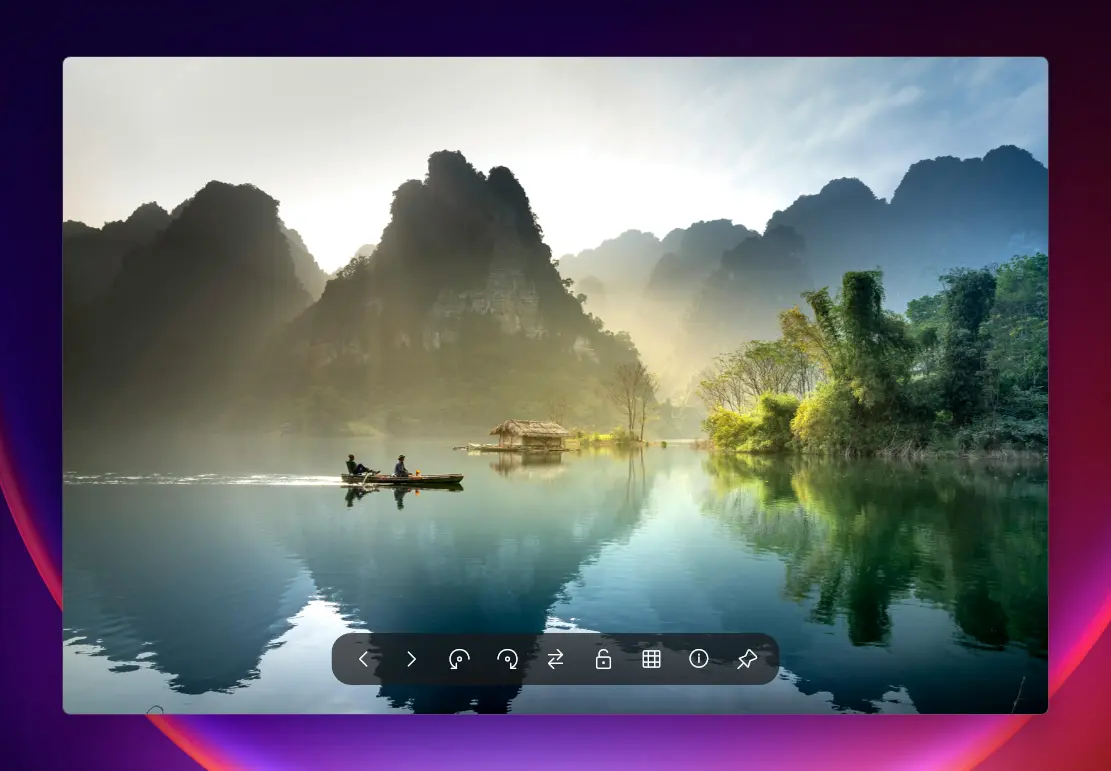
QuickView is the fastest image viewer for Windows, designed to open all your photos instantly. It supports popular formats like WebP, AVIF, JPEG XL, PNG, JPEG, TIFF, RAW, and PSD, making it perfect for photographers, designers, and everyday users. With lightning-fast load times and zero-lag previews, QuickView handles everything from small icons to massive 8K images effortlessly. Drag and drop files to view them instantly, zoom and pan smoothly, and enjoy a clutter-free interface built for speed and simplicity.
QuickView also makes managing and analyzing images easy. You can preview thousands of photos instantly, view real-time color and brightness, and check image details without slowing down your computer. It automatically fixes common file issues and works perfectly offline, so your images stay private. QuickView supports multiple languages, is portable, and requires no installation.
QuickView key features:
- Blazing Fast Loading – Open images instantly with zero lag.
- Modern Format Support – View WebP, AVIF, JPEG XL, and more.
- RAW File Ready – Handle photos from all major cameras effortlessly.
- Classic Format Friendly – Supports PSD, PNG, JPEG, TIFF, and BMP.
- Drag-and-Drop Convenience – Open files instantly without menus.
- Multilingual Interface – Works in English, Chinese, Japanese, German, Spanish, and Russian.
- Portable & Lightweight – Single executable, no installation required.
- Mass Image Preview – Instantly view thousands of images with HUD Photo Wall.
- Real-Time Color Tools – RGB histograms and color analysis overlays.
- Accurate Metadata – View EXIF and file information instantly.
- Smart File Fixes – Automatically repair incorrectly saved files.
- Fast or Full-Quality Toggle – One-click RAW preview adjustment.
- Smooth Navigation – Zoom, pan, and scroll without slowdowns.
- Privacy Focused – Fully offline operation keeps your images secure.
QuickView 4.0.0 changelog:
This is a massive milestone release focusing on the introduction of the Titan Architecture, full JPEG XL integration, and Gigapixel Image Handling.
Architecture: "Titan System"
- Gigapixel Tiling: The new Titan Pipeline dynamically slices massive image datasets into manageable LOD (Level of Detail) tiles, enabling smooth 60fps panning over images that previously caused OOM (Out of Memory) crashes.
- Smart Pull & Prefetch: Memory is now intelligently streamed. QuickView only decodes and uploads the tiles currently visible on your monitor, predicting panning direction to prefetch adjacent chunks.
- Direct-to-MMF Decode: Zero-copy Memory-Mapped File strategy to pipeline gigantic source images directly to the render composition engine.
Format Enhancements
- Native JPEG XL (JXL): Full, hyper-optimized support for the next-generation JXL format, backed by our parallel HeavyLane workers.
- Pro Design Formats: We now support Photoshop's massive document format (PSB) and can instantly extract embedded previews from both PSDs and PSBs.
- Shell-Accelerated Gallery: The T Gallery now taps directly into the Windows Explorer Thumbnail Cache, making initial indexing of massive folders completely instantaneous.
UX & Scaling
- True PerMonitorV2 High-DPI: The interface has been untethered from Windows' legacy scaling. We now support explicit native UI scaling with granular manual overrides (100%-250%).
- Always Fullscreen: A much-requested feature—you can now command QuickView to automatically launch images in exclusive Fullscreen mode (Off, Large Only, All).
- Wheel Action Customization: Unified and centralized logic for mouse-wheel actions with a new WheelActionMode for absolute control.
Visual Precision
- AVX-512 SIMD Resizing: Critical bilinear scaling paths have been unrolled using the latest AVX2/AVX-512 instruction sets for blazing-fast zooming.
- Center-to-Center Topology: Our internal rendering coordinate system was mathematically refactored, permanently eliminating "edge smearing" and pixel gaps between Titan tiles.
- Focus Robustness: Implemented low-level AttachThreadInput logic to guarantee new QuickView windows forcefully seize focus when you open new files from Explorer.
Download: QuickView 4.0.0 | 2.9 MB (Open Source)
View: QuickView Website | Github | Screenshot
 Get alerted to all of our Software updates on Twitter at @NeowinSoftware

















2 Comments
Load the comments and join the conversation!
Read the comments, ask the editors questions, show respect and join the conversation.