
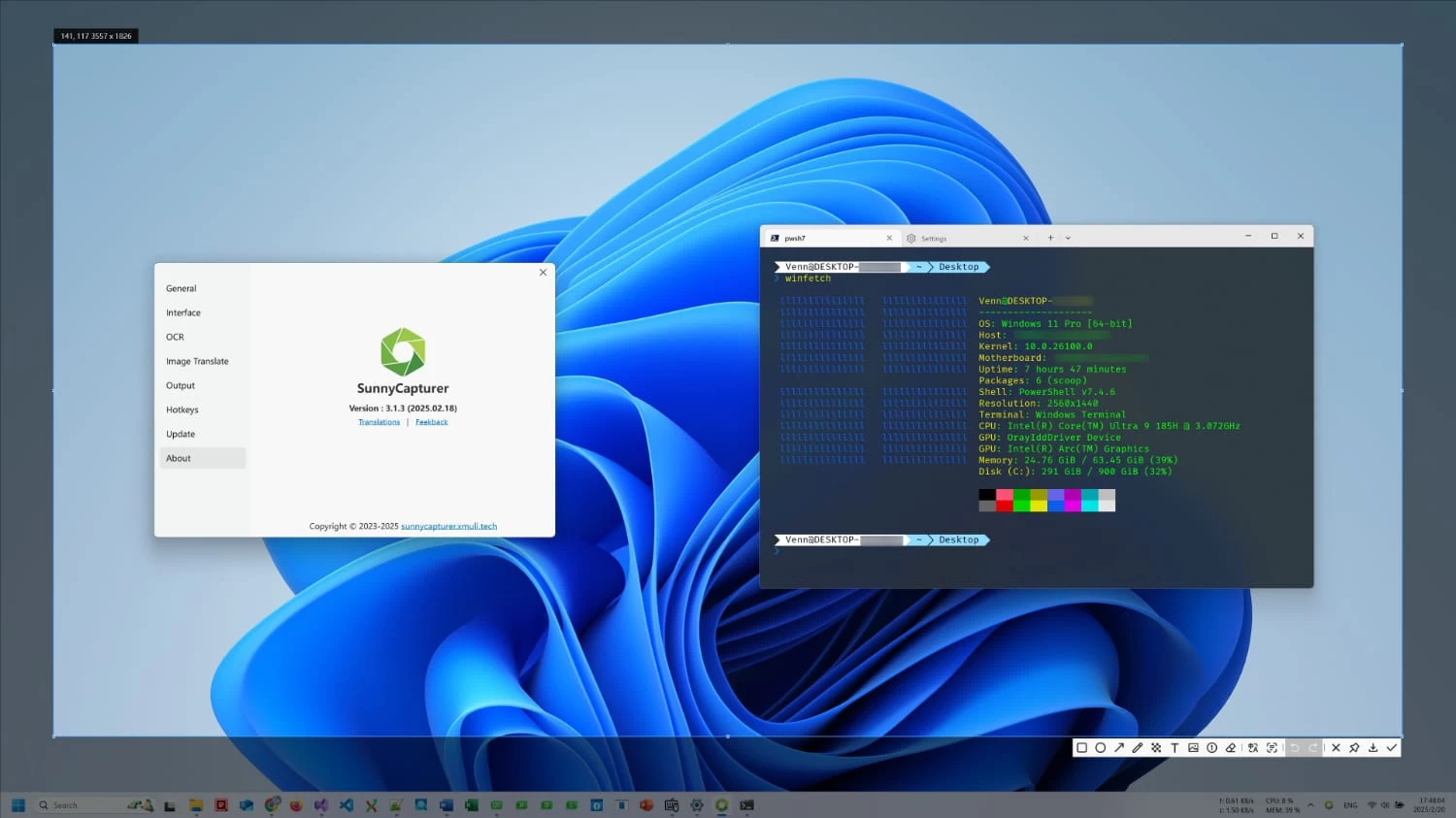
SunnyCapturer is a simple and elegant screenshot tool packed with powerful features. Beyond basic captures, it lets you annotate with shapes, arrows, text, numbering, stickers, and drawing tools. Advanced options include OCR text extraction, image translation, and pinning images to the screen.
It supports both online and offline OCR engines, with flexible options for different performance needs (CPU or NVIDIA GPU). SunnyCapturer also provides conveniences like hotkey saves, auto-save, magnifier with color picker, and batch text recognition. Whether you need quick annotations or advanced text/image handling, SunnyCapturer makes capturing and working with screenshots seamless and efficient.
SunnyCapturer 5.0 changelog:
New Features
- Supports video recording
- Supports GIF recording
- Supports camera photo capture
- Supports quick preview of multiple file types
- Switch current microphone, speaker, and camera when using multiple devices
- Support for selecting global local or current-user-only installation paths
Bug Fixes & Other Improvements
- Fixed misspelled letters in filenames #94
- Fixed rare cases where auto-start failed to activate #83
- Addressed several minor bugs and issues
- Updated Brazilian Portuguese localization, thanks to @thiagodalsoto
- Note: For recording and GIF functions, after selecting an area, manually press the Enter key to display the control panel and timer.
Download: SunnyCapturer 5.0 | 91.3 MB (Open Source)
Download: Portable SunnyCapturer | 86.9 MB
Links: SunnyCapturer Home Page | OCR | Screenshot
 Get alerted to all of our Software updates on Twitter at @NeowinSoftware

















0 Comments
Load the comments and join the conversation!
Read the comments, ask the editors questions, show respect and join the conversation.