It is hard to believe, but Windows 10 is nearly 10 years old. On July 29, the operating system will mark its tenth anniversary, only a couple of months ahead of the end of mainstream support. Despite its fair share of failed features and controversies, especially on the privacy side, Windows 10 is considered the best modern Windows, even though a lot of its reputation stems from the misfired Windows 11 launch in 2021. Still, Windows 10 was a big deal for Microsoft and the PC industry overall.
In this article, which is part of Neowin"s Windows 10 anniversary series, we take a look at the ten biggest achievements, features, and milestones that the outgoing operating system brought to the ecosystem. The list is subjective and in no particular order, so if you have 10 other changes or features on your mind, welcome to the comment section.
10. Windows Insider Program
The Windows Insider Program was announced in late 2014, and with it, Microsoft changed the way it develops its flagship consumer products (for better or for worse, depending on how you look at it). Now, enthusiasts and regular users have received a chance to shape the future of Windows by actively participating in its development in the form of testing regular preview updates, sharing feedback directly with Microsoft, tuning in to webcasts, and more. The program became a smashing hit, with 1 million testers achieved in two weeks. Later, it spread to other products like Skype (rest in peace), Xbox, Office, and more.
Some argue that the program has lost its way over the years, and the overall quality of Windows has decreased after Microsoft offloaded a massive chunk of testing to the public, but there is no denying that the introduction of a public beta program for Windows was a big success.
9. Biggest launch ever (and free)
Not really a feature, but Windows 10"s launch is worth mentioning as a big milestone for Microsoft and Windows overall. For the first time, Windows 10 became a free full-scale system upgrade for Windows 7 and 8.1 users. Since we are talking Microsoft, of course, there were plenty of unsolicited upgrades and nagging. Still, the launch of Windows 10 was a big success. During the first year, over 350 million devices were upgraded to Windows 10, primarily because it was free and its hardware requirements were incredibly accessible for even the lowest-end devices.
8. Windows as a Service
Windows 10 introduced a new idea of a continuously evolving operating system that does not need a major version update every three years or the so-called "Service Packs." Instead, Microsoft switched to bi-annual feature updates with new features and capabilities. This, in addition to some market speak of some of Microsoft"s execs, led many to believe that Windows 10 would be the final Windows without a true successor. Microsoft debunked that idea with Windows 11 in 2021, but the latter still carries the idea of Windows as a Service with yearly and now even monthly feature drops and updates.
7. Activation Improvements
With Windows 10, Microsoft improved activation significantly by allowing users to link a license to a Microsoft account. This approach made it possible to retain an existing license after changing a major PC component, such as a motherboard. While it was possible to transfer a retail license from one Windows 8.1 PC to another, with Windows 10"s digital entitlement, activation became much easier. Windows 11 also has this capability.
6. Windows Subsystem for Linux
Windows Subsystem for Linux was introduced in 2017, and with it, Microsoft dropped a true bombshell on the developer community. With WSL, Windows 10 became a much more attractive platform for code makers, allowing them to run Linux apps and distros within Windows without resorting to virtual machines or dual-booting. The best part is that Windows Subsystem for Linux, unlike Windows Subsystem for Android, was not a one-time thing that Microsoft quickly abandoned. Later on, the company introduced WSL 2 with major improvements, and it continues to support and enhance this feature.
5. Windows Hello
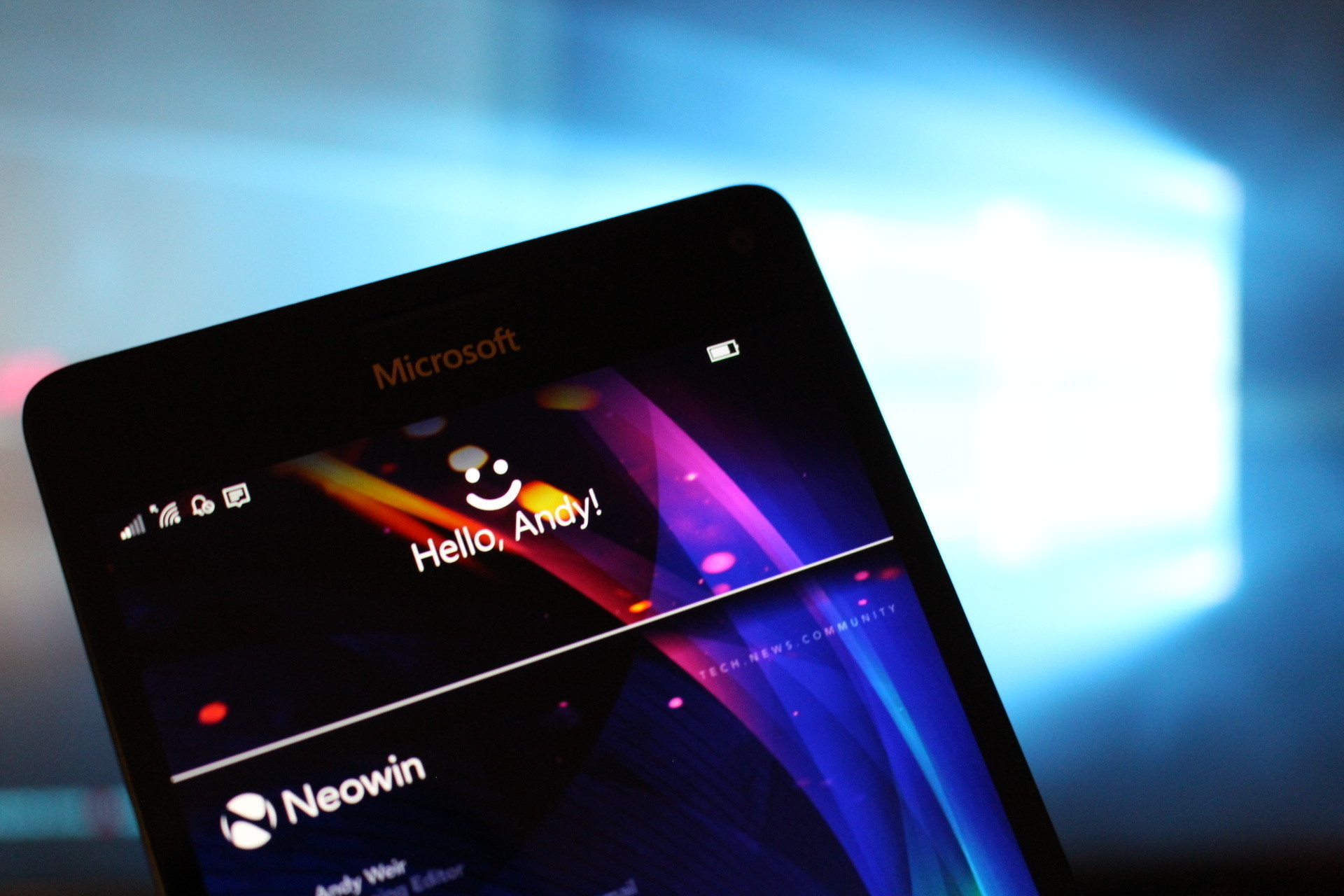
Biometric authentication existed before Windows 10, but it was rather messy and non-mainstream. With the launch of Windows 10, Microsoft introduced a modern, more secure way to log into Windows with support for IR-cameras for facial recognition, fingerprint scanners, security keys, and PINs. And it was not just for logging in. Apps and browsers can utilize Windows Hello to give users a more convenient way to authenticate. Additionally, Windows Hello made biometric authentication on Windows devices a standard, and now, it is hard to imagine a modern, even quite affordable computer without a fingerprint reader or an IR camera.
4. Start menu
Even though I think Windows 8.1 was extremely underrated, and its Start menu was fine (I will die on this hill), there is no denying that it was also one of the main reasons why the OS failed hard. With Windows 10, Microsoft went back to the drawing board and gave users what they actually wanted: A compact or full-screen menu that was a mix of the classic Windows 7 Start menu and Windows 8"s live tiles. While it went through several iterations and upgrades (folders, for example, arrived much later), Windows 10"s Start menu is universally considered the best Start menu ever.

3. Xbox Play Anywhere
After releasing Windows 10, Microsoft finally stopped treating PC users as second-class citizens. Windows 10 significantly improved PC-Xbox integration, particularly by introducing the Xbox Play Anywhere program. It allowed purchasing a game one time and having the ability to play it on PC or Xbox and sync your progress across computers and consoles.
2. Microsoft Defender
Windows 10 was the first operating system to ship with a built-in antivirus by default. And no, this time, it was not a lame or low-effort attempt to stir users away from third-party AV vendors. This time, Microsoft introduced a proper antivirus, saving users from the need to purchase expensive AV solutions. True, some features are controversial, especially among PC gamers and enthusiasts, who are discontent with performance overhead. Still, Microsoft Defender topped various AV benchmark charts many times, and it continues to be one of the best security providers for your average Joe. After all, you can always turn it off if you have to.
1. Dark Mode
It is hard to give Microsoft high praise for this one, considering how undecooked dark mode remains these days. However, Windows 10 deserves its credit for introducing the first proper dark mode for desktop PC. When combined with Night Light, another useful feature, Windows 10 became much more eye-friendly for late-working users or those with OLED displays. Now, Microsoft, could you please finally complete it and make it not suck?
With Windows 10 ending its run in October 2025, one could only wonder if Windows 11 will ever be able to achieve even half of Windows 10"s success. Only time will tell.
This story is part of our "10 Years of Windows 10" collection, in celebration of the operating system"s tenth anniversary. Over the next few days and weeks, you"ll be able to find more content on this topic in our dedicated section available here.