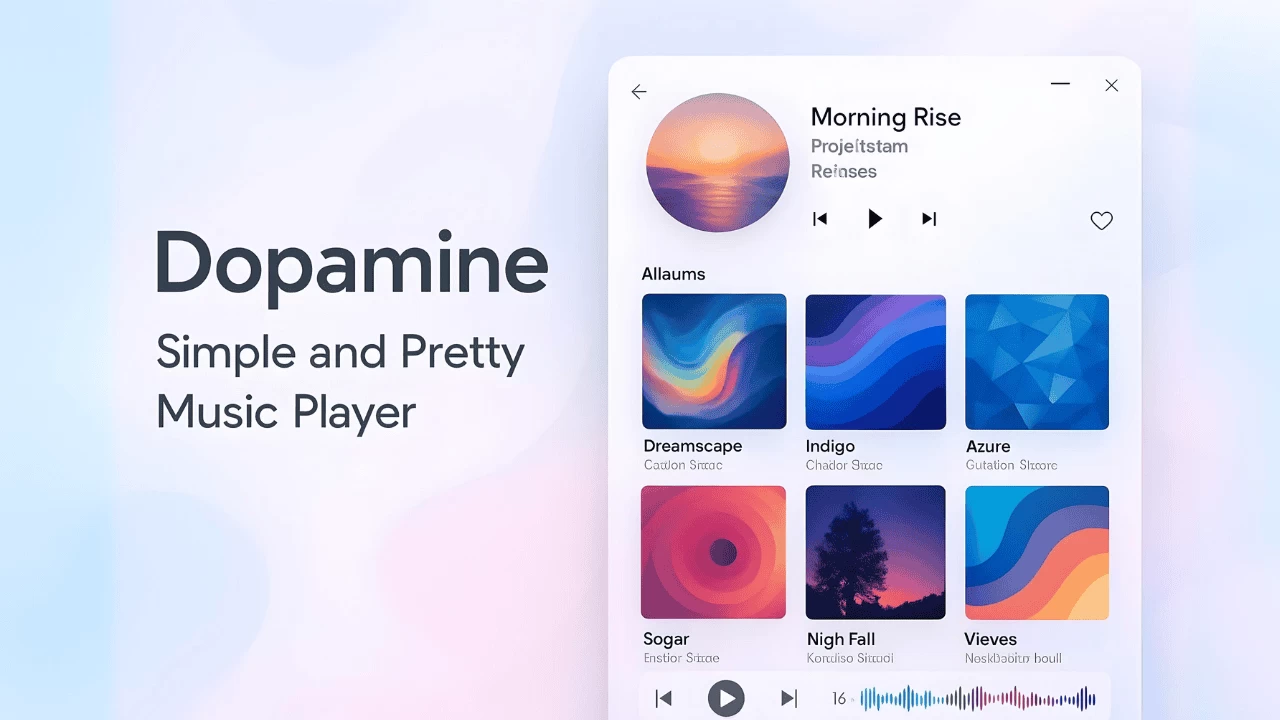
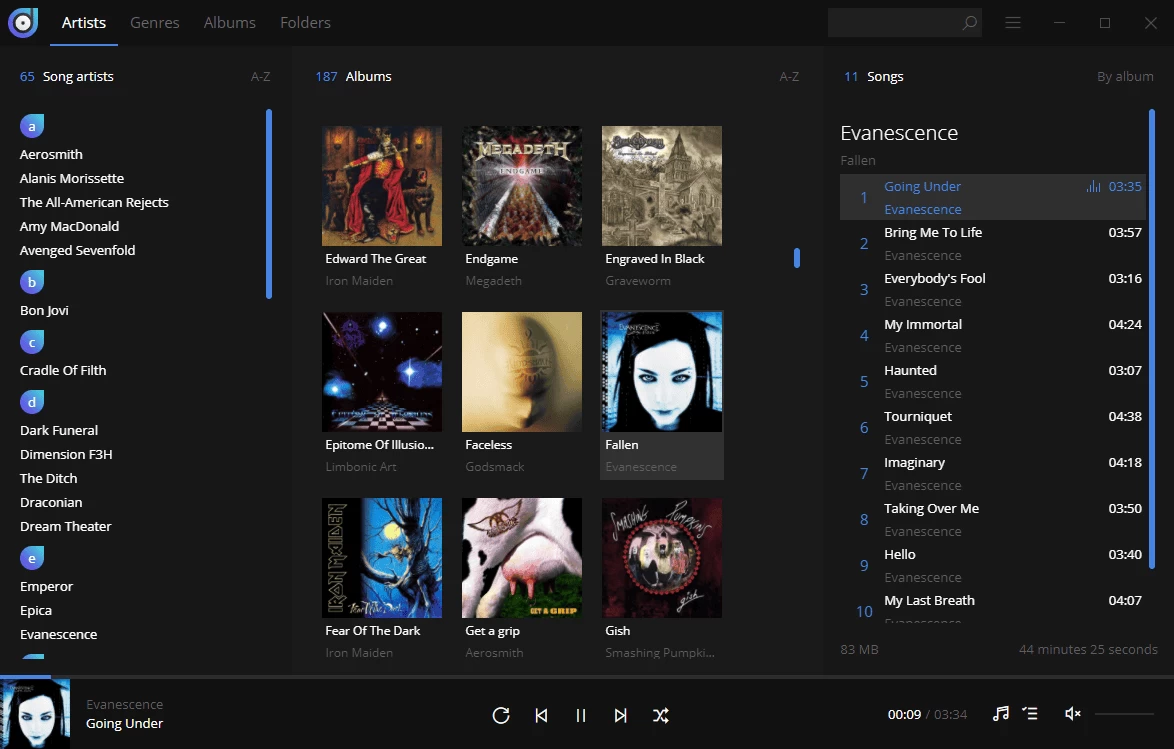
Dopamine is an awesome free audio player which tries to make organizing and listening to music as simple and pretty as possible. Dopamine has been designed for Windows 7, Windows 8.x and Windows 10 and plays mp3, ogg vorbis, flac, wma and m4a/aac music formats quite well. The best part? It's created by long-time Neowin member, Raphaël Godart. If you’re looking for a music player to handle a large music collection, you should definitely give Dopamine a try.
Dopamine 3.0.1 changelog highlights:
Added
- Added half-star rating support, expanding the song rating scale to a range of 0–10.
- Added song sorting options on the 'Folders' screen
- Added a button to toggle between the default expanded album view and Dopamine 2's compact album view
- Added the removable-media plug to the Snap configuration, allowing the Snap version of Dopamine to access /media.
Changed
- Updated the Kurdish translation
- Updated the Russian translation
- Updated the Spanish translation
- Updated the Swedish translation
- Updated the Vietnamese translation
Fixed
- m3u8 playlists are not recognized
- Ratings are not read from files
- Developer console opens when pressing F12
- Crash when trying to play a deleted file
- Song length in right sidebar displays double the time of the real length
- Some issues with fetching of lyrics
- Folders context menu opens too much the left on the Folders screen
- Crash when the user has no Music directory
- Crash when trying to play ALAC M4A file. Those are not supported. Instead of a crash, the user is now informed why the file doesn't play.
- Crash when starting files from the operating system's file browser
- Issue where the Edit song dialog replaces '/' by ';' for artists containing a '/' in their name
- Linux Snap issue that caused file dialog text to appear as squares instead of readable characters
Download: Dopamine 3.0.1 | 120.0 MB (Open Source)
Links: Home Page | Forum Discussion | Screenshot | Other OSes
 Get alerted to all of our Software updates on Twitter at @NeowinSoftware














2 Comments
Load the comments and join the conversation!
Read the comments, ask the editors questions, show respect and join the conversation.