
With 2025 now behind us, it is time for our annual recap of the most popular stories published on Neowin this year. Like in 2023 and 2024, this is our "rewind" of the articles that attracted the most attention from readers across the internet. Windows bugs (a lot of Windows bugs), browser extensions, upgrade guides, and more.
10. Stop Google from reading your WhatsApp messages
AI is everywhere these days, and companies are not shy about sticking their noses where they should not. Google is one massive data scraper with its Gemini, and it goes as far as reading your WhatsApp messages. Luckily, there is a way to stop that, so check out our guide to learn more.
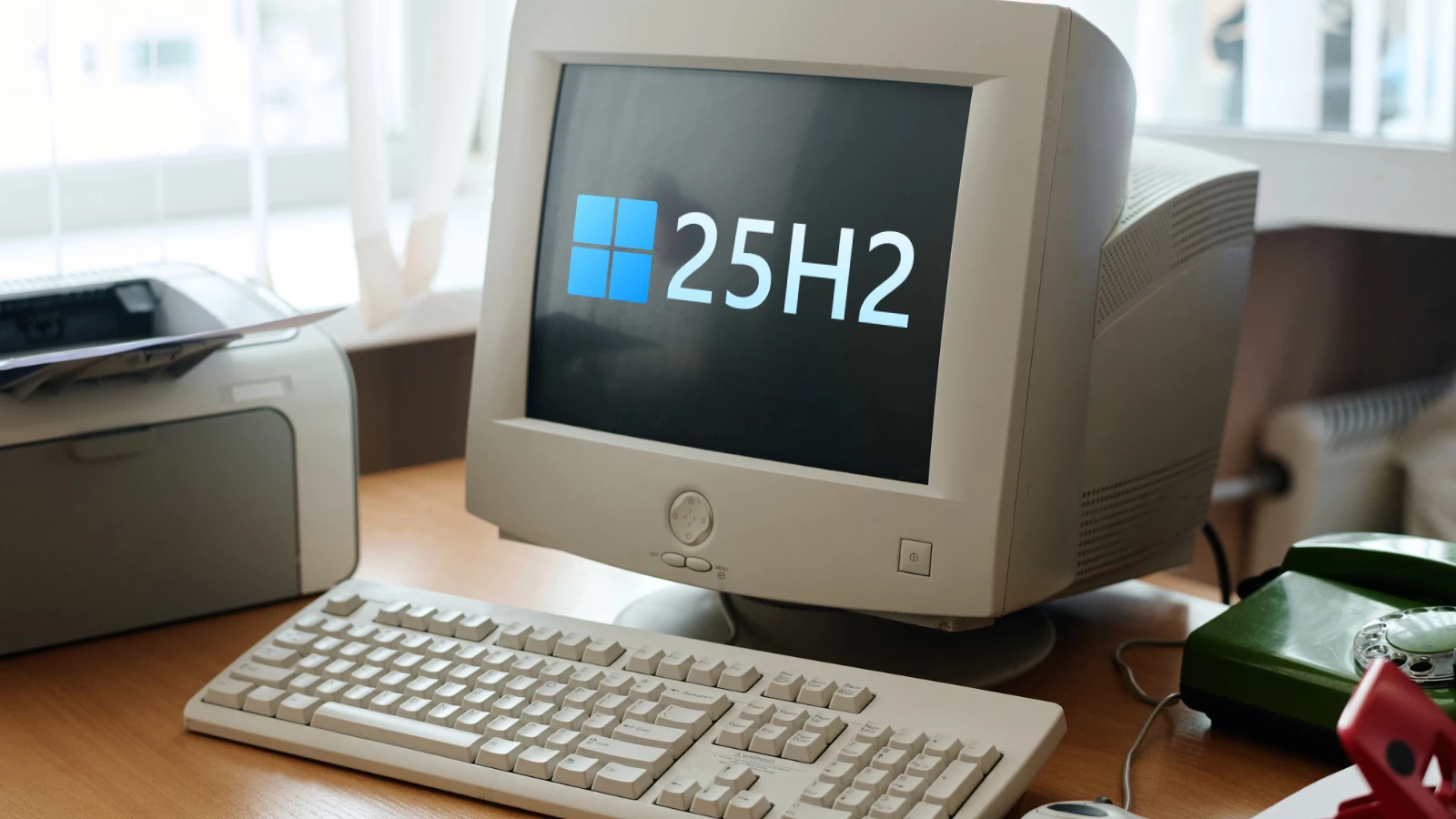
9. Windows 11 25H2 for unsupported PCs
A couple of months ago, Microsoft released Windows 11 version 25H2, this year's "big feature update." The company is not willing to bless old PCs with the official way to run its OS, so, as usual, we made a guide about installing the latest Windows 11 update on computers that cannot run it unmodified. Like many times before, it attracted a lot of users, which shows that there are still plenty of people with "unsupported" devices who want to run Windows 11 despite its flaws.
8. Updated guides about upgrading from Windows 10
Microsoft has a lot of documentation, which is very helpful for inexperienced users or those new to Windows. This year, Microsoft updated its official upgrade guide to make it easier to follow and understand when updating from Windows 10 (rest in peace) to Windows 11. While it may not be very helpful for you, your grandma may find it useful when she decides to update her PC without contacting family tech support.

7. Microsoft fights LibreOffice
A rather interesting story emerged in July, when the maker of LibreOffice, a popular free alternative to Microsoft 365, reported that Microsoft blocked its account and rejected further appeals. While it is unlikely that Microsoft decided to deliberately hit the developer, all attempts to recover the account proved how the biggest tech giant in the world can be absolutely "miserably incompetent in IT."
6. Crippled Ryzen processors on Windows 10
In August, a new report emerged about performance issues on certain systems with AMD Ryzen processors and Windows 10. Microsoft was accused of disabling Game Bar on Windows 10, resulting in notable performance degradations on computers with high-core Ryzen chips with 3D cache (Game Bar is responsible for task scheduling and assigning games to cores with the better cache).

5. Bloat removing
Besides installing Windows 11 on unsupported hardware, another popular topic for Windows users is debloating Windows 11. There are plenty of tools for that, and apps like Bloatbox are often in high demand. This one is now archived, though, so maybe look for some better, more recent alternatives.
4. Mandatory things for new Windows 11 installations
Windows 11 has plenty of requirements, many of which are considered unnecessary by users. However, some stuff is actually important, and earlier this year, Microsoft enforced one. Luckily for casual users, it does not apply to home customers, as it affects device authentication on NTLM and Kerberos with duplicate computer security identifiers.
3. New startup services that could hog resources
The December 2025 Patch Tuesday update changed how the Appx Deployment Service (Appxsvc) works. It was moved to automatic startup type to "improve reliability in some isolated scenarios." Unfortunately, this service is often reported to be the cause of resource hogging on PCs, with many users reporting high CPU usage, disk impacts, and increased memory usage.
2. Windows 11 breaks SSDs
One of the biggest Windows-related stories of this year was about the August 2025 Patch Tuesday updates causing massive storage issues for certain users by simply breaking SSDs and HDDs. The problem was quite widespread, and SSD makers quickly stepped in to investigate the situation.
1. Broken Windows 11 parts
In November, Microsoft acknowledged the fact that many parts of Windows 11 could break after applying the July 2025 Patch Tuesday updates. Affected systems experience problems with shell components, Explorer crashes, Settings failing to launch, and more.
And that is it for the most popular articles published on Neowin in 2025. Thank you for sticking with us, and let's hope 2026 will bring more interesting stories, which will not be all about broken Windows 11 updates.


















10 Comments
Load the comments and join the conversation!
Read the comments, ask the editors questions, show respect and join the conversation.