Back in 2024, Google introduced NotebookLM, a research assistant app that can deliver more accurate answers and insights based on a user's source material, reducing AI errors and hallucinations. It went viral after a few months of its release, enabling Google to convert it into a real service that became part of Google Workspace, targeting the enterprise and education markets.
Last year, Microsoft introduced Copilot Notebooks inside Microsoft 365 Copilot, offering a NotebookLM-like experience, but with a stronger focus on enterprise data, Microsoft 365 permissions, SharePoint content, and Office integration. Users can add relevant organization files and references to a notebook and then ask Copilot to reason over that specific set of content.
Early this year, Microsoft introduced a major update for Copilot Notebooks with a big redesign and new capabilities. Today, Microsoft highlighted several new features that are rolling out to the Copilot Notebooks experience this month.
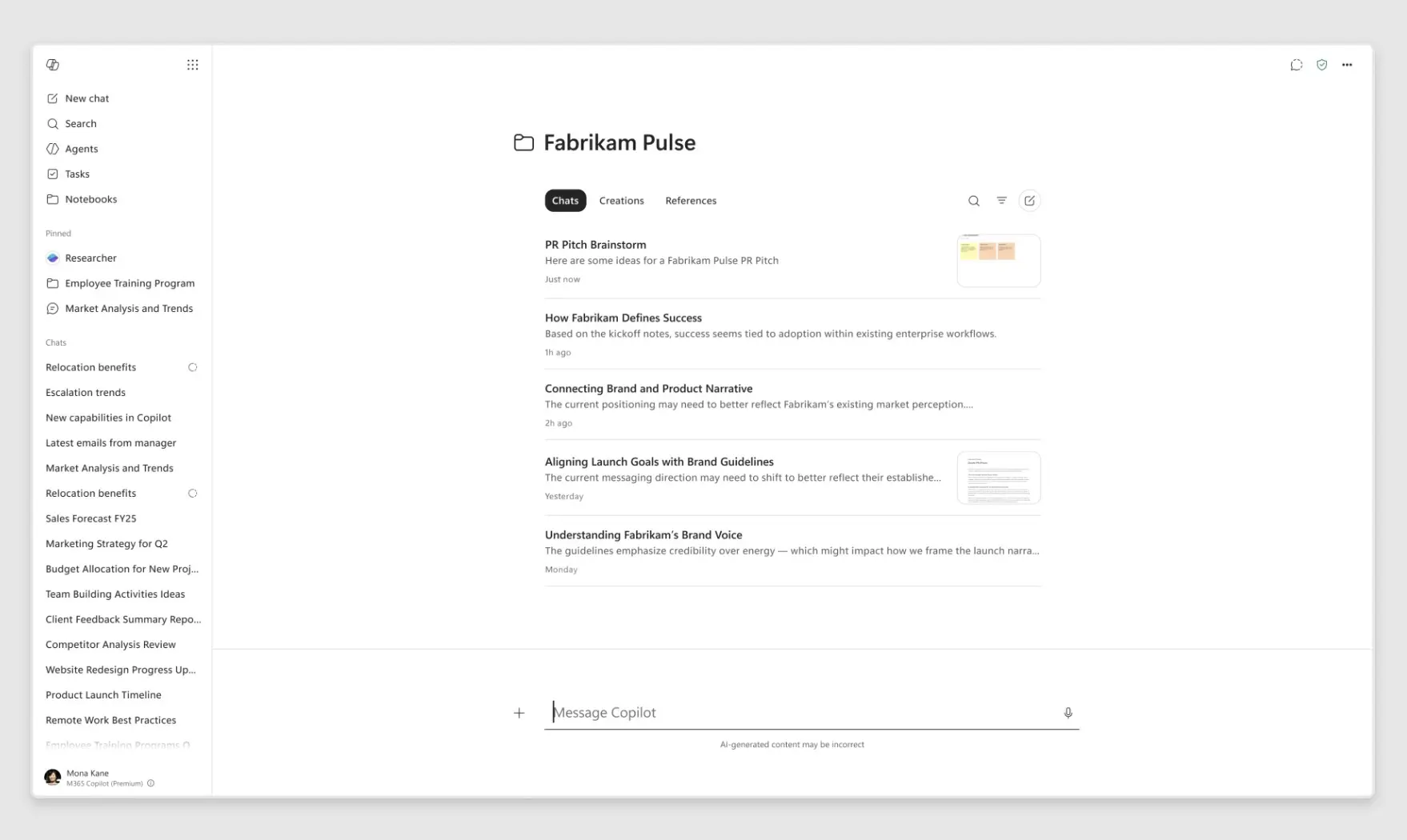
Inside the Microsoft 365 Copilot app, chats, creations, and references now appear together in one place, making it easier for users to keep track of current work without jumping between different areas. The regular workspace-style Notebook experience will be available only in OneNote. Since notebooks sync across the Microsoft 365 Copilot app and OneNote, users can seamlessly move between them when required. This refreshed visual experience is coming to the Frontier program in the coming days.
Inside OneNote, the Notebooks experience is getting a small change. The updated left navigation bar brings key actions such as "Create" and "Add Reference" closer to the top, and this change is now rolling out to general availability.
The update also supports new content types that can be added to a notebook. Frontier program users can now add Teams meetings as references, including transcripts, notes, chats, and shared files. Web page URLs can also be added as references. Microsoft mentioned that Outlook email support is coming to Frontier in the coming days, which will allow users to bring email threads into a notebook.
In the OneNote iPhone app, users can record live audio, capture images such as whiteboard photos, and type notes in a single session. Copilot can then turn those inputs into a structured notebook page, which users can use to ask questions, convert the content into a presentation, and more. This feature is rolling out to general availability in the OneNote mobile app for iOS.
Copilot Notebooks can already create Office documents, presentations, audio overviews, mind maps, and study guides. With the latest update, Copilot Notebooks can now generate Excel spreadsheets, and it is now available in the Frontier program. Also, Notebooks can now generate infographics, and this feature is coming to Frontier in the coming days.

















0 Comments
Load the comments and join the conversation!
Read the comments, ask the editors questions, show respect and join the conversation.