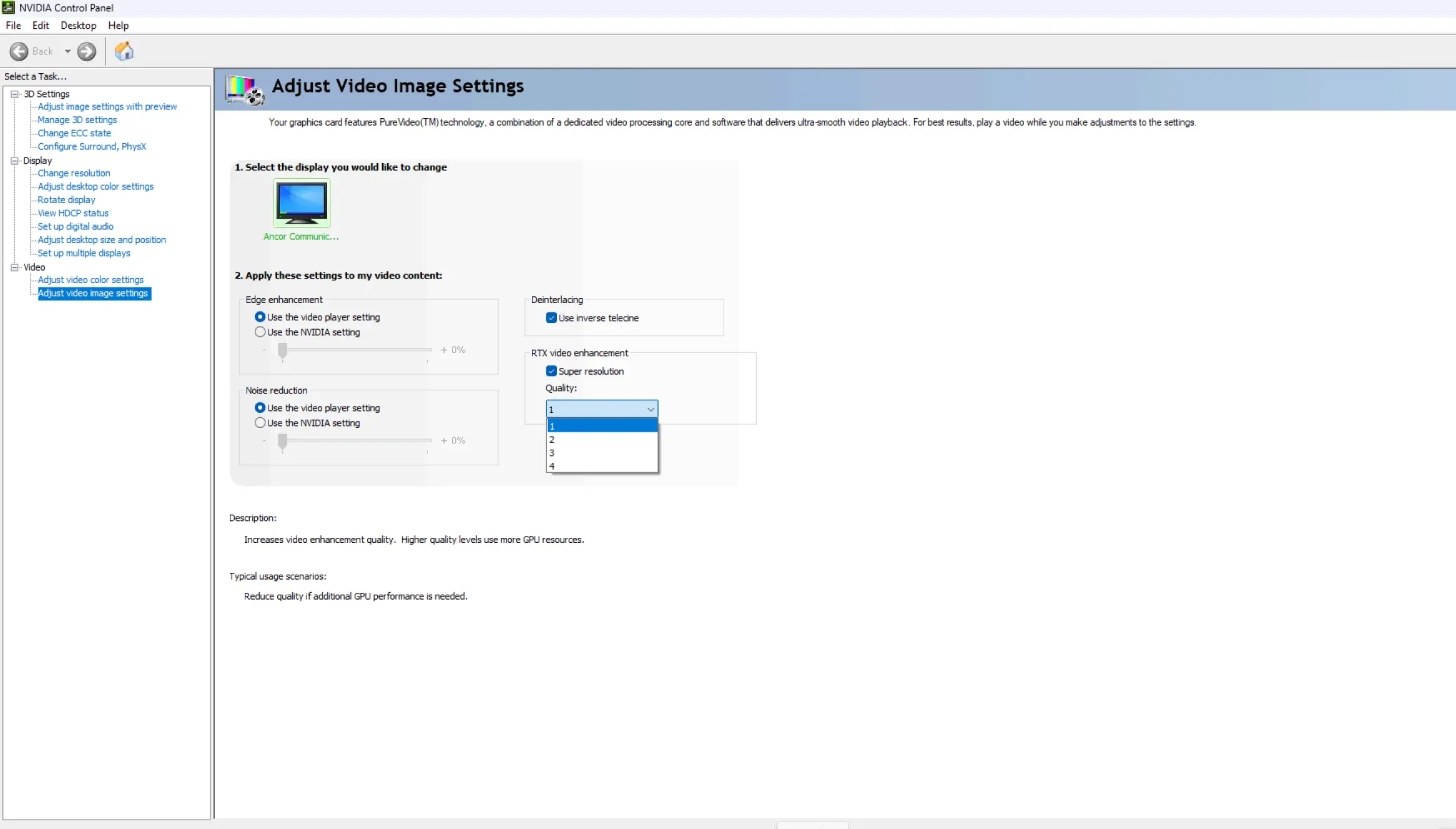
Earlier today, Nvidia published the Game Ready Driver 610.47 release for GeForce graphics users, bringing support for fresh games and bug fixes. However, it also made a change to how drivers from the vendor have been functioning for two decades, marking the ever-present and familiar Nvidia Control Panel as officially retired.
On a note in the new graphics driver's announcement page, Nvidia revealed that the change is happening due to it moving all the currently supported features from the Control Panel over to the Nvidia App.
"After 20 years of dedicated service, the classic NVIDIA Control Panel is officially retiring for Game Ready and Studio Drivers," confirmed the company. "For NVIDIA RTX PRO users, the NVIDIA Control Panel will continue to be supported until we have migrated professional features to the NVIDIA app."
Anybody who already has the Nvidia Control Panel installed on their machine will be able to keep using it. However, a clean installation of Nvidia drivers will wipe this, removing both the software and the familiar shortcut that appears on a desktop right click.
Nvidia added that the Control Panel will continue to be offered via the Microsoft Store as an optional download, but no more bug fixes or features will be made to the current version going forward.
"With the introduction of our most recent NVIDIA app update, all actively supported NVIDIA Control Panel features for GeForce users have been modernized and transitioned to the new client," added Nvidia. "The NVIDIA app contains all of the modern functionality of the NVIDIA Control Panel available for GeForce RTX GPUs, and much more, while running faster and more efficiently."
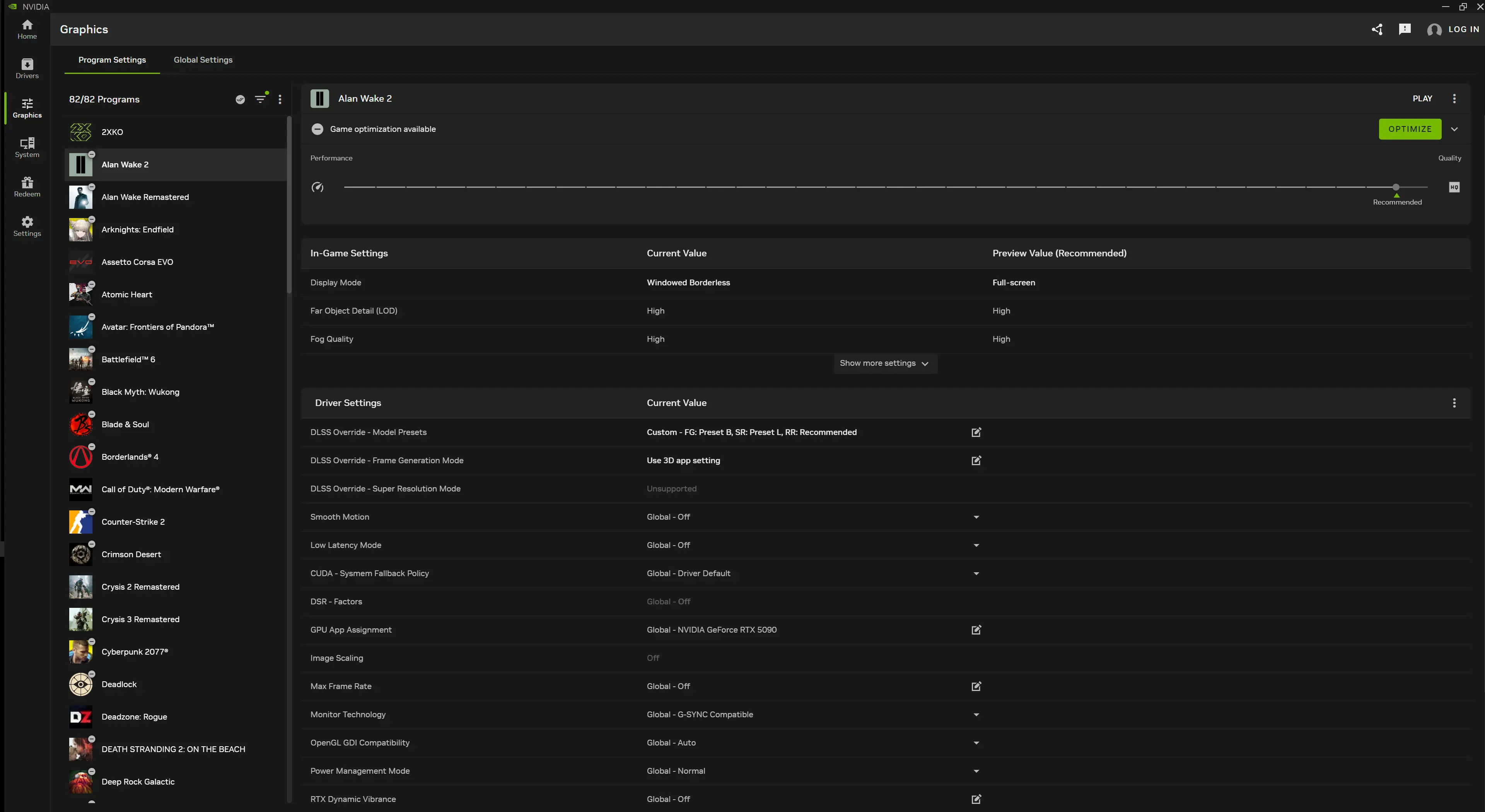
Nvidia introduced the Nvidia App back in 2024, combining several of its apps to let users manage them more easily. Over the years, the company has continued to add new features and port over important aspects from the classic Control Panel.
For anyone who still wants to go back and use it, the official Nvidia Control Panel download can be found on the Microsoft Store here.









_(1)_small.jpg)









19 Comments
Load the comments and join the conversation!
Read the comments, ask the editors questions, show respect and join the conversation.