Back in March, Microsoft announced the ability for iOS users to view Word, Excel, and PowerPoint documents without signing into their Microsoft Account. Today, Microsoft announced that it is bringing the same anonymous file sharing support to Android devices.
When someone shares links to Word, Excel, and PowerPoint documents from their personal Microsoft account, recipients can open and view them on Android devices without signing in. However, they will still need to sign in with a Microsoft account to make edits or leave comments.
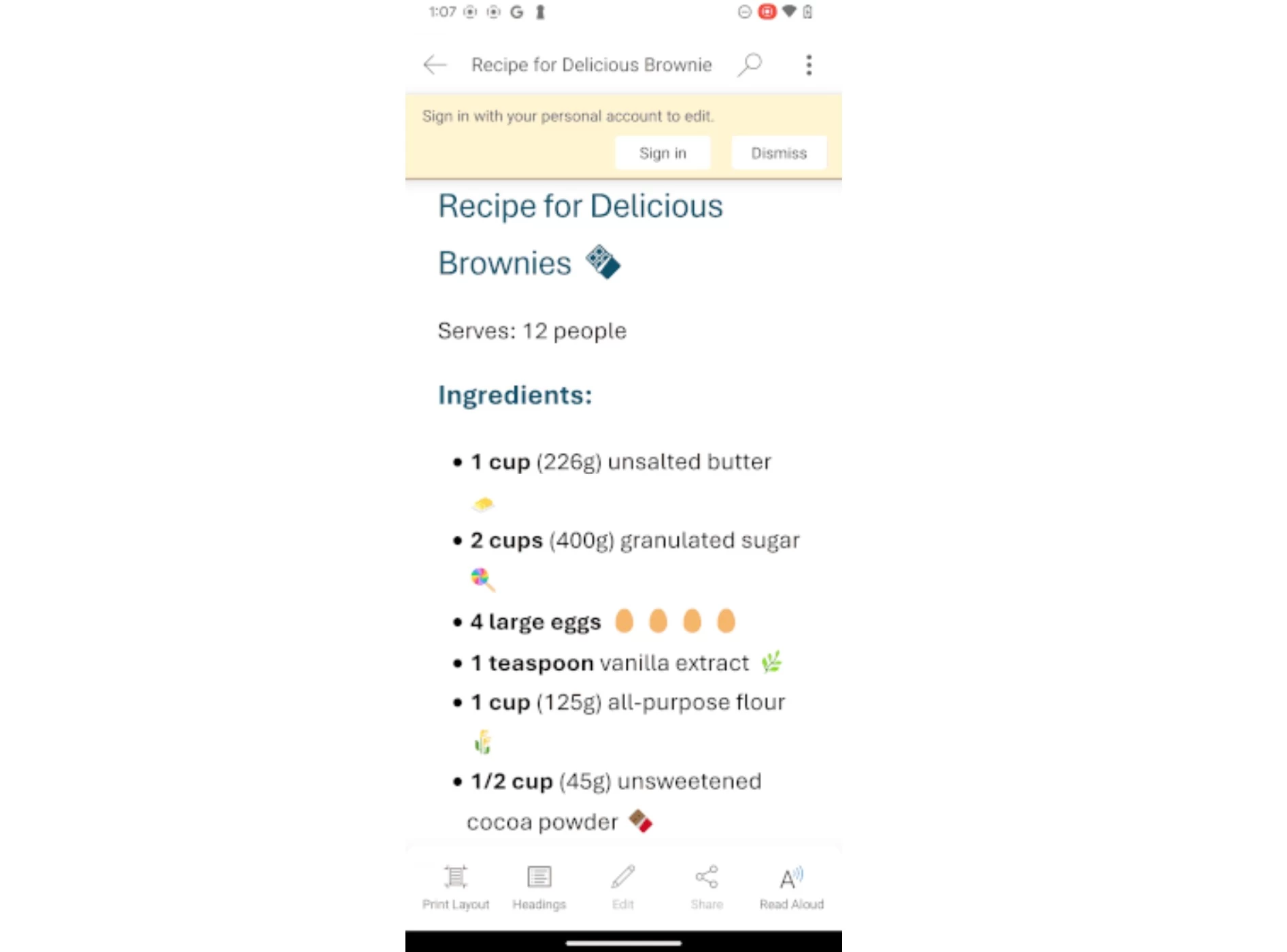
Here's how this feature works:
-
Sign into your personal Microsoft account.
-
Open a Word, Excel, or PowerPoint file that you want to share.
-
Select Share > Link settings, select 'Anyone with the link can edit' or 'Anyone with the link can view' option, and then select the Apply button.
-
To share the link with others, type the desired email addresses in the Share dialog box, and then click the Send button, or click the Copy link button and paste it into a messaging or mail app.
-
When recipients open the link they received, they can open and view the file even if they're not signed into the app with a Microsoft Account.
This anonymous file sharing feature is supported in Word, Excel, or PowerPoint apps running Version 16.0.18827.20066 or later on Android devices. Microsoft noted that the usage of Office iPhone, iPad, and Android apps is subject to the Personal Information Protection Law of the People’s Republic of China, including opening files anonymously.
Finally, Word, Excel, and PowerPoint documents shared using an Enterprise account will still require recipients to sign in with their Microsoft Account or Enterprise account to view the files.