While Microsoft aims to "fix" Windows 11 and its annoyances in 2026, the promise has yet to materialize, which means those who are not happy with the operating system's quirks and features have to take matters into their own hands and fix it with third-party tools. Also, sometimes stuff that you want to turn on or off is hard to find, making one wish for an all-in-one tool for customizing Windows 11.
There is no shortage of such apps, and the one called Sophia Script stands out by offering you a massive list of features to customize, all while using officially documented tools. As such, the developer claims the app lets you fine-tune the operating system without harming it, which is a solid "selling" point. Tinkering with Windows 11's internals could easily go out of control and wreck your PC, so you get some peace of mind when using Sophia Script.
That said, Sophia Script has a little steeper learning curve than most Windows tweakers with user-friendly UIs. As the name suggests, it is a script, so get ready to use Notepad and scroll through dozens of lines with available tweaks. While it sounds a little intimidating for beginners, all you need to do is place or remove # next to the tweak you want to turn on or off. Also, each setting has a comment next to it, explaining its purpose, so that you can better understand if you need it or not.
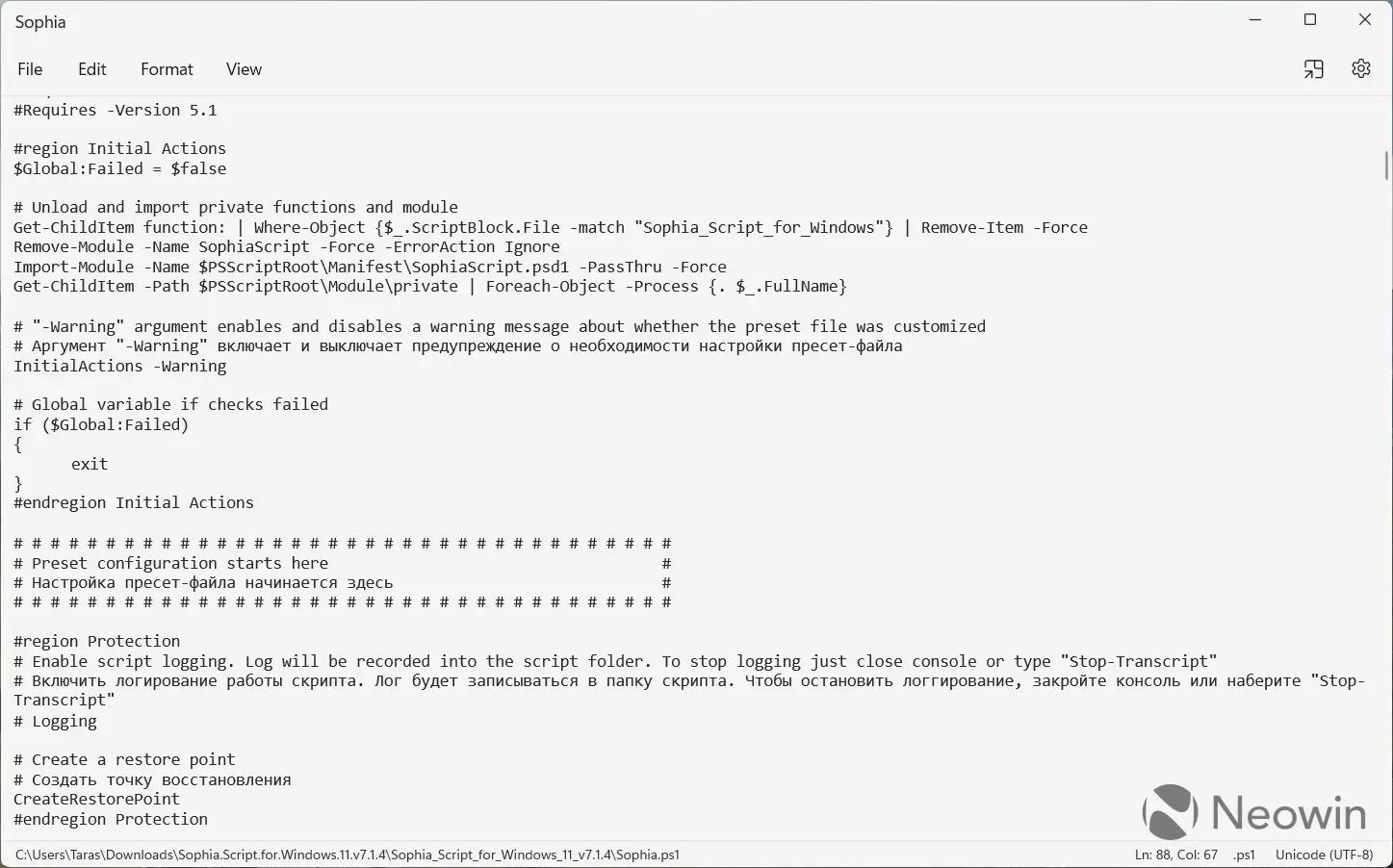
Available tweaks include plenty of stuff: privacy, personalization, OneDrive removal, AI removal, tweaks for the context menus, update policies, WSL, stock app removal, system protection, and more.
Once you have customized the script to your liking, do the following to execute it:
- Run Windows Terminal as Administrator and go to the script folder using the CD command. For example, CD C:\Sofia
- Type Set-ExecutionPolicy -ExecutionPolicy Bypass -Scope Process -Force to set execution policy to be able to run scripts only in the current PowerShell session.
- Type .\Sophia.ps1 and press Enter.
What makes Sophia Script great is that it could be a one-click solution for customizing clean Windows installations. It saves you time and energy from manually toggling each feature and setting (some users may not even know such settings exist). Of course, it becomes a one-click solution only after you have customized it, so you still have to go through the list of available tweaks and select what you want in your system.
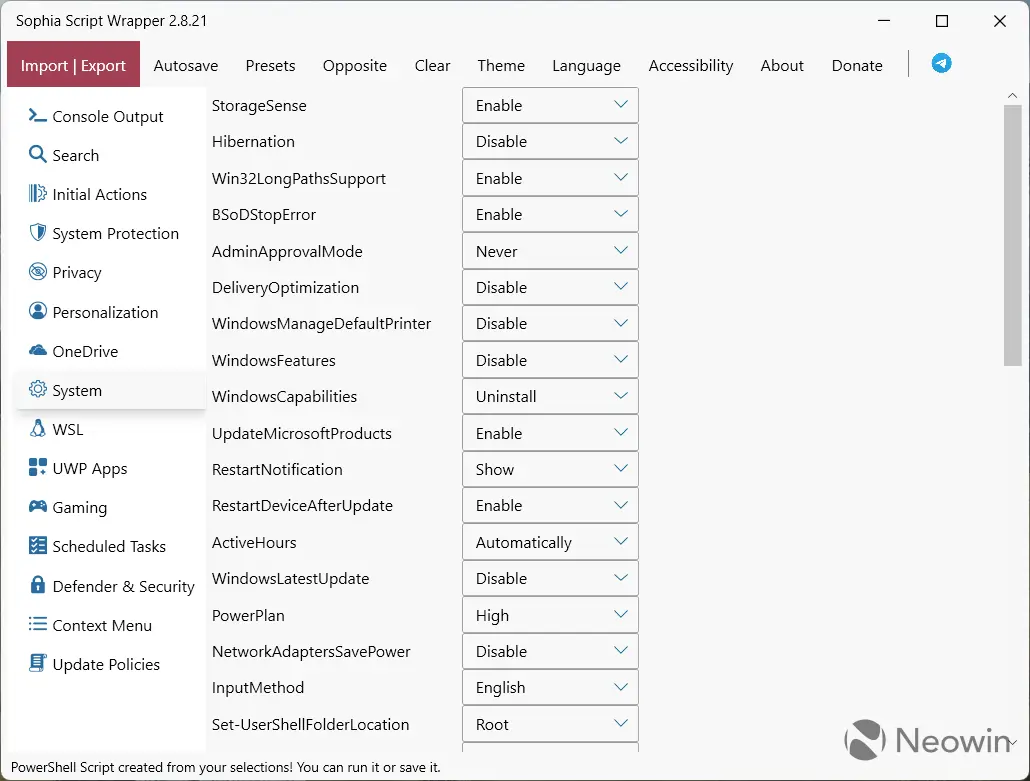
If reading a long list of features in Notepad is not for you, there is a third-party wrapper that puts the script into a user-friendly GUI where features are sorted in categories. The wrapper makes using the script a bit safer, as you do not risk changing things that should not be changed.
Sophia Script is open-source, and you can download it from GitHub. Supported platforms include Windows 10, Windows 11, and even Windows on ARM.
















10 Comments
Load the comments and join the conversation!
Read the comments, ask the editors questions, show respect and join the conversation.