
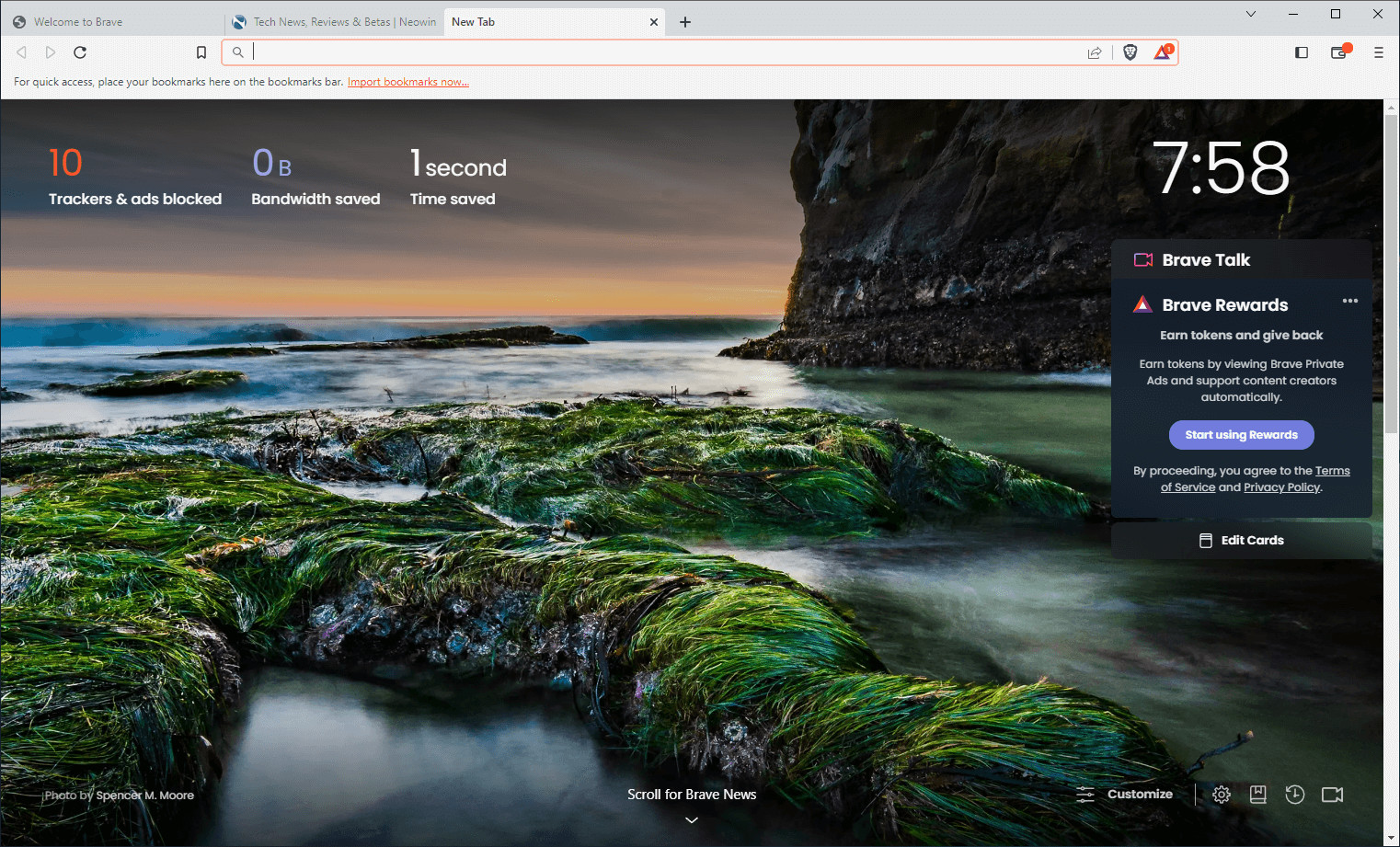
Brave Browser is a lightning-fast, secure web browser that stands out from the competition with its focus on privacy, security, and speed. With features like HTTPS Everywhere and built-in tracker blocking, Brave keeps your online activities safe from prying eyes. Brave is one of the safest browsers on the market today. It blocks third-party data storage. It protects from browser fingerprinting. And it does all this by default.
Speed - Brave is built on Chromium, the same technology that powers Google Chrome, and is optimized for speed, providing a fast and responsive browsing experience.
Brave Browser also features Brave Rewards, a system that rewards users with Basic Attention Tokens (BAT) for viewing opt-in ads. This innovative system provides an alternative revenue model for content creators and a way to support the Brave community.
Brave 1.82.161 changelog:
Web3
- Added wallet address “Actions” menu. (#47019)
- Updated Brave Wallet to support both object and string data formats for the “eth_signTypedData_v4” transactions. (#46822)
- Updated UI for the “Add Suggested Token” panel. (#47720)
- Updated UI for the “Confirm Switch Networks” panel. (#47571)
- Updated UI for the “Confirm Add Network” panel. (#47570)
- Updated padding on the “Transaction Intent” text of the “Post Confirmation” panel. (#45829)
- Fixed broken “Market Details” page. (#47678)
Leo
- Added “Gemma 3 12B” to the list of pre-loaded models. (#46411)
- Added support for Brave Leo customization and memory feature. (#47685 & #47981)
- Added the ability to add tabs as attachments by mentioning them starting with “@”. (#46215)
- Added model icons to the “Regenerate Answer” menu. (#47223)
- Added support to display markdown-formatted tables in Brave Leo responses. (#46085)
- Updated Brave Leo to use image content as reference context when accessed via its URL. (#47353)
- Updated padding of the “Send” and “Tool” buttons. (#46904)
- Removed “Llama Vision” from the default model list. (#47577)
- Fixed empty citation brackets being displayed in certain cases. (#47484)
- Fixed inability to scroll during Brave Leo onboarding on small screen resolutions. (#40910)
- Fixed wrapping of “Edited” label. (#47485)
General
- Added “Theme and colors” and “Toolbar” side panels under brave://settings/appearance. (#39375)
- Added support for Brave VPN “Smart Proxy” on Windows and macOS. (#43737)
- Added the ability to disable Brave Talk via Admin policy. (#47457)
- Added the ability to disable Brave News via Admin policy. (#47456)
- Added a “Delete” button to the downloads panel. (#35432)
- Added a top level toggle for Speedreader feature under brave://settings/braveContent. (#48336)
- Added the ability to show hidden entries in the “Filter lists” section under brave://settings/shields/filters. (#28987)
- Added an “issue” category dropdown to the webcompat reporter. (#46287)
- Added localization support for Laotian and Kazakh. (#48110 & #45184)
- [Security] Disabled “navigator.share()” in Tor windows on macOS as reported on HackerOne by cinzinga. (#47726)
- [Security] Treat “.onion” hostnames as secure for insecure form warnings and autofill as reported on HackerOne by newfunction. (#44802)
- [Security] Prevent tab modal dialogs being shown from inactive split tab as reported on HackerOne by frozzipies. (#46871)
- Improved adblocking. (#46301, #46292, #46290, & #46289)
- Improved adblock content picker design. (#45104)
- Improved the mapping of group policies to preferences. (#48187)
- Updated P3A components to be removed when disabled. (#47473)
- Removed WebTorrent code now that WebTorrent has been deprecated. (#46430)
- Fixed issue where custom scriptlets were removed in certain cases. (#45657)
- Fixed favicon alignment with pinned split tabs when vertical tabs are enabled. (#47364)
- Fixed “Tab Search” button being displayed when disabled and vertical tabs are enabled. (#47076)
- Upgraded Chromium to 140.0.7339.80. (#48911)
Download: Brave Browser 64-bit | 1.2 MB (Freeware)
Download: Brave Browser 32-bit
View: Brave Homepage | Offline Installers | Screenshot
 Get alerted to all of our Software updates on Twitter at @NeowinSoftware



















0 Comments
Load the comments and join the conversation!
Read the comments, ask the editors questions, show respect and join the conversation.