
XnView MP is a powerful and versatile image viewer, organizer, and converter designed for efficiency and ease of use. It supports an extensive range of image formats, making it ideal for managing large photo collections. With advanced batch processing capabilities, users can quickly rename, resize, or convert multiple files at once. The built-in editing tools allow for quick adjustments, while its intuitive interface ensures smooth navigation, helping photographers and graphic designers streamline their workflow and improve productivity.
XnView vs XnView MP:
XnView is a classic image viewer and organizer suited for basic tasks and older systems. XnView MP is the modern, enhanced version offering faster performance, 64-bit support, advanced batch processing, improved metadata handling, and a customizable interface, making it ideal for managing large photo collections efficiently.
XnView MP 1.9.5 fixes:
- Edit metadata - crash
- Face tag - Crash when user with special characters
- Grid settings in pixels limited to 99px
- Catalog - Orientation
- Slow switching between images
- Slow thumbnails loading
- Browser - detail - fnumber
- Paste must use selection
- Viewer - paste toolbar - issues with multiple pasting
- Thumbnails not showing in uncompressed zip files
Download: XnView MP 64-bit | Standalone | ~100.0 MB (Non-commercial freeware)
Download: XnView MP 32-bit | Standalone | ~60.0 MB
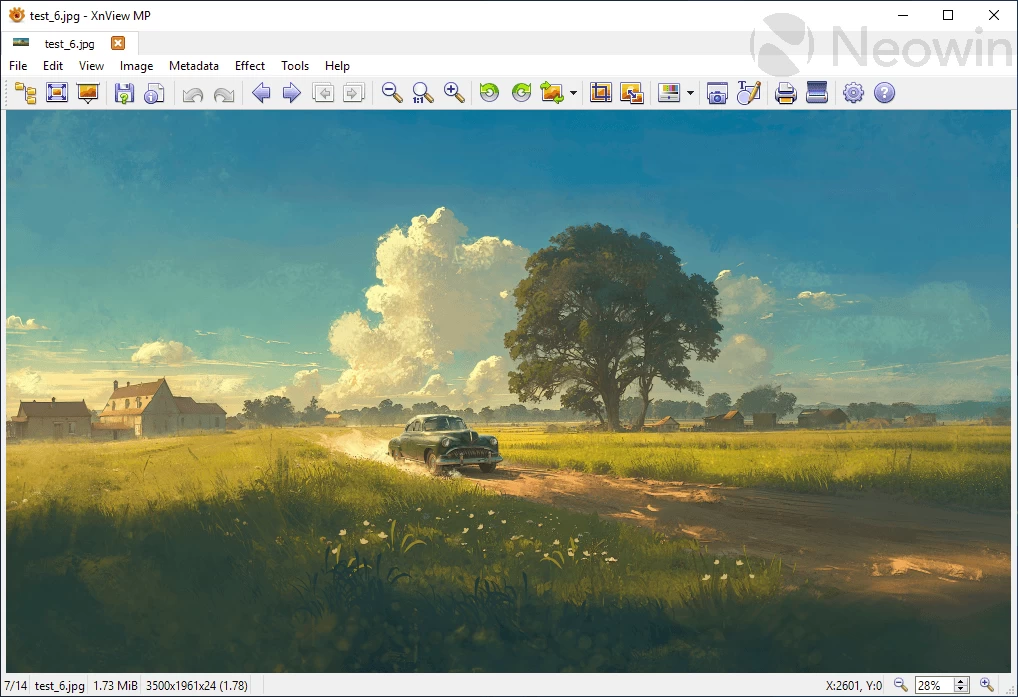
View: XnView Website | Screenshot | XnView
 Get alerted to all of our Software updates on Twitter at @NeowinSoftware


















0 Comments
Load the comments and join the conversation!
Read the comments, ask the editors questions, show respect and join the conversation.