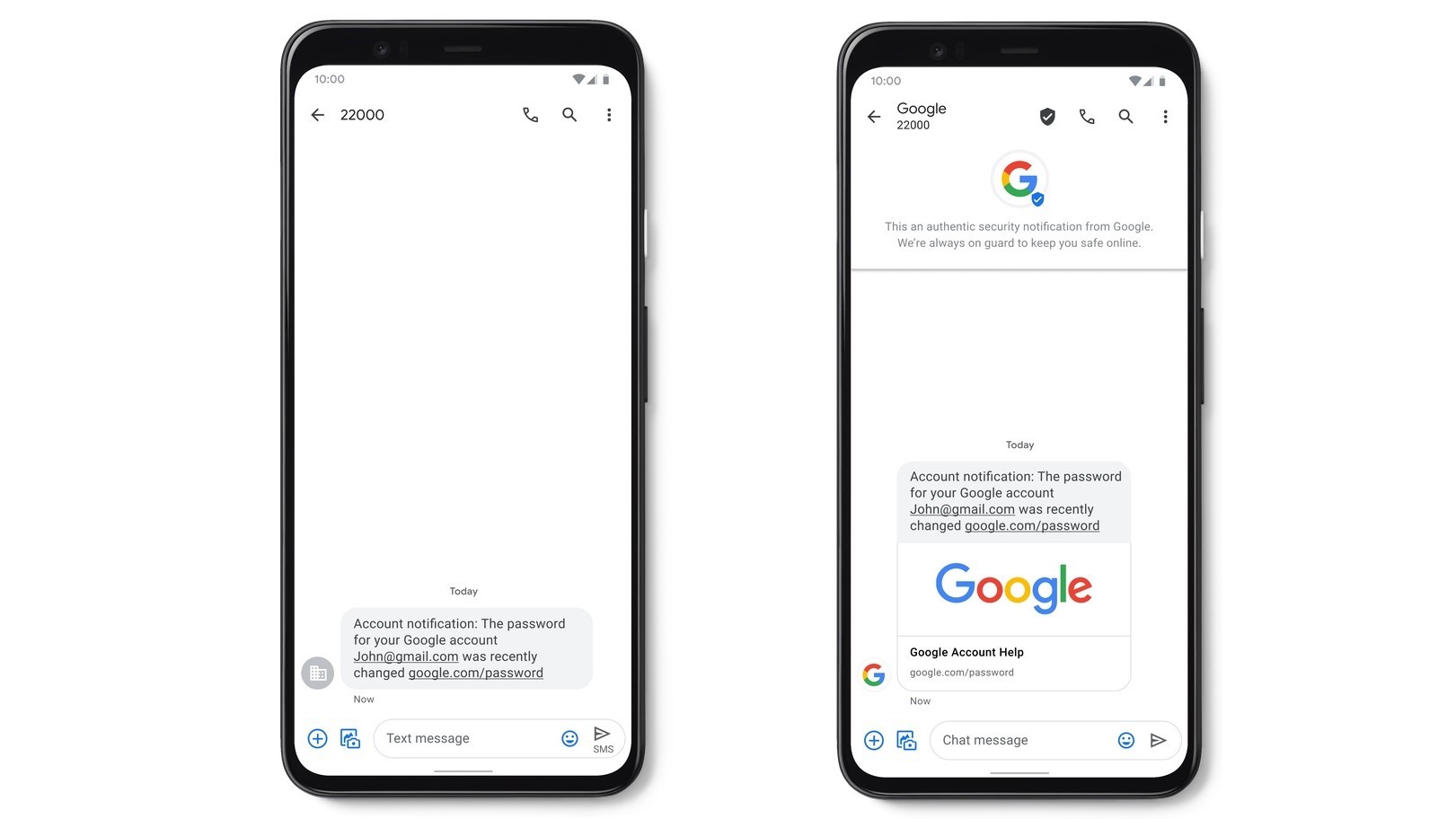
Google has been trying to upgrade the messaging experience for SMS for some time through RCS (Rich Communication Services), a technology that's finally rolling out more broadly in the U.S. Today, though, the company is improving SMS in a different way - by increasing security.
Through a new blog post, Google announced the rollout of a new feature called Verified SMS, which lets users know when they're receiving messages from a real business. The reason this needs to exist is that many businesses send out SMS, like verification codes, from random numbers, which makes it easy for users to be deceived by impersonators. This new feature will verify whether a specified message is truly from a business. This feature is rolling out in nine countries for now: the U.S., India, Mexico, Brazil, the UK, France, Philippines, Spain, and Canada, but more countries will be added over time.
Another new feature, at least for some users, is real-time spam detection, and it does exactly what the name implies. The Messages app will warn you if it thinks a message might be spam, and you can confirm or deny its suggestions, which also helps improve Google's algorithm. This feature has already been available for the past year in some countries, but it's rolling out more broadly in the United States now.
If you're in the U.S. and you're worried about security, Google also recently hardened the security of its Fi service, expanding features like spam warnings for calls and VPN to more phones.
















4 Comments
Load the comments and join the conversation!
Read the comments, ask the editors questions, show respect and join the conversation.