
It was almost two years ago when Electronic Arts unveiled its brand-new launcher for PC gamers, the EA app. Back then, the company said the new desktop application would ultimately replace its classic Origin client that has been delivering EA games for over a decade, and the time is almost here.
The EA app has now left its open beta tag behind, with EA deeming it ready for prime time. The company didn't give a timeframe as to when will Origin go away for good, only saying current users will be invited to make the move soon. All games, saves, and friends lists will be transferred automatically.
"The EA app is our fastest and lightest PC client to date. With the new streamlined design you will easily find the games and content you’re looking for and discover your new favorite games," said the company in a blog post. "With automatic game downloads and background updates you can ensure that your games are ready to play when you are."
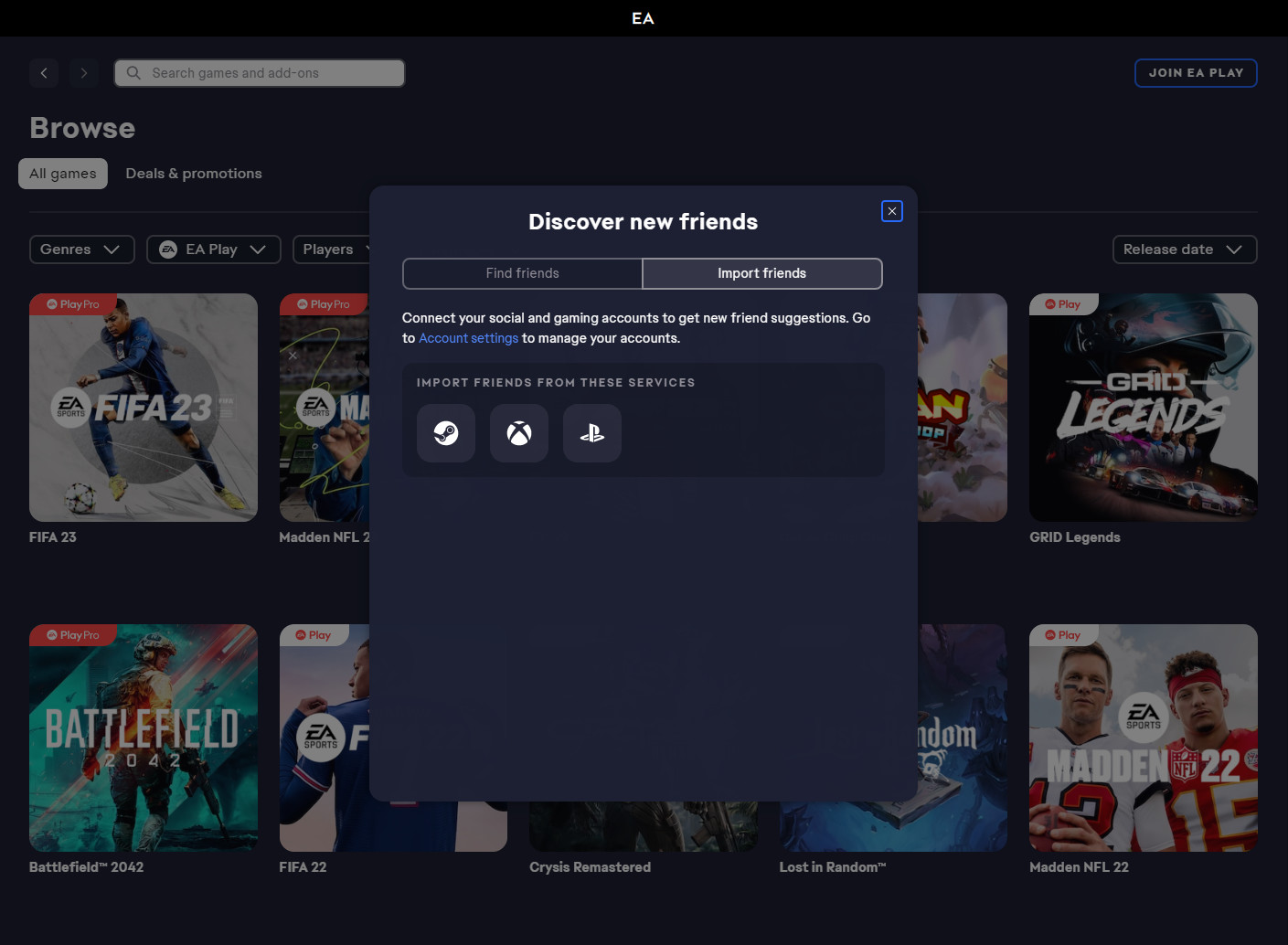
Considering the number of platforms EA sells its games on, and the popularity of cross play, the EA app also offers account connections to Steam, Xbox, and PlayStation Network services. This lets players join their friends from other platforms when they are playing an EA game more easily.
However, the Origin client will remain active for MacOS players, with the new EA app only being available on Windows.



















25 Comments
Load the comments and join the conversation!
Read the comments, ask the editors questions, show respect and join the conversation.